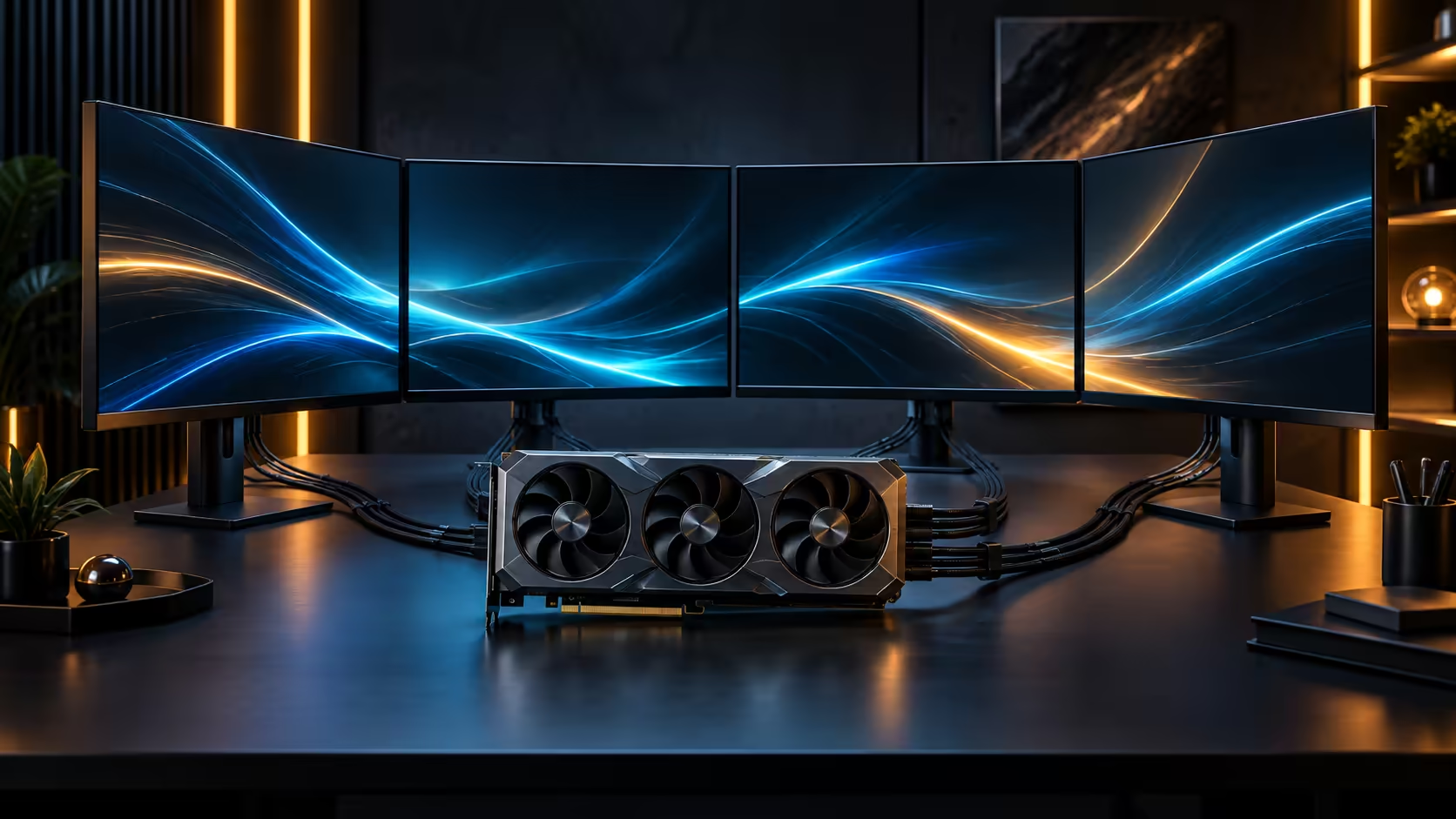
Not every feature on a flagship card repays its share of the price the same way, and knowing which half is which is worth doing before the invoice arrives. Balancing premium GPU features against rand value in a South African build means separating what compounds over years of use from what is simply nice to have on day one.
Quick Answer
Memory capacity and bandwidth repay the money over the life of the card; screens and lighting are preference rather than performance. On a R119,999 card, the 32GB of GDDR7 and the 512-bit bus behind it are what you will still feel in three years of gaming and creative work, while a detachable display is a bonus feature rather than a reason to justify the purchase on its own.
💎 What actually compounds in value over time
Memory capacity and bandwidth are the two specifications that age the slowest, because they determine whether the card keeps up as games and creative software both grow more demanding over the years you own it. A card bought today with generous headroom in both areas can extend its useful life by 2 to 3 years compared with one bought at the bare minimum for current software.
This is the part of the price that is genuinely difficult to add back later, since a graphics card's memory cannot be upgraded the way system RAM or storage can. Paying for headroom here is paying to delay the next upgrade cycle, not paying for a feature you may never use.
🎨 What is genuinely preference, not performance
A detachable display, RGB lighting, and premium shroud materials fall into a different category entirely. None of them affect frame rate, rendering throughput, or how the card performs under any workload, and none of them become more or less relevant as software evolves over the years ahead.
That does not make them worthless, only differently priced. If a feature like a live monitoring panel genuinely gets used, it earns its share of the cost through daily convenience rather than through performance, which is a legitimate reason to value it, just not the same reason you would value memory capacity.
🇿🇦 Rand value in a South African build specifically
At this price point, a meaningful share of the total also buys something no listing ever prints as a line item: a local warranty path rather than an international one. On a component this expensive, the cost of a slow or complicated warranty claim, sometimes stretching past 30 days internationally, in lost use of an expensive machine, is real even if it never shows up in a benchmark. Buying locally converts a potential fault into a courier collection rather than a shipping saga, which is worth pricing into the decision honestly.
Compare the current graphics card deals against the full gaming card range if you are weighing this flagship against a step-down model, since the memory and bandwidth gap between tiers is usually the more meaningful comparison than any single premium feature.
📊 A simple test for separating the two categories yourself
Ask of any single feature whether it changes a number your software actually reports, frame rate, render time, or memory usage, by more than 5 percent, or whether it changes something you only notice by looking at the card. Memory capacity and bus width pass the first test easily. A detachable display, a particular shroud finish, or a specific RGB lighting scheme pass only the second, and that distinction is the whole basis for deciding where your rand goes furthest.
This test also works in reverse, for spotting when a genuinely useful feature is being marketed as decorative. A supplementary power delivery path, for instance, sounds like a minor engineering detail next to a curved display, but it directly affects how reliably the card delivers its rated performance under sustained load, which puts it firmly in the performance category despite rarely being the headline feature in marketing copy.
🇿🇦 Comparing the full lineup before settling on one tier
Rather than deciding purely between this flagship and one cheaper alternative, review the broader Nvidia and ATI range to see exactly where memory capacity and bus width actually step up between tiers, since the jump is not always proportional to the price difference. A jump of even 8GB in memory capacity between two tiers is usually a more meaningful upgrade than a 100MHz clock speed difference alone, and knowing which kind of boundary you are crossing changes whether stepping up is worth the extra rand.
Frequently Asked Questions
What part of a flagship card's price is worth paying for long term?
Memory capacity and bandwidth, since both determine how well the card keeps pace with software demands over the years you own it, and neither can be upgraded afterward the way other components can.
Are premium features like a detachable display a waste of money?
Not necessarily, if they genuinely get used. They simply repay differently, through daily convenience rather than through performance, so value them on that basis rather than expecting a frame rate benefit.
Does buying locally actually add value beyond the sticker price?
Yes, in the form of a shorter, simpler warranty path if a fault appears on an expensive component, which has real value even though it does not appear on a specification sheet.
Does resale value differ between the performance and cosmetic halves?
Generally yes. Memory capacity and bus width hold their relevance to buyers for longer, which tends to support resale value better than a card whose main draw was a cosmetic feature that ages out of fashion faster than raw specification does.
Does a factory-tuned card ever repay its premium over a reference model?
Sometimes, when the tuning reflects genuinely better cooling and power delivery rather than just a higher number on the box. This card's OC-mode boost runs 150MHz above the standard Astral RTX 5090, a validated gain rather than a marketing rounding error, which is the kind of tune worth paying for over one that only changes the number printed on the box.
How do I know which tier boundary is an architectural change?
Compare memory capacity and bus width specifically between the two tiers you are weighing. A jump in either usually signals a genuine architectural difference, while an identical memory configuration with only a clock speed difference is a smaller, more marginal step to pay extra for.
Should I downgrade a tier to save money on premium features I will not use?
That is a reasonable approach if the features in question genuinely do not fit your use, provided the step-down model does not also reduce memory capacity or bandwidth below what your workload needs.
Ready to spend on what actually holds its value in a build like this?
Weigh memory and bandwidth against premium extras before deciding where the rand goes.