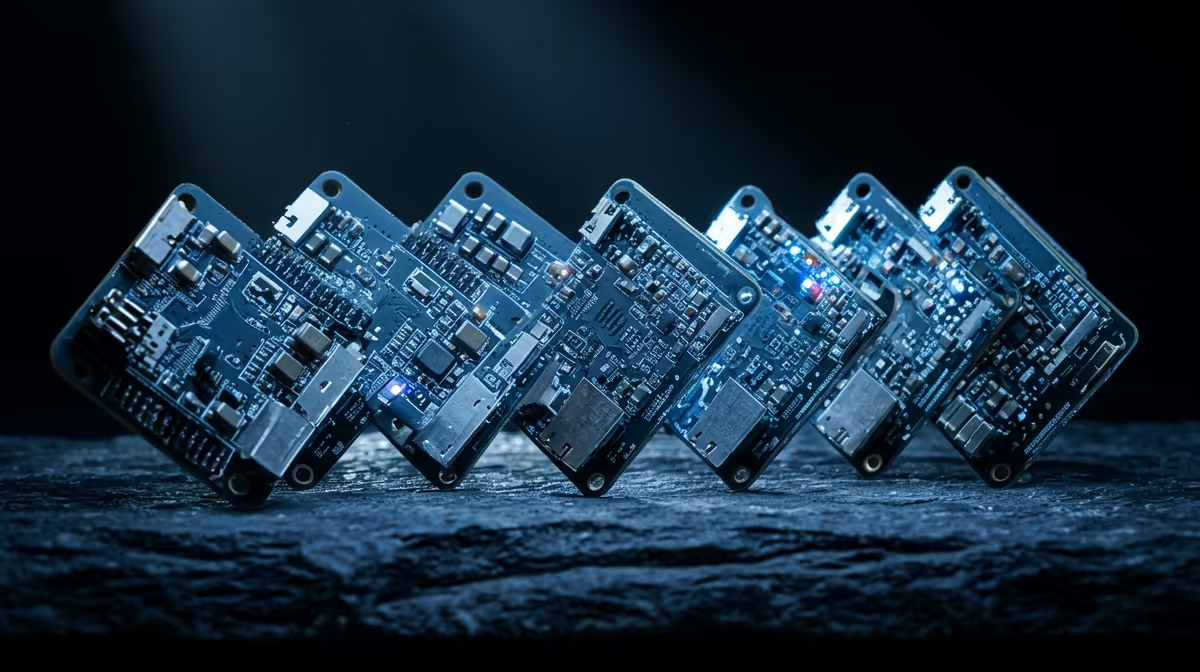
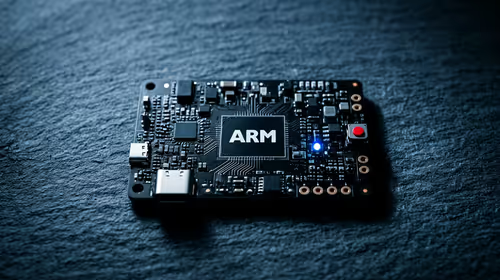
Building your own sensors for Home Assistant is one of the cheapest, most satisfying corners of the smart-home hobby, and it almost always starts with an ESP32 board. Flash it with ESPHome, wire up a sensor, and it appears in Home Assistant as a native device. For 2026 the standout chip is the ESP32-C6, which folds Wi-Fi 6, Zigbee, Thread and Matter onto a single inexpensive board, while the classic DevKit C stays the dependable all-rounder.
Quick Answer
The ESP32-C6 is the 2026 board to beat for ESPHome and Home Assistant, adding Wi-Fi 6, Zigbee, Thread and Matter on one chip. The original ESP32 DevKit C remains the best all-round pick for general sensors thanks to its proven support and abundant pins. Both cost very little, which is the whole appeal of rolling your own sensors.
Why ESP32 Plus ESPHome Is the DIY Standard
ESPHome is firmware that turns an ESP32 into a Home Assistant device through a simple text configuration. You describe the sensors and switches you want in a short YAML file, ESPHome compiles it, and the board connects to Home Assistant over your network with no custom code. That combination is why the ESP32 became the default microcontroller for home automation: it is cheap, has built-in Wi-Fi, and the software does the heavy lifting.
The boards live alongside the rest of a connected home, and once you start building sensors you tend to keep going. The smart home and appliances range at Evetech shows how DIY sensors slot in beside off-the-shelf devices on the same Home Assistant dashboard.
The Best Boards for 2026
ESP32-C6: The Future-Proof Pick
The ESP32-C6 is the most interesting board of the year because it carries multiple radios at once. Wi-Fi 6 brings better efficiency and lower latency on a busy home network. More importantly, it supports Zigbee and Thread alongside Wi-Fi, and Thread is the radio underpinning Matter. That makes the C6 the board to choose if you want a sensor that can join a Thread mesh or speak Matter directly rather than only over Wi-Fi. For anyone building toward a Matter-based home, the C6 is the forward-looking choice.
ESP32 DevKit C: The Reliable All-Rounder
The original ESP32 DevKit C is still the board most guides assume you own, and for good reason. It has the widest software support, the most documentation, and plenty of GPIO pins for connecting several sensors at once. If you want a general-purpose board for a temperature sensor, a motion detector or a relay, the DevKit C just works and there is a tutorial for almost anything you want to build. It is the safe default for a first project.
ESP32-S3: For Heavier Projects
When a project needs more processing, such as a small display, a camera, or on-device processing, the ESP32-S3 has the extra power and memory to handle it. It is overkill for a simple sensor but the right pick for a smart-display or a board that does more than report a single reading.
ESP32-C3: The Compact Budget Option
The ESP32-C3 is a smaller, cheaper single-core board ideal when you want to scatter many simple sensors around the house without spending much per node. It has fewer pins than the DevKit C, so it suits single-purpose builds: one temperature probe, one door sensor, one button. For volume deployments where each board does one job, the C3 keeps the cost down.
Wi-Fi Range and Power: The Practical Catches
Two real-world factors trip up first builds. The first is Wi-Fi reach. An ESP32 sensor tucked in a garage, outbuilding or far bedroom may sit at the edge of your router's range, where the connection drops and the sensor goes offline in Home Assistant. The C6's Wi-Fi 6 helps on a congested network, and Thread on the C6 forms a self-healing mesh that extends coverage, but for a plain Wi-Fi board you should test the signal where the sensor will actually live before mounting it.
The second is power. Most ESP32 boards are designed to run on mains power through a USB supply, because Wi-Fi draws too much current for a board to last long on a small battery. If you want a battery sensor, such as a door contact that reports occasionally, look at deep-sleep techniques where the board wakes, reports, and sleeps again, and consider a board chosen for low sleep-current. For anything that reports continuously, plan on a permanent USB power source nearby rather than a battery.
Choosing the Right Board for the Job
Pick by what the project needs. For a straightforward sensor with several inputs, the DevKit C is the comfortable default with the most support behind it. If you want Matter or Thread, the C6 is the only one of these that speaks them natively. For a display or camera project, step up to the S3. For many cheap single-sensor nodes, the C3 spreads your budget furthest. None of these is expensive, so it is worth matching the board to the build rather than buying one type for everything.
Getting Started Practically
You will need the board, a USB cable to flash it, and the sensors themselves. ESPHome runs as an add-on inside Home Assistant, so the flashing and configuration happen from the same dashboard you already use. After the first flash over USB, future updates push over Wi-Fi with no cable. Jumper wires, breadboards and the small sensor modules you will reach for sit among the accessories that sell best at Evetech, which keeps a project moving once the board arrives.
Frequently Asked Questions
Which ESP32 board should a beginner start with?
The ESP32 DevKit C. It has the widest support, the most tutorials, and enough pins for several sensors. Almost every ESPHome guide assumes this board, so you will rarely get stuck on something with no documented answer.
What makes the ESP32-C6 special for 2026?
It carries Wi-Fi 6 plus Zigbee and Thread radios on one chip, and Thread is the basis for Matter. That lets a C6 sensor join a Thread mesh or speak Matter directly, making it the future-proof choice for a Matter-based smart home.
Do I need to know how to code to use ESPHome?
No. ESPHome uses a short text configuration where you describe the sensors you want, and it generates the firmware for you. It runs as an add-on inside Home Assistant, so the whole process happens from the dashboard you already use.
What is the difference between Thread and Wi-Fi for these boards?
Wi-Fi connects the board straight to your router, which every ESP32 supports. Thread is a low-power mesh radio that Matter devices use, available on the C6. Thread sensors run longer on less power and form a self-healing mesh, but need a Thread border router in your home.
Can I update an ESP32 board without plugging it in each time?
Yes. After the first flash over USB, ESPHome supports over-the-air updates, so future configuration changes push to the board over Wi-Fi. You only need the cable for the initial setup.