Quick Answer
For Bedfordview remote workers who use the same headset for Teams calls and gaming, the HyperX Cloud Alpha (around R1,200) and the SteelSeries Arctis Nova 3 (approximately R1,500) are the two strongest dual-use picks at Evetech. Both deliver clear microphone pickup for video calls and 7.1 virtual surround for gaming, with comfortable over-ear designs suited to 4+ hour wear sessions.
What Makes a Headset Suitable for Both Work and Gaming
A gaming headset doubles as a remote-work tool when it has a unidirectional or cardioid condenser microphone with noise rejection — this prevents your keyboard and fan noise from bleeding into calls. Over-ear closed-back designs provide passive noise isolation, which is useful in home offices where background sounds (traffic, family activity) intrude during calls. USB audio interfaces on headsets like the HyperX Cloud Alpha S provide hardware-level sidetone (hearing your own voice in the headset) which reduces voice strain during long calls. Driver size (50mm is the gaming-headset standard) determines bass response in music and positional audio accuracy in shooters.
Top Headset Options at Evetech for Bedfordview Buyers
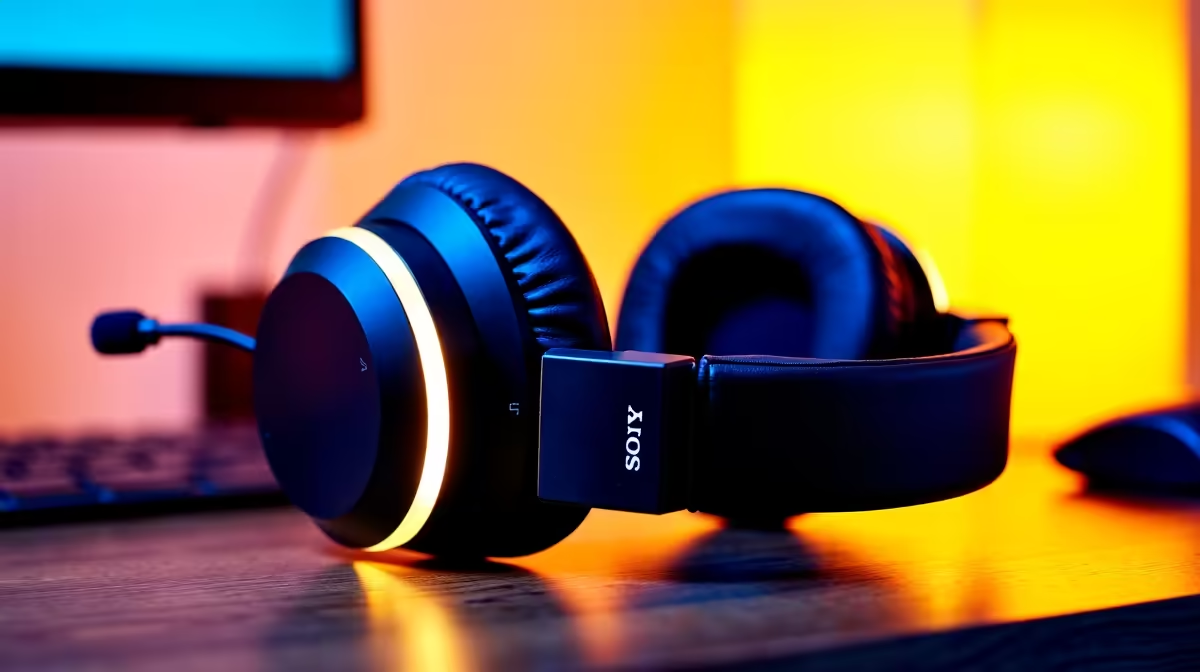
The HyperX Cloud Alpha at R1,200 is the most consistent recommendation for dual-purpose use: its dual-chamber driver design separates bass from mids and highs, the detachable microphone meets Teams and Zoom quality standards, and the headband is rated for all-day wear. The SteelSeries Arctis Nova 3 at approximately R1,500 adds DTS Headphone:X v2.0 spatial audio and a clearer microphone capsule — marginally better for video call clarity. For wireless, the HyperX Cloud Flight S at around R2,000 gives 30-hour battery life with the same driver quality as the wired Cloud series.
USB vs. 3.5mm: What Matters for Remote Work
A 3.5mm headset works immediately on any laptop or desktop without drivers. A USB headset includes a built-in DAC and amplifier, which typically delivers better audio quality and removes the variable from your PC's onboard audio chip quality. For remote workers whose laptops have poor onboard audio or noisy 3.5mm outputs, a USB headset at the same price point often sounds noticeably better. Both types are stocked at Evetech.
FAQ
Can I use a gaming headset for Microsoft Teams calls?
Yes — any headset with a microphone works in Teams regardless of whether it is marketed as a gaming product. The key quality indicator for Teams clarity is microphone frequency response (pick-up range of 100Hz–10kHz is Teams-optimised) and noise cancellation. HyperX and SteelSeries headsets at R1,000+ meet these specs without issue.
What headset is best for long video-call sessions of 3+ hours?
Over-ear headsets with memory foam ear cushions are the most comfortable for extended wear. The HyperX Cloud Alpha's leatherette cushions and steel headband distribute weight evenly — it is routinely cited in SA IT forums as one of the more comfortable long-wear options under R1,500. Avoid headsets with tight clamping force; this causes headache and ear fatigue within 90 minutes for most users.
Does a wireless gaming headset introduce latency on Teams calls?
For voice calls, the latency of a 2.4GHz wireless headset (typically 4–16ms) is imperceptible — Teams itself adds 150–400ms of network latency, which far exceeds any headset wireless delay. Wireless headsets are fully suitable for remote-work calls. The only scenario where wired is meaningfully better is competitive gaming where sub-10ms audio response affects gameplay reactions.
Sonic for Headphones or Dolby Atmos for Headphones (free in Windows settings) as a starting point before paying for proprietary surround software — for most gaming headsets at R1,000–R2,000 the Windows spatial audio layer provides comparable positional audio without additional software overhead.