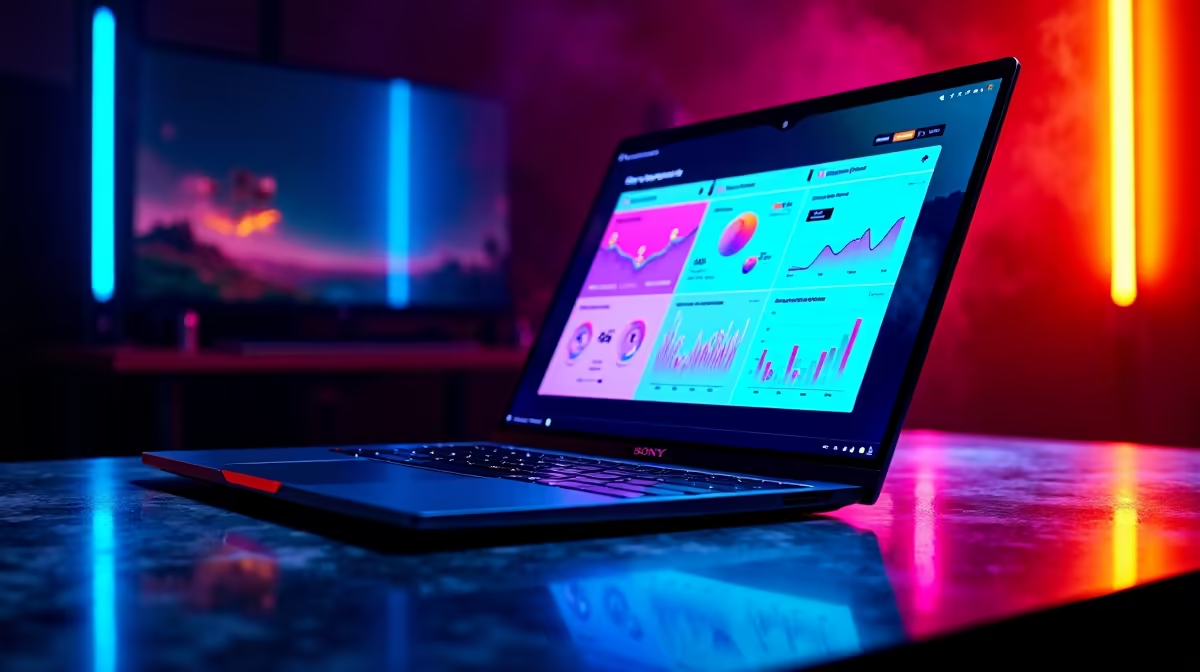
So, you're ready to go live from Jozi to Cape Town. You're not alone. While OBS is powerful, it can be complex. The search for the best streaming software of 2026 is about finding a tool that makes you look professional without needing an engineering degree. Let's explore some top OBS alternatives that get you live... faster. 🚀
Why Even Look for OBS Alternatives?
For years, OBS has been the undisputed king, but the streaming landscape is changing. Many creators find its plugin-heavy nature and steep learning curve a barrier to entry. The best streaming software for you might prioritise ease of use or all-in-one features. Modern alternatives often consume fewer system resources, which is crucial if your rig is already working hard to run the latest games. A resource-hungry app can tank your FPS, turning a smooth stream into a slideshow.
If your machine is struggling, it might be time to consider an upgrade. Having a solid foundation is key, and some of the best gaming PC deals in South Africa can provide the horsepower you need without breaking the bank.
Top Streaming Software for Simplicity & Performance
When it comes to user-friendly yet powerful options, two names consistently pop up. These are often the first stop for anyone looking for an excellent OBS alternative.
Streamlabs Desktop: The All-in-One Contender
Streamlabs Desktop (formerly Streamlabs OBS) is built on the OBS foundation but wraps it in a much slicker, beginner-friendly interface. It integrates everything from alerts and chat to themes and donation tracking right into the dashboard. This simplicity is its biggest selling point.
For performance, it heavily relies on your GPU's encoder. Modern Nvidia and AMD graphics cards feature dedicated encoding chips (like NVENC for Nvidia) that handle the stream, leaving your CPU free to focus on the game. This is a massive plus for single-PC streamers.
XSplit Broadcaster: The Polished Professional
XSplit has been around for ages and is known for its stability and professional feature set. While it's a premium, subscription-based service, you get what you pay for: rock-solid performance and fantastic support. It's a favourite for esports events and serious content creators who can't afford a single dropped frame.
To get the most out of XSplit, a robust setup is recommended. Pairing it with reliable components like proven Nvidia GeForce GTX graphics cards ensures a smooth broadcast. Managing its powerful scene editor and sources is also much easier with more screen real estate, making a good high-refresh-rate PC monitor a worthy investment. ✨
Pro Streamer Tip ⚡
In South Africa, our upload speeds can be unpredictable. Before you go live, run a speed test. Set your stream's video bitrate to about 75% of your consistent upload speed (e.g., if you have 5 Mbps upload, aim for a 3500-4000 kbps bitrate). This simple trick prevents buffering for your viewers and creates a much smoother experience.
Finding the Best Streaming Software for Your Niche
The "best" tool often depends on what and how you're streaming. Let's look at a few specific scenarios.
Streaming on a Budget
You don't need a R50,000 monster rig to start. Many lightweight OBS alternatives run beautifully on modest hardware. If you're just starting out, you can find excellent laptops for under R25,000 that are more than capable of handling a 720p or 1080p stream, especially for less demanding games.
Console and Handheld Streaming 🎮
Streaming from a console usually involves a capture card, but what about the growing world of powerful portables? As handheld gaming consoles become more like mini-PCs, a new wave of on-the-go streaming is emerging, often using lightweight mobile or cloud-based software.
Future-Proofing with New Tech
Looking ahead to 2026, encoding technology is a big deal. The AV1 codec offers superior quality at lower bitrates... a massive advantage for SA's internet infrastructure. Graphics cards are leading this charge, with options like the Intel Arc GPU lineup offering excellent AV1 encoding hardware, making them a smart choice for future-focused streamers.
Your Final Checklist for 2026 Streaming Software
So, what's the verdict? The best streaming software in 2026 is the one that fits your workflow, budget, and technical skill.
- For Beginners: Streamlabs is an unbeatable starting point.
- For Professionals: XSplit offers unmatched stability and features.
- For Tinkerers: OBS Studio remains the king of customisation.
Before you download, take a moment to assess your hardware. The smoothest software in the world can't fix an underpowered machine. A dedicated streaming PC or a powerful gaming laptop can make all the difference.
Ready to Go Live?
The right software is only half the battle. To truly shine, you need hardware that can keep up. Explore our huge range of laptop specials and find the perfect machine to power your streaming ambitions in South Africa.