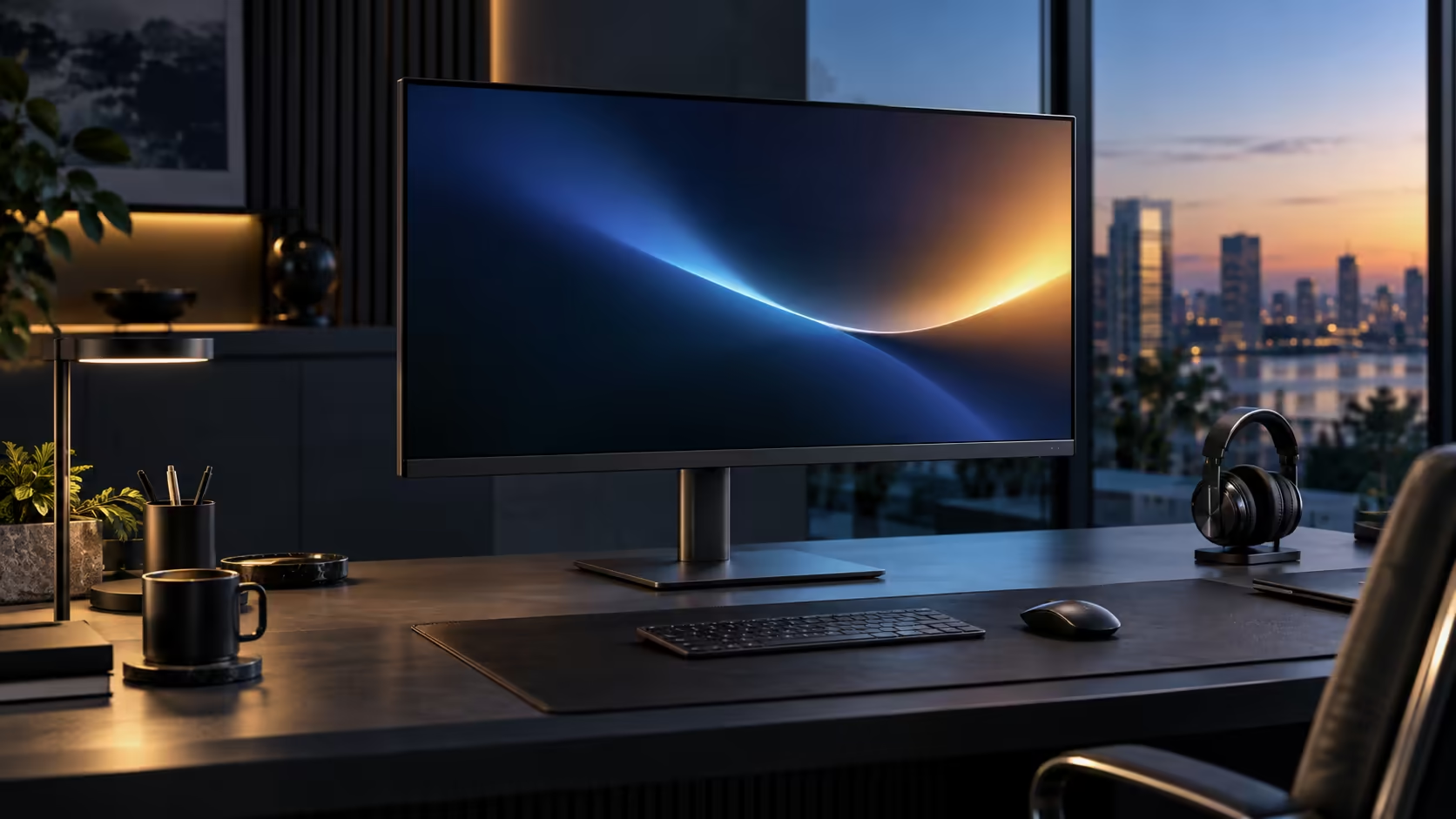
Remote work, editing and spreadsheet-heavy tasks each want something slightly different from a monitor, and a 31.5-inch QHD panel is one of the few sizes that genuinely serves all three without forcing a compromise on any of them. South African households running this mix off a shared fibre line get an extra reason to consider Dell's Pro 32 Plus P3225DE, priced at R8,799.
Quick Answer
A 31.5-inch QHD panel fits two full documents side by side without shrinking the text. For remote work it also matters that the RJ45 socket carries a fibre line straight to the laptop, keeping calls steady. The Dell Pro 32 Plus P3225DE lands at R8,799.
📄 Why this size suits documents and spreadsheets specifically
Two-document workflows are common across remote work, editing review and spreadsheet-heavy roles alike, and screen width is the deciding factor.
At 2560 x 1440 across 31.5 inches, two windows snapped side by side each get roughly 1280 pixels of width, comfortable for a full document page or a spreadsheet with a meaningful number of columns visible without shrinking text to uncomfortable sizes. This matters equally whether you are comparing a draft against feedback, reviewing a video editing timeline against a script, or checking a formula against a source spreadsheet, since all three tasks benefit from seeing two full-width panels at once rather than one at a time.
📶 Why the RJ45 port earns extra weight for remote work
Video calls are the one task on this list that genuinely suffers from an unstable connection, which is where this monitor's networking feature does real work.
Routing the laptop's network traffic through the monitor's RJ45 socket removes Wi-Fi contention as a cause of dropped calls or frozen screen shares, which matters particularly in a South African household where several people may be working, streaming or calling over the same fibre line at once. Editing and spreadsheet work are more forgiving of a brief Wi-Fi hiccup than a live call is, which is part of why remote work specifically benefits from this feature more directly than the other two tasks on this list.
🎬 What editing work specifically gains from this size and panel
Video and content editing benefit from screen real estate in a slightly different way than document work does.
A wide timeline with more visible clips and tracks reduces how often you need to scroll horizontally while editing, and the IPS panel's consistent colour across the full width matters when judging colour grading or checking footage that spans the whole screen. This monitor is not a colour-critical reference display, but for everyday editing review and rough colour checks on a 31.5-inch canvas, IPS's consistency across the panel is a genuine, practical advantage over a VA alternative at a similar price.
📊 What spreadsheet-heavy work gains specifically
Large financial models and detailed data work benefit from a slightly different aspect of this same size and resolution combination.
More visible rows and columns at once means less scrolling to compare figures that sit far apart in a large sheet, and 100Hz smooths that scrolling further once you do need to move through a long model. For anyone spending hours in spreadsheets daily, that combination of visible space and smooth motion adds up to meaningfully less friction than a smaller, lower-refresh-rate panel over a full working day.
🇿🇦 Bringing it together for a South African remote desk
Combining all three use cases onto one screen, rather than needing different setups for different tasks, is the practical value proposition here.
A single 31.5-inch Dell Pro 32 Plus P3225DE handles document comparison, video call stability over wired Ethernet, and spreadsheet work without needing to switch monitors or accept a compromise on any one task. The office monitor range has the current lineup, the monitor category covers other sizes worth weighing up, and the monitor deals page shows what everything costs right now.
Frequently Asked Questions
Is this monitor good enough for professional colour grading?
Not as a colour-critical reference display, but its IPS panel gives consistent, reliable colour for everyday editing review and rough grading checks.
Does wired Ethernet only help during video calls, or all remote work?
It helps most visibly during live calls and screen shares, though file uploads and downloads also benefit from a more stable connection than contended Wi-Fi.
Can this monitor handle a large, complex spreadsheet without lag?
Yes. Screen performance for spreadsheets depends on the computer's processing power, not the monitor; the monitor's role is showing more of the sheet clearly and scrolling smoothly.
Is 31.5 inches big enough to replace a dual-monitor setup?
For many people doing document, editing or spreadsheet work, yes, though some prefer physically separate screens for dedicated reference material regardless of how wide a single panel is.
Does this monitor's 100Hz refresh rate help editing work specifically?
Yes, particularly when scrubbing through a timeline or dragging clips, where smoother motion at 100Hz makes fine positioning easier to judge than at 60Hz.
🇿🇦 Weighing this against a dual smaller-monitor setup
Some South African remote workers default to two smaller screens rather than one large one, and it is worth comparing both routes honestly.
Two smaller monitors add a second stand, a second power cable and, unless daisy chained, a second video connection to manage, where this single 31.5-inch panel keeps the one-cable simplicity while still offering enough width for side-by-side document work. The trade-off is that two separate screens allow completely independent height and angle adjustment for each, which some editing and reference workflows genuinely benefit from over one continuous wide panel, particularly where one screen needs to sit at a noticeably different angle from the other for a specific task, such as a reference monitor turned toward a second person in the room while the main screen stays facing you directly, a scenario this single wide panel cannot fully replicate on its own, since both halves of the desktop still share one tilt setting and one height setting on this single panel, rather than adjusting completely independently of one another the way two genuinely separate screens sitting on two entirely separate stands, each with its own separate tilt and height control, would genuinely allow for. Whether that limitation actually matters depends entirely on whether your specific workflow needs two screens angled differently from one another at the same time.
Ready to cover remote work, editing and spreadsheets with one screen?
Wire the network connection in first, then arrange your documents side by side to see the space this size gives you.