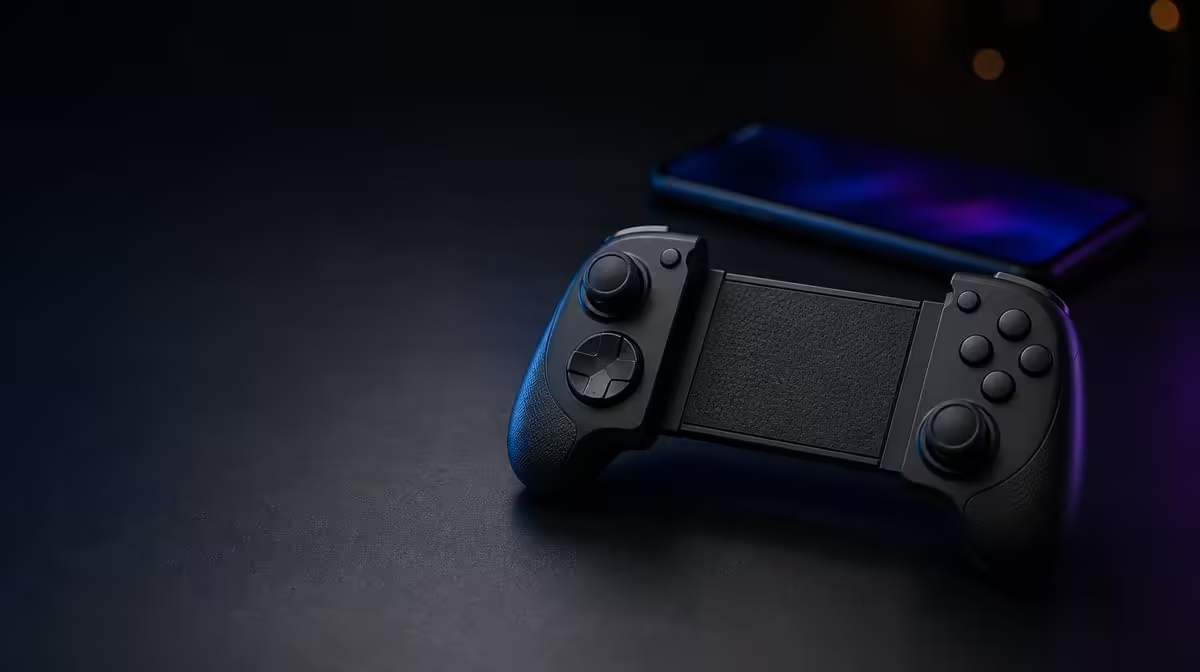
A R1,000 ceiling should sharpen the decision, not reduce it to the cheapest number. Choosing a mobile controller under R1,000 means protecting compatibility first and spending the remainder on inputs you will notice. The GameSir X5s sits at R699, leaving R301 below the limit while including tri-mode connectivity, Hall Effect sticks, 6-axis gyro and HD Vibration.
Quick Answer
Prioritise device and game support, then pay for stable sticks, a useful connection route and controls that match your play. The GameSir X5s costs R699, which is R301 under a R1,000 ceiling. It adds anti-drift Hall sticks, Bluetooth, USB-C, 2.4GHz support, gyro and HD Vibration, although the 2.4GHz dongle is not included.
💰 Protect the budget from hidden assumptions
Begin with the full setup rather than the number printed beside the controller. R699 covers the X5s itself. Bluetooth and USB-C are part of its tri-mode design, while using 2.4GHz requires a compatible dongle that is not included. A buyer who intends to use that receiver-based route should account for the extra hardware instead of treating the entire arrangement as R699.
The R301 remaining below R1,000 is not an invitation to buy an accessory without a purpose. It is useful headroom for the broader mobile setup, or simply money that does not need to be spent. The best budget result may be a controller that solves the job at R699 and leaves the rest untouched.
Create two totals if 2.4GHz is under consideration: one for using the controller over Bluetooth or USB-C, and another for the receiver-based route. The first is anchored by the R699 controller price. The second cannot be finalised until a compatible dongle has been identified and priced. Keeping those columns separate prevents a missing accessory from quietly consuming the remaining R301.
Price-band titles can also distort comparison. Two products beneath R1,000 may have different roles, platform support or connection needs. Compare the usable package rather than assuming that the one closest to the ceiling is automatically more complete.
The Evetech gaming controller selection gives South African buyers a relevant category view for making that comparison.
🧲 Spend first on the control foundation
Hall Effect sticks are a meaningful inclusion at R699 because they sense position magnetically and reduce the contact-wear mechanism that can contribute to drift in traditional potentiometer designs. That addresses an input concern rather than adding decoration.
The X5s describes its sticks as anti-drift, but sensible setup is still required. Check neutral input, avoid storing the controller with pressure on a stick, and adjust deadzone in small steps. Hall sensing strengthens the measurement approach; calibration, software and physical condition still influence the final response.
Analog triggers belong in the same control-foundation conversation. They provide graduated travel where supported, allowing more than a simple on-or-off command. Test them in the games that matter because a title can choose how it interprets trigger input.
If the budget forces a choice between core inputs and a visual extra, begin with the controls touched during every session. Accurate sticks and suitable triggers affect play constantly. A feature used once in a settings menu should not outrank them.
Test the hierarchy with a simple question: if one feature disappeared tomorrow, which absence would affect the most games? For many players, unreliable stick input would matter immediately. Gyro, vibration or Turbo may be valuable in narrower situations. This does not make the extras unimportant; it makes the spending order honest.
🔌 Value the connection you will actually use
Tri-mode connectivity adds flexibility, but its value changes by routine. Bluetooth is a natural starting point for an Android phone because it avoids a separate receiver. USB-C offers a direct wired path when a cable is comfortable. A planned 2.4GHz setup may suit a PC arrangement, subject to a compatible dongle.
The presence of three modes does not mean every buyer needs all three on day one. If mobile Bluetooth covers most sessions and USB-C provides a troubleshooting reference, the X5s already uses two parts of its connection value. Someone moving regularly between Android and PC may place greater weight on the complete tri-mode design.
Compare controller delay separately from network delay. The local connection carries a press to the device; online traffic travels between the device and a server. Testing in a menu or local scene can stop a weak internet moment from being blamed on the R699 controller.
For other parts of a mobile gaming kit, browse Evetech gaming accessories only after the essential connection route is settled.
Portability also changes connection value. A phone-and-controller bag benefits from fewer loose pieces, which favours Bluetooth. A fixed PC desk can make a cable or planned receiver feel less intrusive. The same R699 purchase can therefore be stronger value in one routine than another without changing any hardware.
🎮 Make the extras earn their place
Six-axis gyro can add physical motion input for aiming or interaction in supported games. HD Vibration can deliver more varied feedback where the title provides it. Swappable ABXY buttons can align visible labels with a preferred convention, while Turbo and software customisation add further control over suitable actions and mappings.
These features make the X5s package unusually broad for R699, but usefulness depends on support and habit. Check whether your games expose gyro. Decide whether vibration helps or distracts. Change ABXY labels and software actions as separate layers. Test Turbo on one repeated input rather than enabling it everywhere.
The controller's lightweight design also matters to a budget mobile purchase because portability is part of the intended use. A controller that travels comfortably and covers Android and PC roles may provide more practical value than a feature-heavy device that stays behind.
Avoid judging value by feature count alone. Give each item a weekly use case. Hall sticks may matter in every game. Bluetooth may matter whenever the controller leaves the desk. Gyro may be important in one supported title. A missing use case is evidence that the money should remain unspent, even if the feature sounds premium.
Write the use case beside the feature before making the final choice. "Hall sticks for daily aim" is specific. "Gyro for one supported mobile title" is specific. "Premium controls" says nothing about how the controller will be used. A short, concrete list is a better budget tool than a score assembled from equal points for unequal features.
Use the Evetech accessories best-seller view for broader context once the controller itself has passed that test.
Frequently Asked Questions
How much of a R1,000 budget remains after buying the X5s?
The X5s is R699, leaving R301 beneath the ceiling. That difference should not be spent automatically; keep it available unless another part of the setup has a clear purpose.
Is the 2.4GHz setup complete within the controller price?
No. The X5s supports 2.4GHz, but its dongle is not included. A receiver-based plan must consider compatible extra hardware separately.
Which feature should lead a sub-R1,000 shortlist?
Compatibility should lead, followed by the control hardware used in every game. Hall Effect sticks are a strong practical inclusion because they address contact-related drift wear.
Do gyro and HD Vibration add value at R699?
They can, provided your games support them and you enjoy those forms of motion input and feedback. Their value comes from use, not from merely appearing on the list.
Ready to make every Rand in the controller budget do a job?
Compare Evetech gaming controllers below your ceiling and choose the platform, input and connection features that matter weekly.