Quick Answer
For a South African home office 4K setup, a DisplayPort 1.4 cable is the best all-round choice: it supports 4K at 60Hz and 4K at 120Hz on capable hardware, carries audio, and avoids the HDCP licensing complexity of HDMI. Budget R180 to R400 for a 1.5 to 2 metre cable with HBR2 or HBR3 rating.
DisplayPort vs HDMI for Home Office 4K 🖥️
Both DisplayPort and HDMI support 4K at 60Hz, but they suit different use cases. DisplayPort handles daisy-chaining monitors (if your monitor supports MST), delivers slightly better colour accuracy at high bit depths, and is the native output of most desktop GPUs including current-gen RTX 50-series and RX 9000-series cards. HDMI is universal across TVs, projectors, and monitors and is the better choice if your home office uses a 4K TV as a secondary display or a projector for presentations. For a dedicated 4K productivity monitor, DisplayPort wins on flexibility. SA home offices that rely on Vumatel or Openserve fibre for video conferencing at 4K benefit from DisplayPort's lossless colour fidelity for accurate display of shared documents and design files.
Cable Specs That Matter for 4K Productivity 🔧
For 4K at 60Hz, the minimum spec is a DisplayPort 1.2 cable rated for HBR2 (21.6Gbps). For 4K at 120Hz or 1440p at 240Hz on an upgraded setup, you need DisplayPort 1.4 at HBR3 (32.4Gbps). Cable length should stay at 1.5 metres for most desktop arrangements, which keeps signal-to-noise ratio well within spec for any passive cable. If your home office layout places the monitor unusually far from the PC tower, a 2 metre cable is fine for HBR2; go to an active cable for anything longer than 3 metres at 4K. Gold-plated contacts are recommended for a fixed desktop connection that will remain plugged in for years without replacement.
Budget and Value for SA Buyers 💰
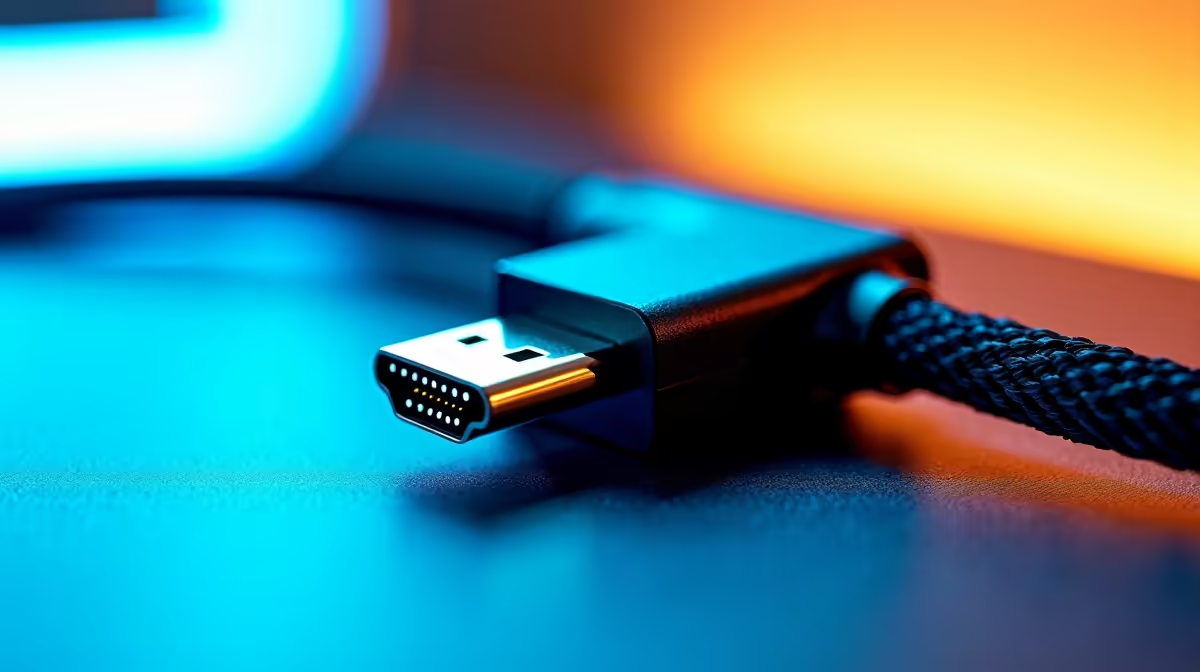
In the local market, a solid HBR2-rated DisplayPort cable at 1.5 metres costs R180 to R300 at Evetech. Stepping up to HBR3 for future-proofing adds roughly R100 to R150 to the price. Braided cables at R280 to R450 are worth considering if the cable is on a desk where it gets moved during monitor adjustments. HDMI 2.0 cables for 4K are similarly priced at R150 to R350, but confirm the cable states HDMI 2.0 rather than just "4K compatible," as some listings are HDMI 1.4 cables claiming 4K support (which means only 4K at 30Hz). For SA buyers, buying locally ensures you get the correct product description and local warranty support through the Consumer Protection Act.
Label Both Ends of Your Cable ⚡
In a home office with multiple monitors and devices, use a small cable label or colour-coded tie at both ends of each cable the moment you install it. Tracing an unlabelled cable behind a desk to swap monitors or diagnose a signal issue later wastes significant time, especially once cable management clips are in place.
FAQ
Does the monitor brand matter for 4K cable compatibility?
No, the cable connects to a standard DisplayPort or HDMI socket. Compatibility depends on the port version on the monitor and the GPU, not on the monitor brand. Check the spec sheet for the port version rather than the brand.
Should I buy two shorter cables or one longer cable for a dual-monitor home office?
Two shorter cables, one per monitor, is always the better choice. A single longer cable routed across a large desk introduces more opportunity for interference and strain. One 1.5 metre cable per monitor at R200 to R300 each is the correct setup.
Will a 4K cable also work for 1080p or 1440p monitors?
Yes. DisplayPort cables are backward compatible. A cable rated for 4K at 60Hz works perfectly at 1080p and 1440p without any configuration change.
Building out your SA home office display setup?
Evetech stocks 4K-rated DisplayPort and HDMI cables in lengths suited for home office arrangements, with local stock available now.