Quick Answer
Cone nibs taper to a fine point, offering better visibility of your stroke endpoint and more precise placement on screen, making them ideal for detailed illustration and small handwriting. Standard round nibs have a broader contact surface, which provides more forgiving pressure feel and slightly more natural feedback for general writing and sketching. Neither is universally better; the right choice depends on your primary task.
How Nib Shape Changes What You See and Feel ✏️
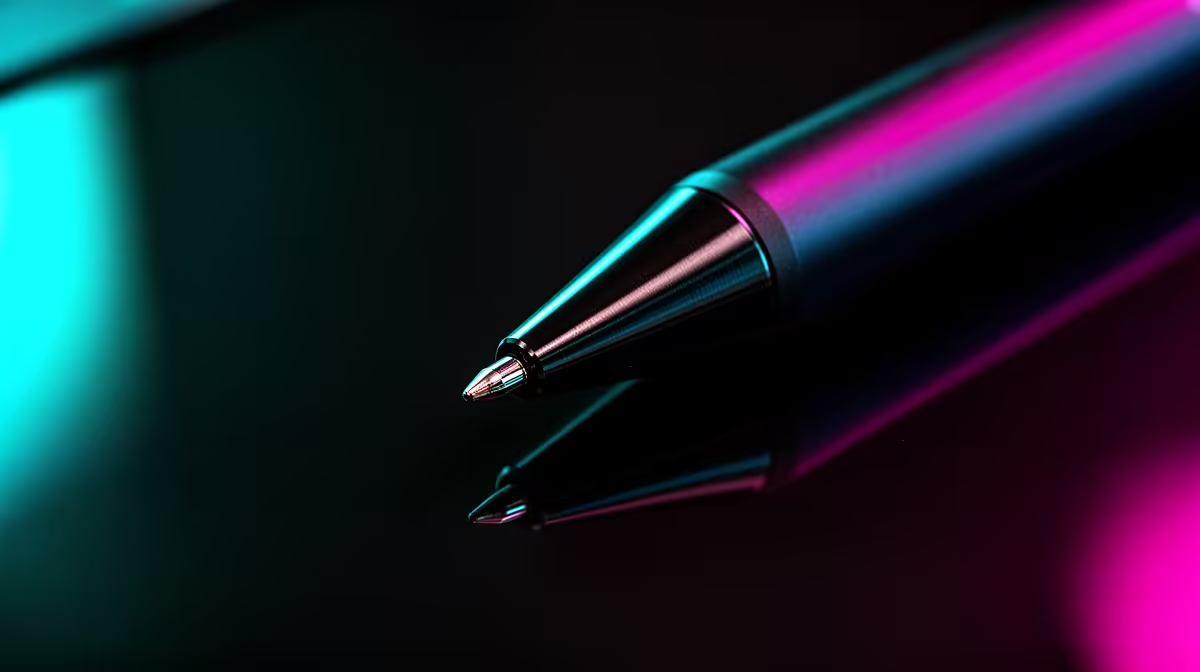
The nib is the small replaceable tip that makes contact with the tablet surface. Cone nibs are conical with a fine, pointed tip (typically 0.4 to 0.6 mm contact point) that keeps the screen visible right up to the stroke origin. This visibility is particularly valuable for precise inking, lettering, and technical line work where the cursor position needs to match the physical pen tip exactly. Standard round nibs have a wider, dome-shaped contact area (approximately 0.8 to 1.0 mm), which distributes pressure more evenly and produces slightly more tactile feedback on textured surfaces. Some artists prefer this feel for broad shading strokes.
Precision Differences in Real Drawing Scenarios 🎨
For comic and manga line art: cone nibs are the professional choice because precise cursor tracking matters at fine zoomed-in scales, and the narrow tip keeps the target point visible. For sketching and gesture drawing: standard nibs are comfortable for loose, fast strokes; the wider contact area absorbs slight pressure inconsistencies so lines feel flowing. For handwritten note-taking: cone nibs produce cleaner, smaller handwriting and are better for small-font notes in tight spaces; standard nibs suit larger, casual handwriting. For technical illustration and CAD tablet annotation: cone nibs are strongly preferred for the same visibility reason that guides comic artists. Wacom's Flex Nib and Felt Nib offer variations in friction feel rather than point geometry, adding further customisation beyond simple round or cone.
Nib Wear and Replacement in SA Context 🔧
Both nib types wear down over time, typically showing a flat spot after 200 to 500 hours of use depending on surface texture. Textured screen protectors or coarse tablet surfaces accelerate wear. Most active styli ship with three to five spare nibs; Wacom's ACK-20001 nib kit (which includes a nib removal tool and multiple standard nibs) is available locally. Replacement nibs for Wacom Intuos and Cintiq retail from around R80 to R200 per kit in SA. Cone nibs from XP-Pen and Huion are similarly priced. Replace nibs at the first sign of a flat tip; scratching the tablet surface costs far more to repair.
Nib Fit Check After Replacement ⚡
After inserting a new nib, press it firmly with the tip against a hard surface and check that the nib does not wobble or retract into the pen barrel. A loose nib breaks pressure linearity and can scratch the screen surface. If it wobbles, remove and reinsert with more pressure, or use the nib-change tool to seat it correctly.
FAQ
Can I switch between cone and standard nibs on the same stylus pen?
Yes, as long as both nib types are designed for your specific stylus model. Most Wacom, XP-Pen, and Huion pens accept multiple nib types from the same manufacturer's nib kit.
Do cone nibs wear out faster than standard round nibs?
Cone nibs can wear slightly faster if pressed hard because the finer contact point bears more concentrated force. On glass tablet surfaces this difference is minor; on textured surfaces the wear rate is noticeably higher for both nib types.
Does the nib material affect drawing feel?
Yes. Plastic nibs slide easily. Felt nibs add friction mimicking pencil-on-paper drag. Rubber nibs offer a middle ground. Switching nib material changes the feel without changing the pressure sensitivity.
Ready to find the right stylus setup for your drawing or note-taking style?
Evetech stocks drawing tablets and stylus accessories including replacement nibs, with options for every skill level and workflow across South Africa.