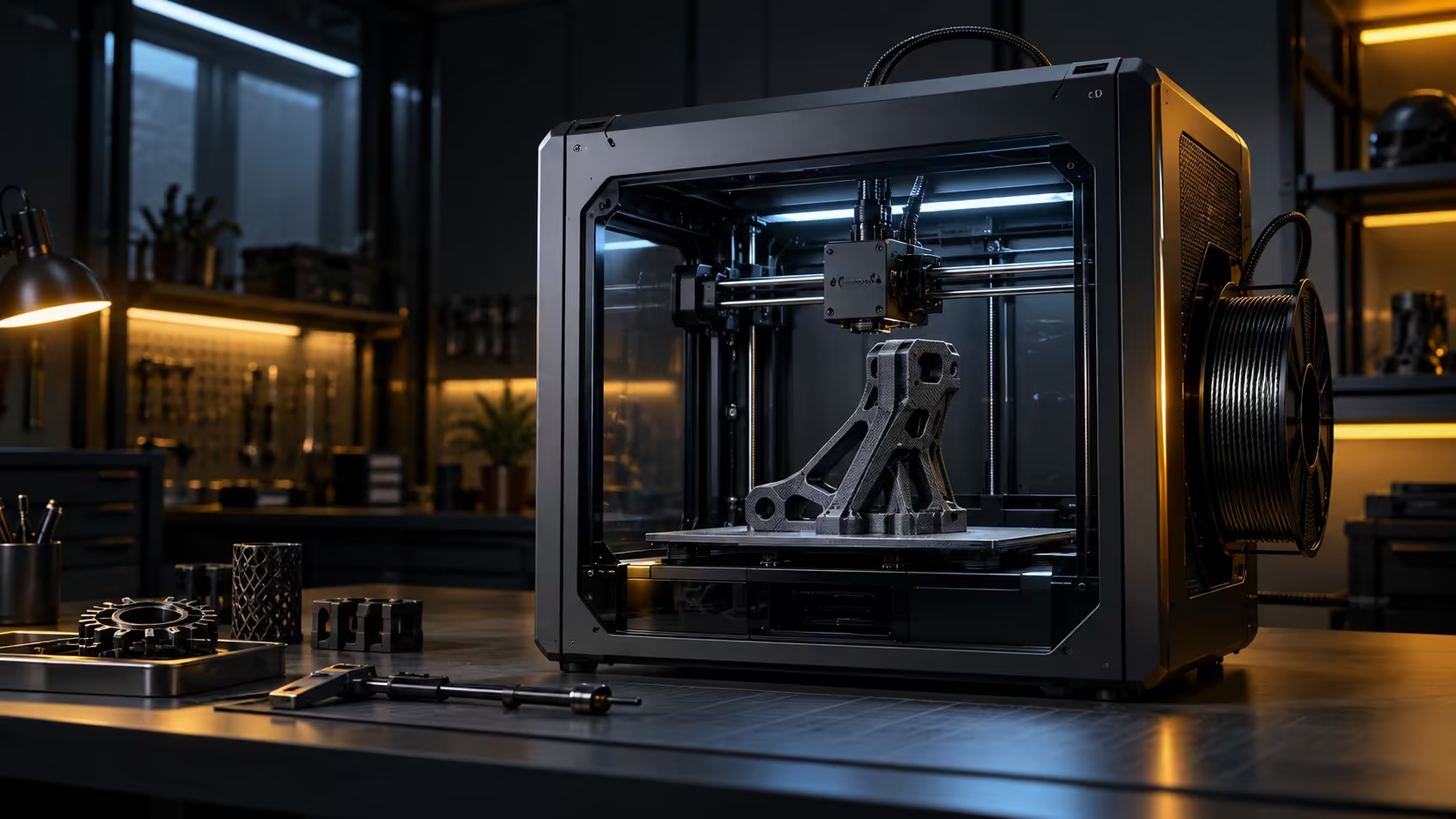
Two printers can share the same stepper motors, the same belts and even the same nozzle, and still perform completely differently once speed goes up, purely because of how each one moves. CoreXY versus Cartesian 3D printers is really a question about what gets dragged around during a print and what stays still.
Quick Answer
A Cartesian design typically drags the bed, and therefore the part sitting on it, back and forth on at least one axis, which means the model's own weight fights the motor on every direction change. A CoreXY design instead moves only a lightweight print head across the frame while the bed and any motors stay put. That difference is why a CoreXY machine such as the R12,599 K1C can hold 20000mm/s2 of acceleration without shaking a tall model apart the way a comparable Cartesian design often would.
🛒 What a Cartesian design actually moves
In many common Cartesian layouts running at 60 to 150mm/s, the bed slides back and forth on one axis while the print head handles the other two. That arrangement is mechanically simple and easy to build, which is why it has been popular for years, but it means every print's own weight becomes part of what the motor has to accelerate and decelerate.
A tall, heavy print on a moving bed can develop a wobble at speed that has nothing to do with the toolhead's own motion; it comes from the model itself resisting the bed's direction changes.
🧭 What CoreXY changes about that equation
CoreXY motion keeps the bed completely stationary and moves a toolhead weighing well under 500g using two motors mounted to the frame, driving it through a shared pair of belts. The model's weight becomes irrelevant to the motion system, since nothing carrying that weight ever changes direction quickly. This is what allows a CoreXY design to run faster acceleration without the print itself becoming part of the vibration problem.
⚖️ Where Cartesian still holds its own
Cartesian designs are not obsolete, and plenty print well at moderate speeds with excellent results, especially on smaller or lighter models where bed mass matters less. The gap between the two designs widens specifically as speed, acceleration and model height increase, which is exactly the territory a high-speed enclosed machine is built for.
Check whether a given machine's motion design matches your actual priorities, speed on tall functional parts versus a simpler, often cheaper build for slower, careful work. Browse resin printers as a separate category entirely, since resin machines are not comparable on this axis at all, and filament needs matching to whichever FDM design you settle on.
🏷️ Reading a listing for hints about motion design
Manufacturers do not always spell out the words "CoreXY" or "Cartesian" plainly on a listing, so look instead for indirect clues: a moving bed visible in the product photos themselves, a Y-axis motor mounted underneath the plate rather than fixed to the frame corners, or a stated acceleration figure above 15000mm/s2, which is rarely ever paired with a genuinely moving bed design at all. A quoted top speed above 500mm/s combined with no visible bed movement in photos is a reasonably strong hint that the design is CoreXY or a close relative of it.
Ask directly if the listing is ambiguous, since this single detail predicts more about real-world accuracy at speed than almost any other single spec on the page. A retailer that cannot answer a straightforward motion-design question is also one worth being genuinely cautious of on other, harder-to-verify technical claims elsewhere on the same listing.
Reviews and unboxing videos usually settle any remaining doubt within seconds of watching, since the motion system is genuinely one of the easiest things to spot once a machine is actually printing in front of you rather than sitting perfectly still in a single product photo.
📐 A quick way to judge which design suits your typical prints
List the tallest 3 or 4 models you print regularly, along with their approximate finished weight, and note roughly how many hours each one usually takes on your current setup. If most of them sit comfortably under 100g and 100mm tall, the practical gap between CoreXY and Cartesian motion narrows considerably, and other factors like price, warranty and available features may reasonably matter more for your final decision. If your typical prints run taller or heavier than that, weight the decision firmly toward CoreXY motion for the accuracy-at-speed advantage it holds specifically on that kind of model, and compare motion designs directly across the 3D printer range with your own typical print sizes in mind.
Frequently Asked Questions
Is CoreXY always faster than Cartesian?
Not necessarily on every print, but it tends to hold accuracy better at high speed and acceleration, specifically because the model's weight is not part of the moving mass.
Does Cartesian motion mean lower print quality?
No, many Cartesian printers produce excellent results at moderate speeds; the difference shows up mainly as speed and model height increase.
Why do CoreXY printers handle tall models better at speed?
The model sits on a stationary bed, so its height and weight do not add to the momentum the motion system has to manage on every direction change.
Is one design cheaper to build than the other?
Cartesian designs are often mechanically simpler, which can make them cheaper to produce, though this varies by specific machine and feature set.
What clues in product photos hint at which motion system a printer uses?
A visibly moving bed in the product photos, or a motor mounted underneath the plate rather than fixed permanently to the frame corners, both point clearly toward a Cartesian or bed-slinger design rather than genuine CoreXY motion.
Does it matter which design I choose for small, light prints under 100g?
Less so; the practical accuracy gap between the two narrows considerably on small, light models, so other factors like price and features can reasonably take priority.
Can watching a printer in action confirm its motion design quickly?
Yes, within seconds; a moving bed versus a fixed one is one of the most obvious things to spot in any unboxing or review video of a printer actually running.
Should frame rigidity be checked separately from the motion type itself?
Yes, since motion design only sets the theoretical advantage; a genuinely flexible frame on either type of machine can still undermine accuracy at speed regardless of which motion system is used underneath it.
Choosing between motion systems for your next printer?
Match the design to how fast and how tall you actually print, not just the price tag.