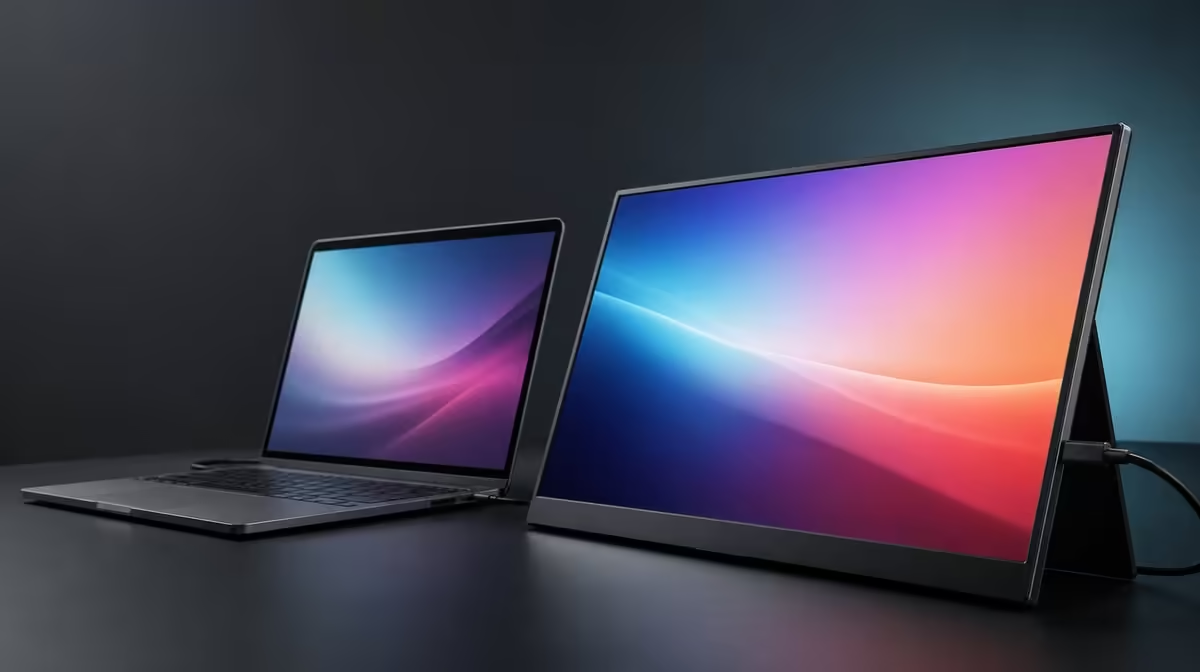
An image can remain visible far from the centre without looking identical from every seat. A 178-degree viewing angle for screen sharing is useful because it gives a group more workable positions, while the presenter still needs to control reflections, text size and stand direction.
Quick Answer
The R2,399 UPERFECT UFree V states a 178-degree viewing angle on its 15.6-inch IPS panel. That can help colleagues or clients see shared content from the side, but straight-on placement remains the best reference for consistent colour, contrast and small text.
👥 Give every viewer a useful line of sight
Place the foldable stand on a stable surface and turn the monitor towards the centre of the group. Do not leave it square to one person while expecting everyone else to rely on the maximum viewing specification.
Open the material that will actually be shared: a presentation, spreadsheet, design, document or video. Increase application zoom when the furthest participant cannot read labels. Viewing angle preserves visibility, not the physical size of text.
Ask each person to identify a small detail, a dark region and a colour-coded element. This reveals whether the chosen seating arrangement works without claiming every angle produces an identical image.
Keep the laptop lid out of the panel's sight line and place cables where a participant cannot catch them. A shared table creates more movement than a solo desk.
Compare group-friendly screens in Evetech's portable monitor selection, scoring actual readability rather than the angle number alone.
🎨 Understand what wide viewing does not prove
The 178-degree figure indicates the IPS image is designed to remain visible over a broad range. It does not establish perfect colour consistency at every point or guarantee the same contrast from an extreme side seat.
For colour approval, place the decision maker nearer the centre and use a neutral picture mode. The UFree V's 125% sRGB coverage offers a broad gamut, while calibration and measured accuracy remain separate evidence.
The 1500:1 contrast ratio can support bright-to-dark separation, but room light falling across the screen can reduce perceived depth. Side viewers may also encounter a reflection the central viewer cannot see.
Use a familiar reference image during setup. If skin tones or shadow detail look materially different from one seat, rotate the screen or reposition the group rather than trying to correct the picture for every angle.
🪟 Control room light and support
The UFree V states 350cd/m2 brightness, giving headroom in bright indoor spaces. Raise output only after moving direct window and lamp reflections off the panel.
The included foldable support allows quick rotation on a desk. Open it securely, keep the panel centred and use its available positions instead of balancing the monitor on documents to reach a particular eye line.
Lead the chosen input cable back to its device with enough slack to turn the screen. Keep the required power path separate from chair legs and shared walkways. A tight lead can rotate the display away from the group or strain a connector.
Test the full setup while someone moves into and out of a seat. The monitor should remain stable, and no cable should cross the normal path around the table.
Evetech's broader PC monitor department can help when a larger fixed panel better serves a permanent meeting space.
📝 Save solo and sharing positions
Create two setup photographs or notes. The solo position faces the primary user for sustained work; the sharing position turns towards the group's centre with larger content and checked reflections.
Configure the UFree V at native 1920 x 1080 in both cases. Use application zoom or operating-system scaling rather than reducing the panel resolution to make content larger.
When presenting media, plan sound through the source or compatible external hardware. Confirm playback before the group arrives.
After the meeting, return brightness and stand angle to the solo baseline. A portable screen is easier to use when temporary sharing changes do not become the next person's unexplained settings.
At R2,399, wide viewing earns value when more than one person can see and discuss the same material from a safe arrangement. It should not be sold as proof that all seats are colour-reference positions.
Review Evetech's popular monitor page with the same shared-view test at purchase time.
Build three content presets for sharing. The discussion preset uses large labels and a neutral image; the document preset zooms key paragraphs; the media preset adds the confirmed external audio route.
Test each preset with two viewers seated at different sides. Ask them to read exact text and distinguish dark details rather than answering only whether the image is visible.
Place the brightest room source on the diagram. If a window reflects towards one participant, move the portable monitor or group before changing brightness for everyone.
Keep the folding support fully on the table and away from paper piles. A shared conversation often brings pointing hands and moving notebooks closer to the screen.
Use a presentation cursor or on-screen highlight rather than touching the panel. Fingerprints can create new reflective marks that affect later viewing.
If the source is a laptop, choose extend or duplicate mode deliberately. Duplication can make sharing simple, while extension requires the presenter to know which display contains the material.
Add a privacy reset after the session. Close sensitive windows, return the desktop to the solo arrangement and restore the working brightness profile.
For design review, document who occupied the central seat and which image was used. Wide-angle observations from other participants are valuable feedback, but they should not quietly become colour-approval measurements.
Compare the setup after thirty minutes, when people have shifted chairs and the room light has changed. A viewing arrangement should survive ordinary movement.
At R2,399, the UFree V earns sharing value by making a portable group screen easy to position. The 178-degree figure supports that role without eliminating the need to direct the panel towards its audience.
Create a meeting reset checklist with private windows closed, duplicate or extended mode chosen deliberately, application zoom confirmed and external audio tested. The viewing angle matters only after the correct content is on screen.
For recurring meetings, mark the stand position on the table diagram and note where the laptop sits. Another presenter should be able to restore the sight lines without asking every viewer to move.
After the group leaves, inspect the cables and panel surface. Shared pointing and chair movement can change a route that was safe during setup.
Review feedback separately by seat. "Text small at the far left" suggests a zoom or position change, while "colour different from the centre" should not trigger a universal panel adjustment.
Frequently Asked Questions
What does the 178-degree figure indicate?
It indicates the IPS image is designed to remain visible over a broad off-centre range.
How can wide viewing help a group?
It gives participants more usable seating positions around a portable shared screen.
Does every angle show identical colour?
No. Centred viewing remains the stronger reference for consistent colour, contrast and detail.
Why does the foldable stand matter for sharing?
It lets the user turn and support the panel on a stable table without a separate mount.
Can reflections worsen off-centre viewing?
Yes. A side seat may see a window or lamp reflection that is absent from the central view.
Is wide viewing useful for solo work?
Yes. It supports side-by-side laptop placement, although the screen should still face the user.
What does the wide-angle monitor cost?
The UPERFECT UFree V costs R2,399.
Ready to test the seats instead of trusting one angle number?
Explore Evetech's portable monitors, turn the UFree V towards the group and verify text, colour and glare from every working position.