First PC Buyer Mistakes at R15K: Where Budgets Go Wrong
Quick Answer
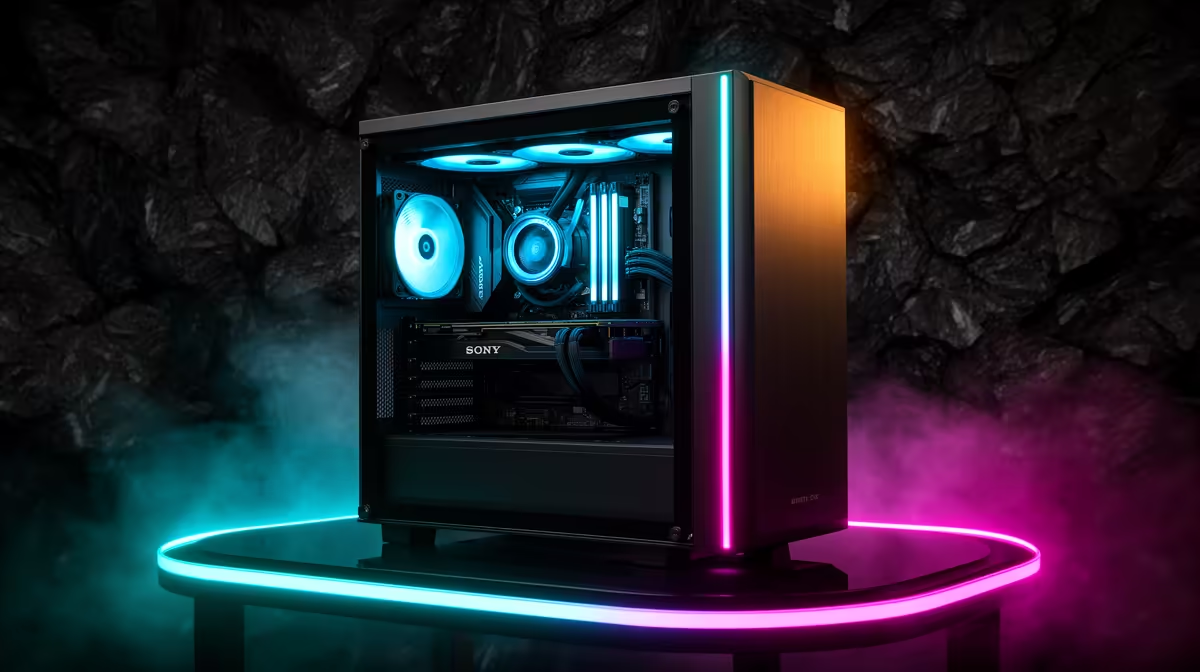
A first R15,000 gaming PC goes wrong when the visible parts consume money before the performance target is secure. A large case and a wall of lighting can look finished while a weak graphics card struggles with the game you bought it for.
Start with the games, screen and frame-rate goal. Then protect the parts that make the system safe and balanced. Style gets the money left after those jobs are covered.
Make a second list for everything outside the tower. A monitor, display cable, keyboard, mouse, network adapter and audio path can consume a surprising share when the buyer starts with an empty desk. Reserve that money before choosing the core parts.
Mistake One: Buying the Case First
The case must fit the motherboard, graphics card, CPU cooler and power supply. It also needs clear airflow and enough fan positions. Beyond that, extra glass and lighting do not add frames.
Choose a sound case size after the core parts are known. Check graphics-card length, cooler height and front-radiator clearance against the exact product pages. Leave room for cables and future cleaning.
An attractive case can still be a sensible buy. Give it a fixed cap and refuse to steal from the graphics card, power supply or storage to reach a colour theme.
Mistake Two: Chasing One Oversized Part
A graphics card shapes game performance, but it sits inside a system. An oversized GPU beside a CPU that cannot feed high frame rates creates uneven results. A high-end processor beside a weak GPU wastes potential in graphics-heavy games.
Use the exact target. A competitive 1080p player may value CPU headroom and a high-refresh output. A story-game player may place more of the budget into the GPU for richer settings.
Compare named configurations on gaming PC deals. Look at the pairing, then find independent game tests for those parts. Keep the test resolution and settings close to your plan.
Mistake Three: Treating the Power Supply as Spare Change
The power supply supports every part and absorbs changes in load. Choose a reputable unit with the capacity, protections and connectors required by the exact build.
Do not judge it by wattage alone. Check the model, rated output, connector layout, form factor and warranty terms. Leave reasonable headroom for the planned graphics card without buying a huge unit for an upgrade you may never make.
Cable adapters and unclear power requirements are warning signs. Follow the graphics-card and power-supply manuals for connection guidance.
Mistake Four: Buying Memory by the Headline
Capacity comes first. For a new gaming setup, 16GB is a practical floor for many current games and normal background use, while 32GB can make sense for heavier titles, creation tools or a long service plan.
Module layout matters. A matched two-module kit can enable the intended memory channels. Check motherboard support, generation, speed, voltage and profile support before ordering.
Do not pay a large premium for a faster kit while capacity is too low or the graphics card misses the target. Enable the supported memory profile after the system passes a default-settings test, then confirm stability.
Mistake Five: Filling the SSD on Day One
Game install sizes grow, and a drive needs free space for updates, temporary files and healthy operation. A small SSD can hold Windows and a few chosen games, but it may turn every new release into an uninstall decision.
List the installed sizes of the games you will keep. Add the operating system, applications, captures and working headroom. A 1TB drive can be the calmer choice when the price difference fits without weakening the GPU.
Check how many storage slots the motherboard offers. A smaller first drive is easier to accept when a clean second-drive path exists.
Mistake Six: Forgetting the Screen and Controls
A tower cannot show you a frame. Match the PC outputs to the monitor resolution, refresh rate and adaptive-sync support. Include the right display cable.
If R15,000 covers the whole desk, reserve money for a usable monitor, keyboard and mouse before finalising the tower. A lower tower specification with a decent screen may create a better daily experience than a stronger box connected to an unsuitable display.
Audio, Wi-Fi and Bluetooth also need a line in the plan. Check what the motherboard includes rather than assuming every build has them.
Mistake Seven: Assuming Every Pre-Built Is Balanced
A pre-built can remove assembly risk and give you one complete specification, but you still need to read it. Record the exact CPU, graphics card, memory configuration, SSD, motherboard features and power supply.
Browse PC best sellers, then open each candidate and compare full specifications. Similar prices can hide different priorities. Ask which one fits your games instead of choosing the longest component name.
Check the current product page and written warranty terms before purchase. Keep the specification, invoice and packaging details for setup and support.
Build the R15K Plan in the Right Order
First, state three games, the screen resolution and the frame rate you want. Second, choose a CPU and GPU pairing with evidence for that target. Third, add enough memory and SSD space.
Then select a suitable motherboard, power supply, cooler and airflow case. Add the operating system, network path and controls. Style can use what remains.
Keep that final allowance written in the sheet.
Once the list fits, check compatibility twice. The first check covers sockets, memory generation, form factor, clearances, power and connectors. The second follows the physical build from wall socket to display and network.
That order protects the experience you will feel every day.
FAQ
How much of R15,000 should go to the GPU?
There is no safe fixed percentage. Give the GPU enough budget to meet your named games and resolution, then balance the CPU and supporting parts around it.
Is a pre-built safer for a first buyer?
It can reduce assembly and compatibility work. You still need to inspect the full specification and confirm that its balance matches your games.
Which mistake causes the most damage?
Buying decorative or oversized parts before setting a game-performance target. That leaves too little for the GPU, safe power and useful storage.
Set your three-game target first, compare one complete R15,000 specification line by line, and move budget away from any part that does not serve it.