Quick Answer
The fastest fix for wireless input lag in competitive shooters is switching from 125 Hz or 500 Hz polling to 1,000 Hz or higher, placing the dongle within 30 cm of your mouse, and connecting it to a USB 2.0 port away from USB 3.0 interference sources. These changes together reduce effective latency from 8 ms to 1 ms or below.
Why Polling Rate Is the Primary Lever 🎮
In competitive shooters like Valorant, CS2, or Apex Legends, the gap between where your crosshair was and where the game registers it is a function of how frequently position data is sent to the system. At 125 Hz the mouse reports every 8 ms. If you initiate a fast flick and release at the peak of your arc, the game may not have received that peak position at all, instead interpolating between the last two samples. At 1,000 Hz the same flick is resolved with 8 position reports, capturing the arc accurately.
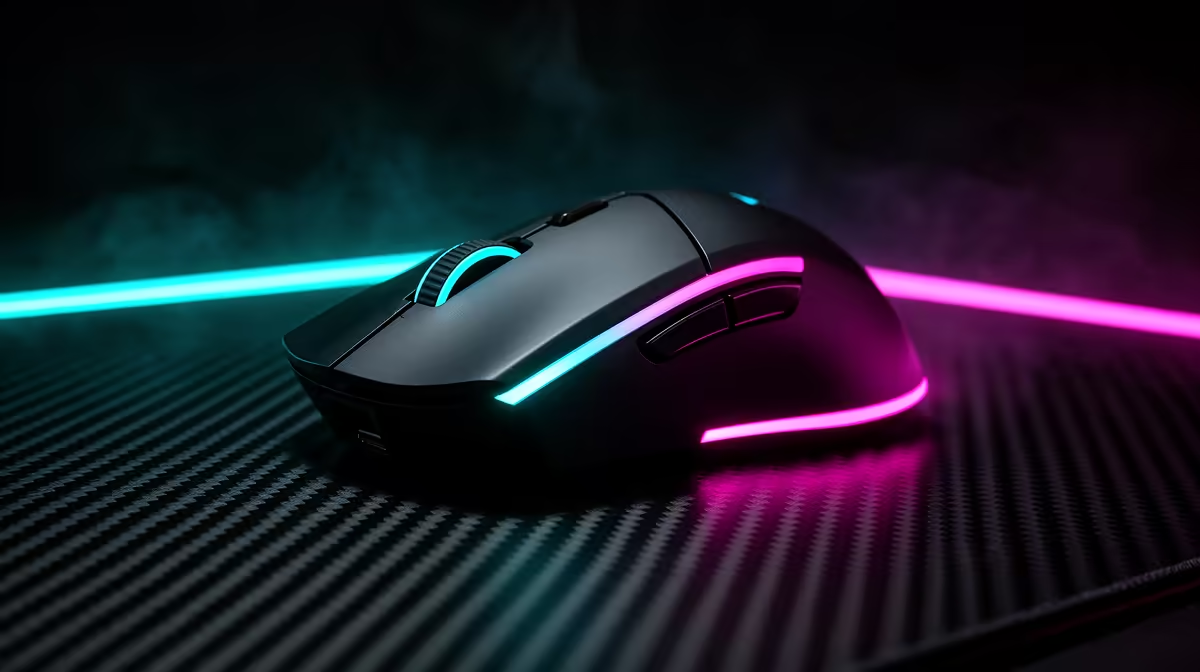
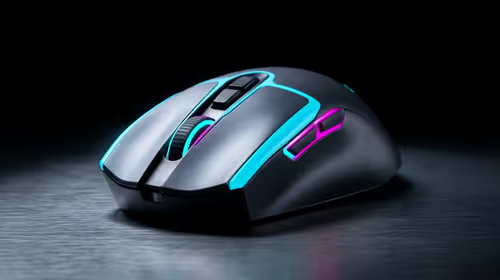
Modern protocols like Razer HyperSpeed and Logitech Lightspeed transmit at 1,000 Hz wirelessly with latency below 1 ms, matching wired performance. The Razer Viper V3 Pro and Logitech G Pro X Superlight 2 both support 4,000 Hz wireless polling, available at Evetech in the R2,200 to R2,800 range.
System-Side Fixes That Compound the Gain 🖥️
Enable Raw Input in your game settings (available in Valorant, CS2, and most modern shooters). Raw Input bypasses Windows mouse acceleration and reads directly from the device driver, ensuring polling rate data reaches the game engine without software interference.
Also set Windows pointer speed to the default position (6 of 11) and disable Enhanced Pointer Precision. Enhanced Pointer Precision is Windows acceleration applied on top of your DPI, making movement feel inconsistent at different cursor speeds. These settings take two minutes to configure and have measurable impact on perceived input lag even before any hardware changes.
Display and Frame Rate: The Bottleneck You Cannot Ignore 📊
Reduced mouse latency is only useful if your display shows frames fast enough to reflect it. At 60 Hz, each frame is 16.7 ms regardless of whether your mouse polls at 1,000 Hz or 8,000 Hz. Upgrading to a 240 Hz monitor (around R3,500 to R6,500 locally) reduces frame time to 4.2 ms, making high polling rates perceptibly valuable. Pair this with in-game frame rate above 240 FPS in CPU-bound titles like CS2 and Valorant, and combined system latency from mouse input to photon on screen can drop below 10 ms total.
Enable 1000 Hz in Mouse Software ⚡
Many wireless gaming mice default to 500 Hz polling to conserve battery life. Open Razer Synapse or Logitech G Hub and manually set the polling rate to 1,000 Hz or higher. This single change is the most impactful software adjustment you can make without any hardware upgrade.
FAQ
Does wireless lag feel different from wired lag in competitive play?
With premium 2.4 GHz wireless at 1,000 Hz or above, the difference is not perceptible in play. Independent blind tests show players cannot distinguish modern wireless from wired. The perceived lag from wireless is usually caused by low polling rate settings rather than the protocol itself.
Will a USB hub affect my polling rate or add lag?
Yes. USB hubs introduce additional latency and can cap effective polling rate because they aggregate traffic from multiple devices in batches. Always connect your wireless dongle directly to a motherboard USB port for competitive play.
Is 8,000 Hz wireless polling available in South Africa?
Yes. The Razer Viper V3 Pro and HyperX Pulsefire Haste 2 Wireless both offer high-polling wireless and are stocked locally. These are the current flagships for low-latency wireless input.
Cut your input lag without cutting the cable.
Evetech stocks high-polling-rate wireless gaming mice from Razer, Logitech, and HyperX. Browse the range at Evetech and find a wireless mouse that competes at the speed of wired.