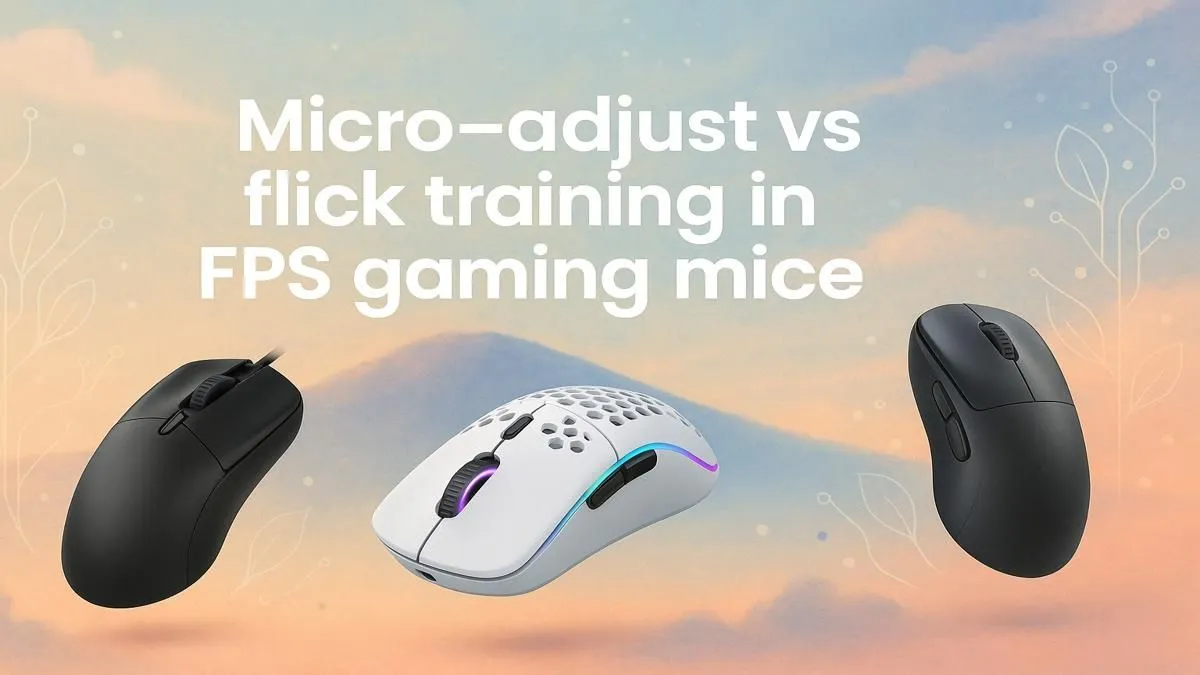
Ever lined up the perfect headshot in Valorant, only to have your crosshair sail a few pixels wide? That tiny, frustrating gap is often the difference between a round won and lost. It’s where the two most crucial FPS gaming mouse techniques come into play: precise micro-adjustments and lightning-fast flicks.
Understanding the micro-adjust vs flick training debate isn't just for the pros. It's for any South African gamer looking to climb the ranks and win more duels. Let's dive in. 🚀
Understanding Micro-Adjusting: The Art of Precision
Micro-adjusting is the art of small, deliberate mouse movements. Think of it as the final, surgical correction you make before clicking. When you're tracking a strafing opponent or holding a tight angle in CS2, your ability to make tiny, controlled adjustments is what secures the kill. This technique is all about muscle memory and control, not raw speed.
Players who master micro-adjustments often favour a lower sensitivity, giving them more mousepad real estate for fine-tuning their aim. Having the right gaming mouse with a flawless sensor is non-negotiable here, as it ensures even the smallest movement is tracked perfectly.
How to Train Micro-Adjustments:
- Tracking Scenarios: Use aim trainers like KovaaK's or Aim Lab and focus on "strafing track" or "smoothness" scenarios.
- In-Game Practice: Load into a deathmatch and consciously focus on tracking enemy heads instead of just flicking towards their body.
Mastering Flick Training: The Power of Speed ⚡
Flick training is the opposite… it’s all about explosive speed. A flick is a large, rapid mouse movement to snap your crosshair onto a target that suddenly appears on your screen. Imagine an enemy unexpectedly peeking you from a corner. A successful flick gets your crosshair on them almost instantly, giving you the first-shot advantage.
This technique is the bread and butter of entry fraggers and players in fast-paced titles like Apex Legends or Overwatch. To make these large movements easier, many gamers prefer lightweight mice that reduce inertia. The freedom of movement from today's modern wireless mice also makes executing clean flicks much easier.
Find Your Perfect Sensitivity
There's no single "best" DPI. Start at 800 DPI and adjust your in-game sensitivity until you can do a comfortable 180-degree turn without lifting your mouse. This is a great starting point for balancing both flicking and micro-adjusting.
Micro-Adjust vs Flick Training: Which One Should You Use?
Here’s the secret: you need both. The best players don't choose one over the other; they combine them seamlessly.
Picture this: you’re defending a site on Breeze. An enemy Jett dashes out. You perform a huge flick to snap your aim onto her. But she immediately counter-strafes. Now, you use micro-adjustments to track her movement and land the clean headshot. ✨ That's the winning combination.
Your gear plays a huge role in enabling this combo. While wireless offers freedom, the pixel-perfect stability of a reliable wired mouse can give some players more confidence in their micro-corrections. And none of these gaming mouse techniques matter if your mouse is sliding on a dusty old book. A quality mousepad provides the consistent surface needed for predictable muscle memory.
Ultimately, mastering these FPS mouse skills comes down to practice and having equipment that doesn't hold you back. By training both techniques, you build a versatile aiming style that will make you a far more formidable opponent online.
Ready to Sharpen Your Aim?
Your aim is only as good as the tool in your hand. Stop letting your gear hold you back and find the perfect mouse to match your playstyle in our latest deals. Explore the best gaming mouse deals at Evetech and start hitting shots you used to miss.