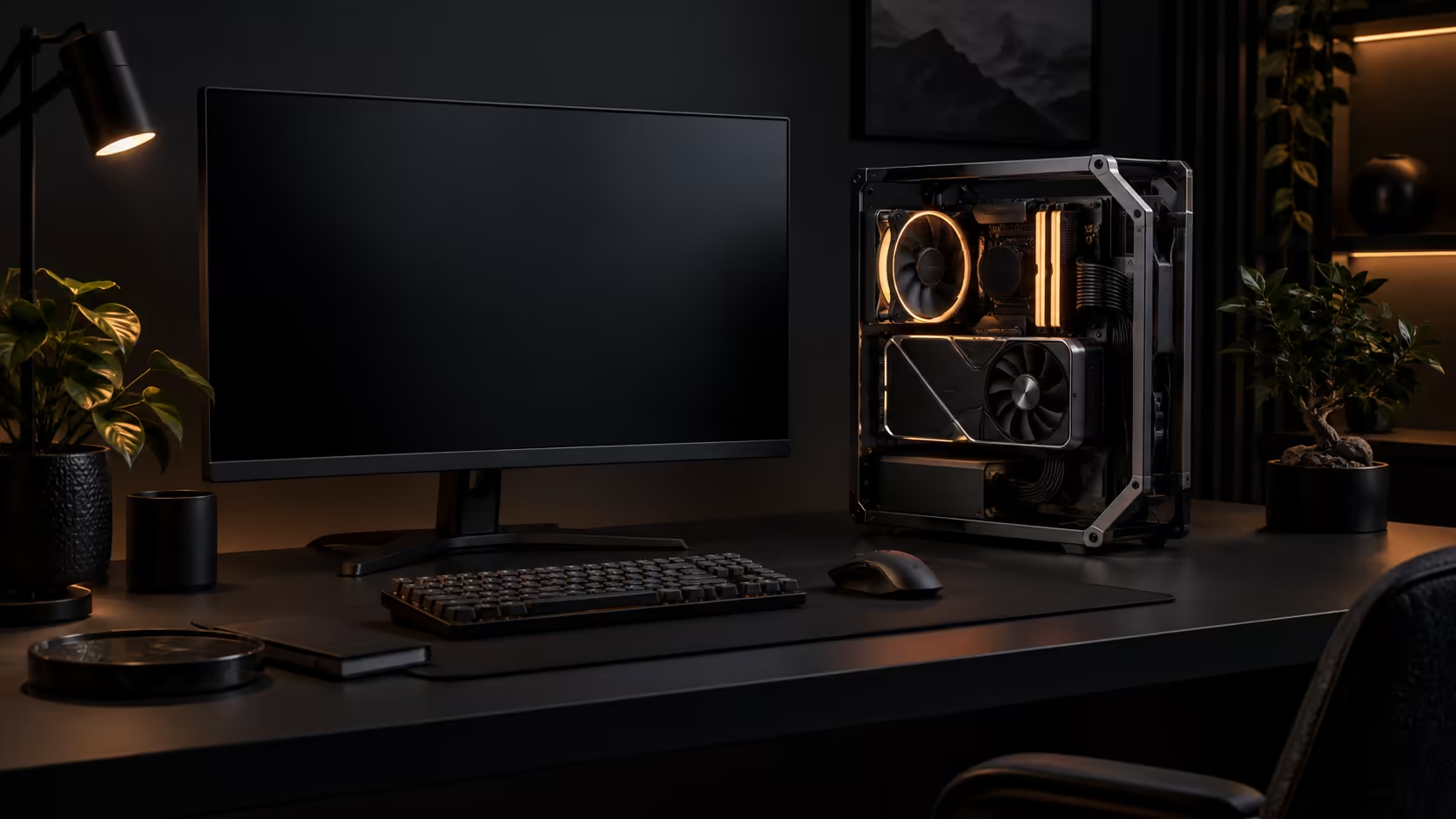
A South African desk rarely belongs to the PC alone. It is also home to a fibre router, a monitor or two, a stack of paperwork nobody has filed yet, and whatever else the household needs a flat surface for. Building a desk display PC in that reality means the machine has to earn its footprint, not just look good in a photo taken with everything else cleared away.
Quick Answer
Stand the frame vertically beside the monitor rather than centring it on the desk, and the footprint shrinks to roughly the width of the chassis itself, close to what a large tower already occupies. Keep the fibre router on its own separate shelf or wall mount rather than tucking it beside an open build, since router placement affects signal more than most people account for. The GR20 Edition 20 at R15,999 supports that vertical stance along with two others if your desk layout changes later.
📏 The footprint math that actually matters
A desk display build competes for space with the same things every home desk already carries: a monitor arm or stand, a keyboard and mouse working area, and increasingly a second monitor for anyone working from home part of the week. The open frame itself, stood vertically, occupies a footprint close to a conventional mid-tower case rather than the sprawling area an angled or horizontal stance would need.
The space it actually costs you is depth, not width, because the frame still needs airflow clearance behind and above it even standing upright. Measure the depth from the back edge of your desk to where your keyboard naturally sits, and subtract at least 100mm for the frame plus clearance, before deciding vertical is the space-saving choice it is generally assumed to be.
📶 Where the router actually belongs
This is the detail that gets skipped in most desk-build advice, and it matters more in a South African household than the guides admit. A fibre router works best in an open position, ideally elevated, away from metal surfaces and thick walls that absorb its signal. An open-frame PC, despite having no metal side panels, still carries a motherboard, a graphics card and a power supply, all of which are exactly the kind of dense metal and electronics that degrade a nearby wireless signal.
Keep the router at least 300mm clear of the build, on a separate shelf, a wall mount, or at minimum the opposite end of the desk, rather than tucking it into the gap beside an open frame because that gap happens to be free. A router placed directly against or inside an open chassis can lose a meaningful share of its range within a few metres, which shows up as buffering exactly where you would notice it least conveniently, mid-match rather than during a speed test.
Households running mesh Wi-Fi feel this less, since a second node elsewhere in the house picks up whatever range the desk position loses. A single-router household does not have that fallback, which makes the router's exact placement relative to the build one of the few genuinely free performance decisions in the whole setup, worth getting right before the rest of the desk is arranged around it.
🪑 Sharing the desk with a household
Most South African homes with a gaming setup are sharing that room, or that desk, with someone else's needs for a good 8 hours of the day. A machine that looks impressive at 9pm can be an obstacle at 9am if it eats into the surface someone else needs for a laptop, homework, or a video call.
Build with that split in mind. A vertical stance beside rather than in front of the monitor leaves the centre of the desk clear for anyone else who needs it during the day, and a horizontal or angled stance, however striking, tends to claim the whole width of the desk for the machine alone. If the desk genuinely serves double duty, vertical is very often the only stance that keeps the peace.
A proper gaming desk built with cable routing and a monitor arm mount in mind gives an open build more usable surface than a generic table does, because the monitor and its stand are lifted off the desk surface entirely rather than eating into the same flat area the PC is trying to share.
🔌 Cabling in a shared, visible space
An open build puts every cable on display, which in a shared room means visible cable management is not optional the way it might be behind a closed case tucked under a desk. Route power and peripheral cables tight against the frame's structure, leaving no more than about 20mm of slack at each bend, rather than letting them cross the open desk surface, both for appearance and because a loose cable across a shared desk is a genuine trip or snag risk in a household with more than one person using that space.
If you are assembling the wider setup rather than just the case, the gaming setups range bundles monitor arms, cable trays and desk accessories that solve exactly this shared-space problem, rather than treating the PC as the only thing on the desk that needs a plan.
A cable comb or a handful of reusable ties spaced every 150mm along a run does more for a visible build's appearance than any single expensive component, and it takes an evening rather than a redesign. Treat this as part of the build, not the tidy-up you get to later, since an open frame photographed or video-called past on day one rarely gets a second pass once the desk is back in daily use.
Frequently Asked Questions
Does a vertical stance really save the most desk space?
Yes, compared to angled or horizontal, since it occupies a footprint close to a conventional tower rather than spreading across the desk's width.
Where should the fibre router go relative to an open-frame build?
On a separate shelf or wall mount, away from the dense metal and electronics of the build, since proximity can measurably reduce wireless range.
Is an open build a bad idea on a shared household desk?
Not necessarily, but plan the stance and cable routing around who else uses that desk, since a build claiming the full width during the day causes more friction than one that does not.
Does cable management matter more on an open frame?
Yes, because every cable is visible rather than hidden behind a panel, which matters both for appearance and for reducing trip or snag risk on a shared surface.
Ready to build a display PC that does not take over the whole desk?
Plan the stance, the router's spot and the cabling before you commit to a layout.