Quick Answer
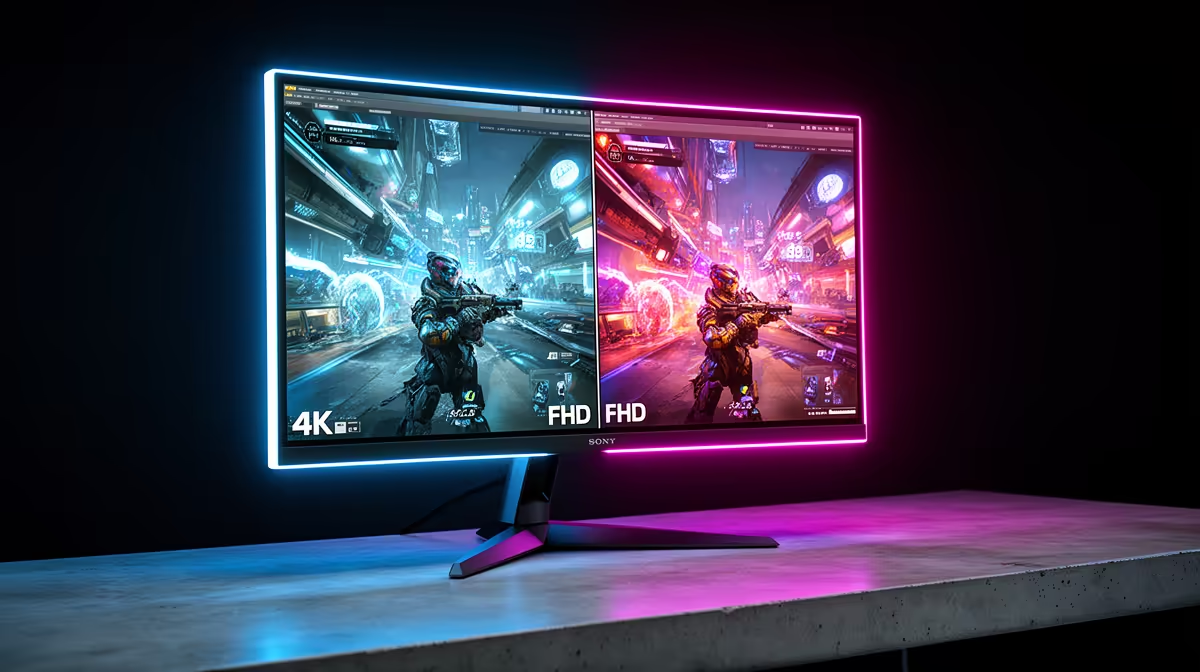
Choose 4K 160Hz when visual fidelity matters most (open-world RPGs, cinematic titles, productivity) and switch to FHD 320Hz when you need every millisecond in fast-paced competitive shooters. On a dual-mode panel you do not have to pick permanently; the resolution toggle in the OSD lets you flip between both modes on the same screen.
What Dual-Mode Actually Does 🖥️
Dual-mode monitors carry a native 4K panel that electrically groups pixels to render at FHD (1920x1080) and double the maximum refresh rate. At FHD 320Hz the panel delivers a per-frame window of roughly 3.1ms, which is about half the frame window of 160Hz. That gap is meaningful in titles like CS2 or Valorant where opponents move across the screen in under 10ms at competitive sensitivity settings. The trade-off is pixel density: FHD on a 32-inch panel produces around 69 PPI, noticeably softer than the 138 PPI you get at 4K. For anything other than a competitive shooter, the FHD image can look slightly mushy on a screen this large.
Matching the Mode to Your Game Library 🎮
If your week is split between something like Elden Ring and a ranked shooter, use the modes as intended. Load the 4K 160Hz mode for single-player sessions where art direction, shadow quality, and draw distance reward the extra pixels. Switch to FHD 320Hz before queuing for ranked matches. Most dual-mode panels retain their fast IPS response time in both modes, so motion clarity in FHD 320Hz mode is genuinely competitive. Your GPU matters here too: an RTX 5070 Ti can exceed 200fps at FHD in optimised esports titles but may only reach 80 to 120fps at native 4K in demanding open-world games. Running the monitor at FHD 320Hz lets you leverage that raw frame rate headroom instead of capping it at 160Hz.
GPU Budget and SA Value Considerations 💰
In South Africa, the price gap between a standard 1440p 144Hz monitor and a dual-mode 4K 320Hz display can run R2,500 to R5,000. Whether that premium makes sense depends on your GPU. Pairing a dual-mode monitor with a card below the RTX 5070 or RX 9070 tier means you may spend the majority of your gaming time in FHD mode simply because 4K frame rates are unattainable. Conversely, if you already own or are planning to buy a top-tier card, a dual-mode panel gives you two genuinely different use cases from one piece of hardware, avoiding a future monitor upgrade as your library diversifies. For SA students and professionals who game part-time, the dual-mode approach can justify the spend by covering both productivity (4K sharpness) and recreation (high refresh).
Check GPU Compatibility First ⚡
Before buying a dual-mode panel, confirm your GPU's DisplayPort output supports DSC (Display Stream Compression) at 4K 160Hz; most RTX 40-series and newer cards do, but older GPUs may not expose 160Hz as an option in display settings. Run a quick check in NVIDIA Control Panel or AMD Radeon Software before committing.
FAQ
Does switching between 4K and FHD modes require restarting the PC?
No. On most dual-mode panels the switch is handled in the monitor OSD or through a dedicated hot-key button. Windows detects the resolution change automatically within a few seconds, though some games need to be restarted to apply the new resolution.
Is 320Hz FHD noticeably smoother than 160Hz for casual gaming?
The difference is most visible in fast competitive titles. Casual gamers who play story-driven games at moderate pace will find 160Hz at 4K subjectively more impressive because the sharper image makes more of an impact than halving an already-short frame window.
What cable do I need to reach both 4K 160Hz and FHD 320Hz on the same monitor?
A single DisplayPort 1.4 cable with DSC support handles both modes. The monitor negotiates the correct bandwidth for whichever mode is active, so no cable swap is needed when toggling between 4K and FHD.
Not sure which mode fits your playstyle?
Evetech stocks dual-mode 4K gaming monitors so you can cover both competitive and cinematic gaming without buying two screens.