Quick Answer
Safely receiving a ROG Ally X in Diepsloot means inspecting the outer packaging before signing, verifying all box contents and the serial number, and running a display and controller test before the courier leaves. The ROG Ally X is stocked at around R16,999 at Evetech — a premium console that demands a careful delivery routine.
Pre-signature inspection in Diepsloot
Diepsloot is in the far north of Johannesburg and is serviced by Courier Guy and RAM Couriers on Evetech's Gauteng North routes. When the driver arrives, match the waybill to your Evetech dispatch notification. The Ally X retail carton is compact and light — about 290 mm × 230 mm × 100 mm and 1.3 kg — but the impact-sensitive screen and joystick mechanisms inside need the foam intact. Check corners and seams carefully. Write "damaged packaging" on the Proof of Delivery before signing if you see dents or tears, and photograph the damage with the label in frame.
Unboxing and first-boot verification
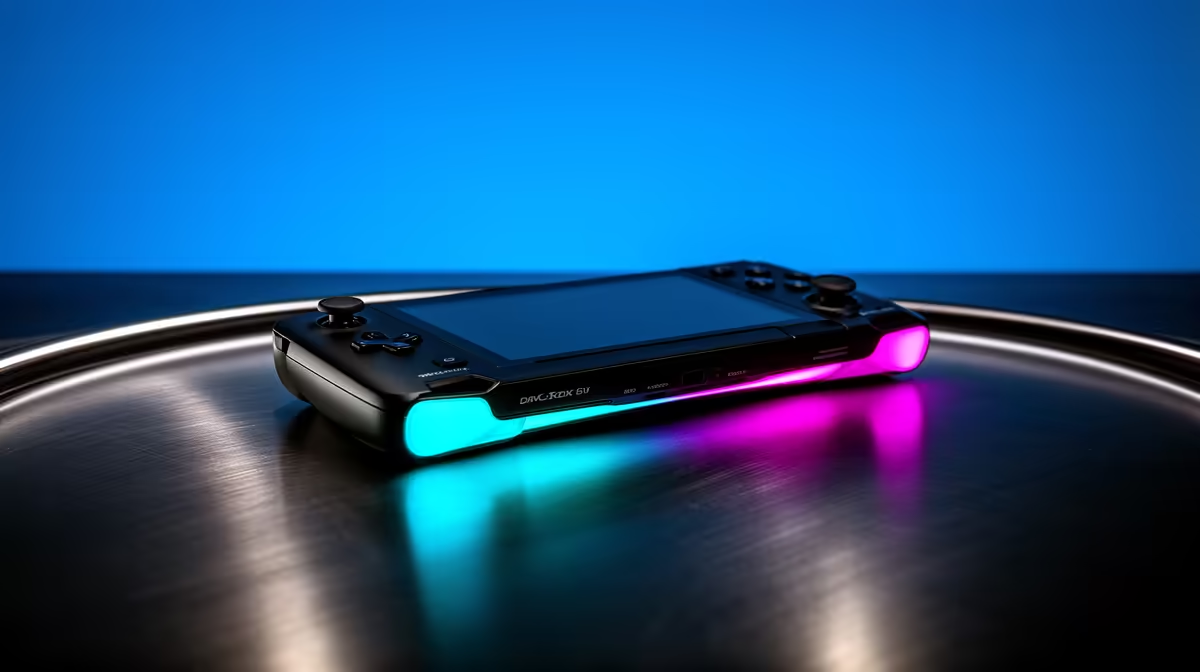
Open the box on a stable, clean indoor surface. Contents: ROG Ally X console, 65 W USB-C GaN charger, USB-C cable, documentation. Compare every item to the packing list. Flip the unit and photograph the serial number sticker. Power on — the 6-inch, 120 Hz, 1080p display should illuminate within 30 seconds. Run through a colour-screen test to check for dead pixels (Settings > System > Display or the ASUS diagnostics). Test every face button, D-pad position, both analog sticks for full range of motion, and both triggers. The AMD Z1 Extreme SoC and 24 GB LPDDR5X RAM should boot Windows 11 promptly with no freezes or graphical artefacts on the first boot screen.
Performance expectations
At 30 W TDP: Forza Horizon 5 runs at 60+ fps at 1080p medium, Cyberpunk 2077 at 45–55 fps medium, Valorant and CS2 at 100+ fps on low-medium. The 80 Wh battery gives roughly 2–4 hours of gaming. For longer sessions at Diepsloot home setups, using the included charger while playing keeps the unit on performance mode without battery drain.
FAQ
How do I check for dead pixels on the ROG Ally X after delivery?
Open the ASUS system diagnostics from Armoury Crate, or manually display solid red, green, blue, white, and black screens in full-screen mode. Any pixel that does not change colour is dead and qualifies for a DOA claim within 7 days of purchase.
Does the ROG Ally X support 4K output on a TV?
Yes — connect a USB-C to HDMI 2.1 adapter or USB-C dock. The Ally X outputs up to 4K 60 Hz via DisplayPort 1.4 over USB-C. Gaming at 4K will require lowering settings to maintain playable frame rates on the integrated RDNA 3 GPU.
What is the return process if the Ally X arrives faulty in Diepsloot?
Contact Evetech support within 48 hours with video evidence of the fault, your invoice, and all original packaging. Evetech processes DOA assessments and can arrange a courier pickup for the return. Do not attempt repairs yourself — it voids the warranty.
Ally X to performance mode (30 W) for your first gaming session to benchmark frame rates, then dial back to balanced (15 W) when battery life matters more than peak fps.