Quick Answer
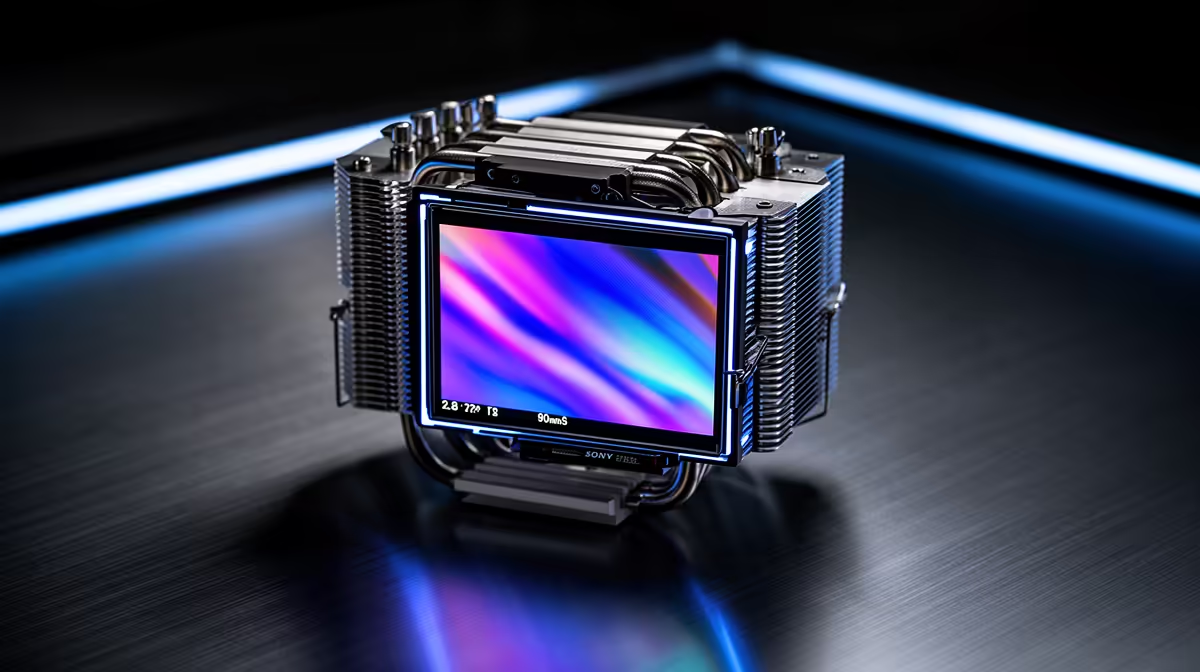
A 2.8-inch IPS LCD screen on a CPU cooler is genuinely useful as a real-time monitoring display, not purely decorative. It shows live CPU temperature, clock speed, pump RPM, or custom GIFs without needing software open on your desktop. That said, the utility depends on whether you can actually see into your case.
What the 2.8-Inch Display Actually Shows 📡
Modern AIO coolers with 2.8-inch IPS panels, such as units using the popular Asetek or proprietary pump-head display platforms, connect via USB and are configured through companion software like Corsair iCUE, ASUS Armoury Crate, or dedicated LCD software. You can typically display CPU temperature, CPU load percentage, GPU temperature, fan and pump RPM, clock frequency, and even custom images or short animated GIFs. The IPS panel technology means wide viewing angles around 178 degrees, so the data is readable even when your case is not directly in front of you. At 2.8 inches diagonal, the display is comfortably legible from a standard desk distance of 50 to 80 cm without squinting.
Practical Monitoring Benefits vs Dedicated Software 🖥️
The main advantage over software-based monitoring (HWiNFO, MSI Afterburner) is that the display is always on without an overlay cluttering your game or secondary monitor. SA builders who run a single-monitor setup particularly benefit, since they do not have to alt-tab out of a game to check if their Ryzen 9 9950X is thermal throttling during a long session. The panel also stays active when the PC is stress-testing unattended, making it useful for spotting anomalies without remote software. The trade-off is a USB header requirement and additional software installation.
When It Is Mostly Decorative 🎮
If your case has a solid side panel with no glass window, the LCD display provides zero visual benefit to someone sitting at the desk. Similarly, if your build sits on the floor under a desk, the pump-head angle may face away from view entirely. Cases with tempered glass side panels are where the display genuinely adds both monitoring value and visual character. In a windowed build priced around R25,000 to R45,000 where aesthetics are clearly part of the investment, a cooler LCD showing a matching theme or system stats genuinely elevates the experience beyond what ARGB alone delivers.
Check Header Availability Before You Buy ⚡
The 2.8-inch IPS display requires a spare USB 2.0 internal header on your motherboard. Mid-range boards sometimes have only one or two headers, and they fill up quickly with front-panel connectors and RGB hubs. Count your available headers before purchasing an LCD-equipped AIO to avoid needing an internal USB hub.
FAQ
Does the LCD display affect cooling performance?
No. The display connects to the pump head but does not alter coolant flow, pump speed, or thermal dissipation. Cooling performance is determined by the radiator, fans, and pump, which operate identically to non-display versions of the same cooler.
Can I display custom images on the 2.8-inch screen?
Yes, most LCD-equipped AIOs support custom image and GIF uploads via their companion software. You can upload a team logo, game art, or animated wallpaper as long as it fits the panel's resolution, which is typically 320x320 or 480x480 pixels depending on the unit.
Is the IPS screen durable enough for long-term use?
IPS panels in AIO coolers are rated for tens of thousands of hours and are sealed against internal case humidity. Practical lifespan matches the cooler itself, typically 5 to 8 years with normal use, and the panel is not a component that typically fails before the pump or fans.
Want monitoring and style in one unit?
Evetech stocks LCD-equipped AIO coolers where the display is a real feature, not just a sticker. Browse the range to find one that fits your socket and case.