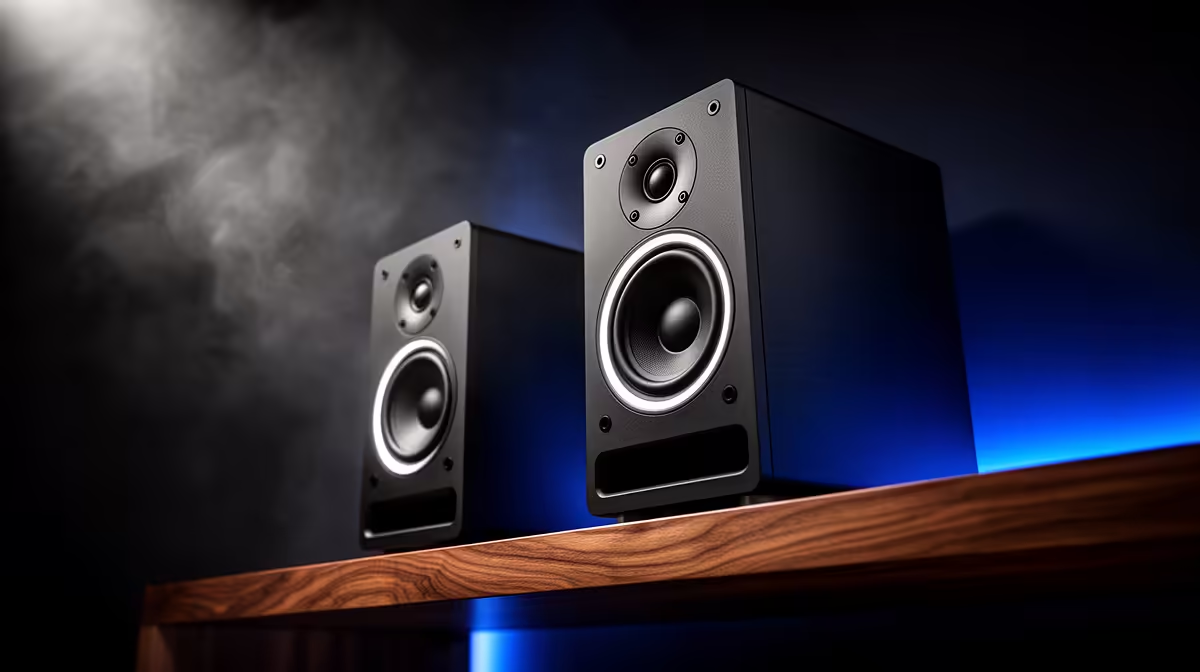
A set of bookshelf speakers adds value to Canva work only when designs include video, narration or client audio review. Static graphics do not need room speakers. A clear headset may suit shared offices, while speakers help one creator assess sound without wearing headphones all day.
Identify the audio step
Open a recent video design and listen for dialogue, music balance and unwanted noise. Test through the target phone as well because customers may never hear the room speakers. Measure desk width and place left and right channels evenly, away from corners that exaggerate bass. Keep volume low enough for colleagues or family.
The supplied facts do not verify a bookshelf-speaker SKU or price. The Logitech Z150 desktop speakers are verified at R421 as a compact two-speaker comparison. The Logitech Z407 Bluetooth 2.1 system carries a verified R1,404 price for a broader desk-audio option. Neither product is described as a traditional bookshelf pair, so buyers should check current speaker stock and dimensions.
Review one finished clip
Export the normal social-video format and listen from the working position, then from across the room. Check voice clarity, cable reach and whether Bluetooth adds delay during editing. Use a wired path where synchronisation matters. Save a reference volume and avoid judging final sound at unsafe levels.
Buy larger speakers when repeated audio work needs room playback. Static Canva projects benefit more from display quality and an organised asset workflow.
Adding audio to a Canva desk? > Ask Evetech to compare verified desktop speaker options for the room.