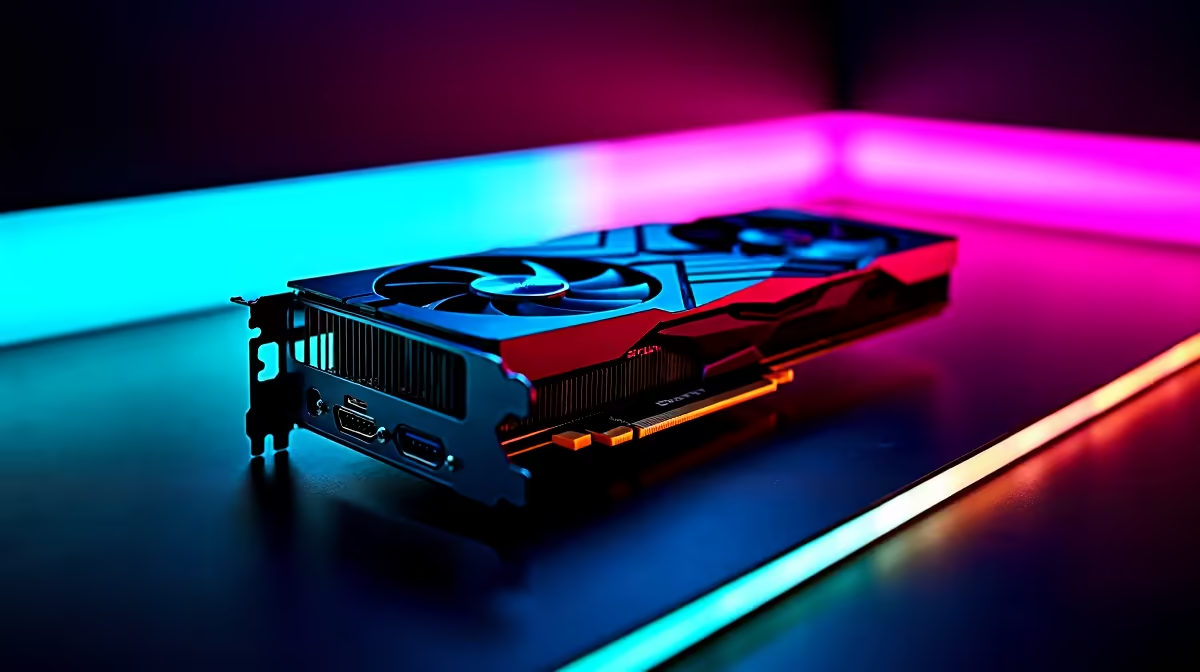
Intel's Arc B580 is a surprisingly capable mid-range GPU that can handle Starfield at max settings with some smart configuration. With 12GB of GDDR6 VRAM and solid DirectX 12 Ultimate support, the B580 punches well above its price bracket when paired with the right in-game settings for 1080p or 1440p play.
Quick Answer
Can the Arc B580 run Starfield at max settings? Yes - the Arc B580 can run Starfield at or near max settings at 1080p, typically achieving 50–70 fps with Ultra preset. Dropping a few settings like Volumetric Lighting and Crowd Density to High (instead of Ultra) can push you into a stable 60+ fps experience.
🔧 Recommended Settings for Arc B580 in Starfield
Starfield responds well to targeted tweaks rather than blanket quality reductions. Use these as your starting point:
- Resolution: 1920×1080 (native) or 2560×1440 with Dynamic Resolution Scaling enabled
- Preset: Ultra - then adjust the following
- Volumetric Lighting: High (big performance gain for minimal visual loss)
- Crowd Density: Medium (CPU-bound, helps overall frame time)
- Shadow Quality: High
- Indirect Lighting: High
- Motion Blur: Off (personal preference, minor FPS gain)
- VSync: Off - cap frames with RTSS or in-game frame limiter at 60 fps for smoothest feel
- Render Resolution Scale: 85–90% with Dynamic Resolution on if targeting 1440p
With these settings, expect 55–70 fps in cities and 70–90 fps in open environments and ship interiors at 1080p.
📊 Arc B580 Performance Context
The B580 uses Intel's Battlemage architecture and benefits significantly from driver maturity that has improved substantially through late 2025 and into 2026. Key specs that matter for Starfield:
- VRAM: 12GB GDDR6 - Starfield is VRAM-hungry at max textures, so this is a genuine advantage over competing cards with 8GB
- XeSS Upscaling: Use XeSS Quality mode at 1440p for near-native visuals with a significant FPS boost
- ReBAR Support: Ensure Resizable BAR is enabled in your BIOS - the B580 benefits more from ReBAR than most competing GPUs, sometimes adding 10–15% in Starfield specifically
- Driver version: Always use the latest Intel Arc GPU driver from Intel's website
💡 Extra Tips to Maximise Your B580 Starfield Experience
- Enable XeSS instead of AMD FSR or DLSS (XeSS is Intel's native upscaler and performs best on Arc hardware)
- Starfield's city areas (New Atlantis, Neon) are the most demanding - these are your benchmark zones
- The game is CPU-bound in dense areas; pair your B580 with at least a Ryzen 5 5600 or Intel Core i5-12400 to avoid CPU bottlenecks
- Install the game on an NVMe SSD - Starfield's procedural loading system hammers storage; slow drives cause stutters even with good GPU performance
- If you experience shader compilation stutters on first launch, they clear after 1–2 hours of play as the shader cache builds
❓ Frequently Asked Questions
Does the Arc B580 support ray tracing in Starfield?
Yes, but ray tracing in Starfield is performance-heavy. With the B580, stick to ray tracing off or low - the visual gain over the game's excellent screen-space reflections is minor at this performance tier, and the FPS cost is significant.
What resolution is best for the Arc B580 in Starfield?
1080p native for maximum performance, or 1440p with XeSS Quality upscaling enabled. Native 1440p Ultra is possible but expect 40–50 fps in demanding city areas.
Does Starfield run better on Arc B580 than on older AMD or Nvidia cards?
The B580's 12GB VRAM gives it an edge over 8GB competitors when max texture quality is enabled. With updated 2025/2026 drivers, Arc performance in Starfield is competitive with similarly priced alternatives.
Evetech stocks Intel Arc B580 Gaming PCs and All Graphics Cards — shop online with fast delivery across South Africa.