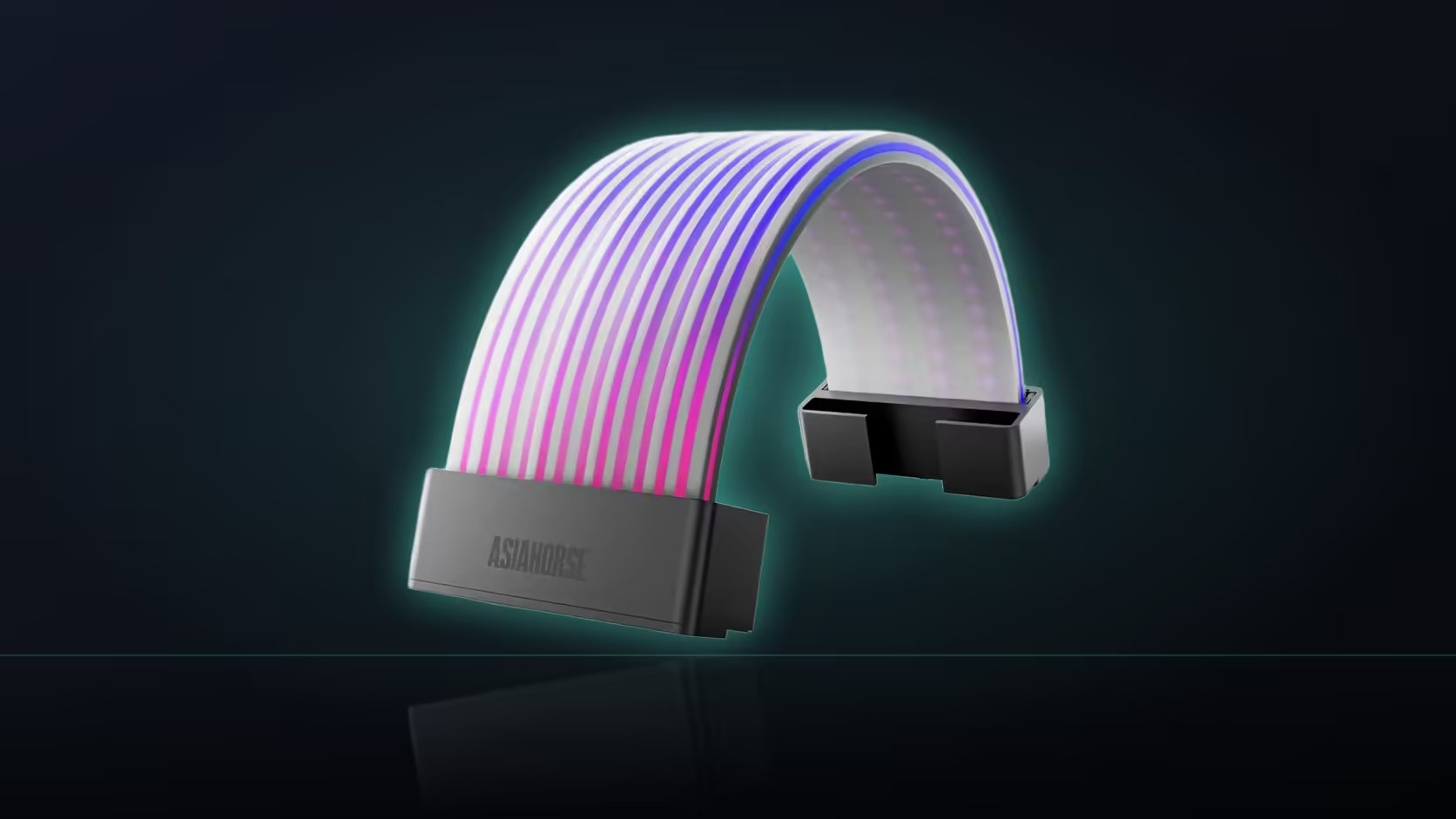
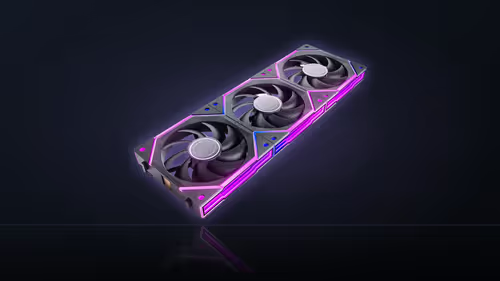
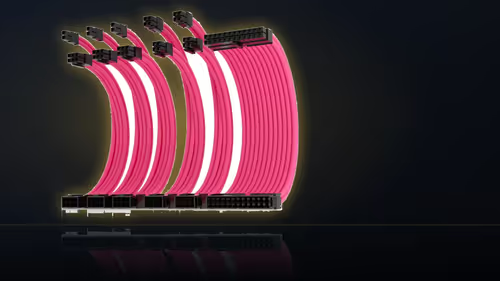
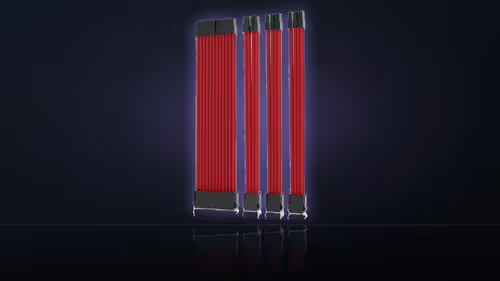
Treating AsiaHorse's Aurora ARGB cover kit as a single installation task is the most common way to end up with one shell well-placed and the other compromised. The two covers in the R699 kit aren't the same shape, and they don't share the same placement problem - the board shell fights for clearance, the graphics shell fights for visible length, and planning them as though they were one job is exactly how one of the two loses out.
Quick Answer
The Aurora kit's 24-pin cover is the wider of the pair and needs clearance from neighbouring parts, while the eight-pin graphics cover is the longer and narrower shell and needs a straight run long enough to keep its lit length inside the visible window. Because those are genuinely different constraints, planning both shells' positions as a single decision usually leaves at least one of them awkwardly placed.
📐 Two shells, two different shapes
The board cover and the graphics cover differ in both directions at once - the 24-pin shell is wider and shorter, the eight-pin shell is narrower and longer. That's not a minor cosmetic detail; it's the reason the two placement problems don't resolve the same way. A plan built around getting the board shell's width clear of a drive cage says nothing useful about whether the graphics shell's extra length will stay inside the case window.
🧱 The width problem belongs to the 24-pin shell
Being the wider of the two, the board cover is the one most likely to meet a neighbouring part along its width rather than its length - a drive cage on one side, a shroud edge below, sometimes a board heatsink close on the other. Solving that constraint usually means finding the position along the run where the shell has genuine clearance on both sides, which can be a narrower window than the cable's overall length suggests.
📏 The length problem belongs to the graphics shell
Being the narrower but longer of the two, the graphics cover's main risk isn't clearance - it's running past whatever the case window actually frames, often disappearing part-way behind a power supply shroud. That's a length-against-visibility problem rather than a width-against-neighbours one, and it needs its own measurement of the visible span before any position gets fixed.
Why solving one doesn't solve the other
A layout that clears the board shell's width comfortably tells you nothing about how much of the graphics shell will actually show, and a graphics shell placement chosen purely to maximise visible length says nothing about whether the board shell has room either side of it. Treating the two as one combined decision is what tends to produce a compromise on whichever shell gets addressed second.
🛠 A more workable order
Fitting the 24-pin shell first tends to make sense, since its clearance problem is the harder of the two to solve and, once settled, constrains less of what happens with the graphics run afterwards. From there, the graphics shell's length-against-window question can be worked out on its own terms, without also needing to account for space the board shell has already claimed.
Does the narrower shell have width issues of its own?
Being the narrower of the two makes it generally easier beside neighbouring parts, though it can still need clearance from a graphics card's backplate on some layouts - not the same scale of problem as the board shell faces, but worth checking rather than assuming it's automatically clear.
🔄 Neither shell swaps runs
Each cover is shaped specifically for the run it's named after, so there's no swapping the wider shell onto the narrower run in search of an easier fit - each belongs on its own cable. That's worth stating plainly because it's tempting, when one placement proves genuinely awkward, to wonder whether trying the other shell on that run might solve the problem instead. It won't - a shell built for the eight-pin graphics cable simply isn't the right shape for the 24-pin run's connector geometry, regardless of how the width or length measurements happen to compare on paper.
What to do when neither placement is working
Occasionally both constraints turn out to be genuinely tight in the same build - a compact case with little room either side of the board run and a graphics run that curves awkwardly on its way up from the shroud. In that situation, it's worth accepting a shorter visible span on one or both shells rather than forcing either into a position that stresses the clips, and revisiting the layout once other components go in, since clearance sometimes opens up once a build settles into its final form.
👁️ Marking both positions before fitting either
Laying both shells loosely in their intended spots, without clipping either shut, is the only reliable way to see whether they read as a coordinated pair or clash once both are visible - a judgement that's genuinely hard to make once one is already fastened in place. Evetech's cable management range helps tidy the runs themselves, and the case lighting selection shows a few other products facing the same kind of placement trade-off.
Frequently Asked Questions
How do the two shells' footprints actually differ?
The board cover is wider and shorter, while the graphics cover is narrower and longer, so the two differ in both directions at once.
Which placement constraint applies to which shell?
Width matters most for the 24-pin shell against board components, and length matters most for the graphics shell against the window.
Why not just plan both shells together?
Because the two constraints pull in different directions - a plan built around one tends to leave the other shell's fit as an afterthought.
Which shell is usually fitted first?
The 24-pin shell, since its clearance problem is generally the harder one to solve and it constrains less of the rest of the layout.
Does the graphics shell have any width concerns of its own?
Being the narrower of the two it's generally easier beside neighbours, though it can still need clearance from a card's backplate.
Can the shells be swapped between the two runs?
No - each is shaped for its specific run, so the 24-pin cover and the graphics cover only belong on their own respective cables.
Should both positions be marked before fitting either shell?
Yes - marking both first shows whether they read as a matched pair or clash, which is far harder to judge once one is already fastened.
Planning both Aurora shells at once?
Check Evetech's cable management and case lighting ranges before settling on either position.