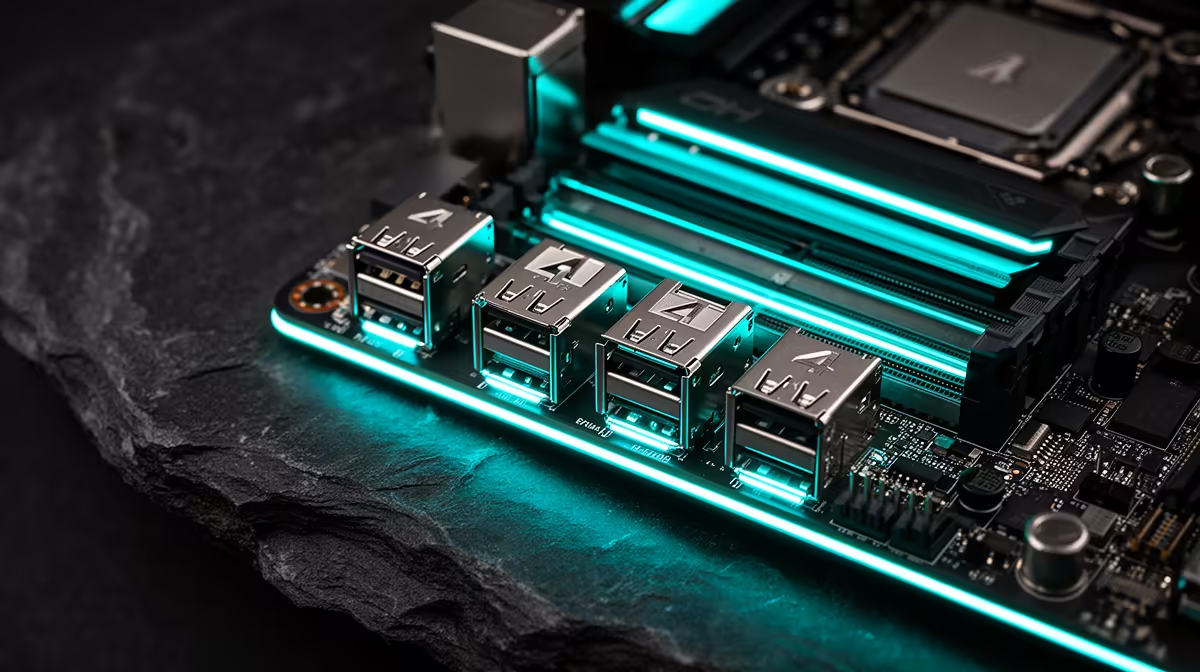
Picking between speed and simplicity used to be the whole story with external storage and displays, with the fastest connections often locked away in a handful of pricey laptops rather than desktop builds. A USB4 header fitted to a b650e motherboard rewrites that trade-off for desktop builders, provided a compatible front panel gets connected to it.
Quick Answer
A USB4 header on an AMD board enables fast external storage and display connections through a compatible front-panel bracket, since the header itself sits inaccessible without one. This R3,499 board carries that USB4 header specifically to open up that expansion route.
🔌 What a USB4 Header Actually Is
Unlike a rear-panel USB port ready to use out of the box, a USB4 header is an internal connector that needs a separate front-panel bracket, case cutout, or compatible chassis port before it becomes usable. The board supplies the header itself, so the fast USB4 capability is physically present but waits on that extra piece of hardware before it turns into a port a builder can plug into.
How USB4 Differs From Standard USB-C
USB4 folds data, video, and power delivery into a single connector at meaningfully higher bandwidth than typical USB-C setups, and it shares underlying technology with Thunderbolt, though the exact feature set can vary by implementation and is worth checking against the board's own documentation.
Why Bracket Compatibility Shifts by Case Brand
A USB4 header's physical pinout is not perfectly standardised across every motherboard maker the way a basic USB-C header often is, so a front-panel bracket or cutout built for one brand does not automatically fit another without a compatibility check first, which is worth confirming before assuming any case with a front USB-C port will simply work here.
How USB4 Juggles Several Data Streams
USB4 leans on a tunnelling design that carries PCIe, DisplayPort, and standard USB data over one physical connection at the same time, shifting bandwidth between them based on what is plugged in and actively transferring at that moment, rather than fixing separate lanes to each protocol in advance.
Why This Matters for Docking Setups
Connect this header to an external dock through a single USB4 cable, and that dynamic allocation is what lets a monitor, a fast external drive, and other peripherals share the link without one starving the rest of bandwidth, as long as total demand stays under the connection's ceiling.
🖥 Displays and Storage Riding on USB4
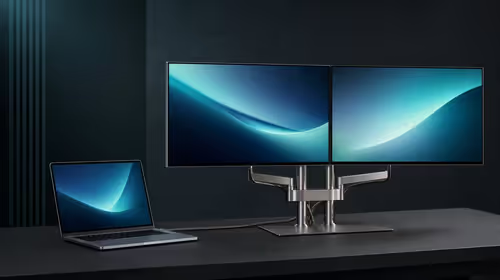
Once wired through a compatible front-panel port, a USB4 link can carry a display signal alongside data, handy for a compact secondary monitor or a laptop-style dock experience on a desktop. External NVMe enclosures gain meaningfully too, since USB4 supports transfer speeds well past what older USB standards typically manage.
🧰 What You Actually Need to Use It
Turning this header into a usable USB4 port means sourcing a case with a compatible front-panel connector, or a separate expansion bracket matched to the board's specific pinout. That is an extra purchase most builders will not need right away, but it is worth confirming case compatibility ahead of time if fast external storage or a secondary display connection sits in the plan.
A Note on Case Selection
Not every PC case ships with a USB4-ready front panel, so checking that detail before assuming the header will work out of the box saves a mismatched build later.
Cable Quality and Length Matter More Here
USB4's higher data rates are far more sensitive to cable quality than older USB standards, and a long or poorly shielded cable can quietly fail to negotiate full bandwidth, dropping to a slower USB mode without throwing an obvious error. Reaching for a certified USB4 cable, rather than whatever USB-C cable is lying around, is the safer way to guarantee full-speed data and display support once a bracket is connected to this header.
🤔 Is It Worth Planning Around
For most gaming-focused builds, this header is a nice-to-have rather than something used from day one. It earns its keep for builders who regularly work with external drives, run a multi-monitor setup that benefits from a single-cable dock, or simply want the option available without needing a motherboard upgrade down the line.
This board's complete port and header layout appears on its specification page; the B650 catalogue and Evetech's AMD motherboard collection both help with comparing USB4 support across other AMD boards.
Frequently Asked Questions
Can I use USB4 without buying anything extra?
Not directly from the header alone; a compatible front-panel port or case cutout is needed to turn it into a usable connection.
Does USB4 support display output?
Yes, it can carry a display signal alongside data over the same connection, depending on the devices involved.
Do I need a specific case for this header to work?
Yes, the case or an added bracket needs a matching USB4 front-panel connector before the header becomes a usable port.
Is a USB4 header essential for a gaming build?
Not essential for typical gaming use, but valuable for builders working with fast external storage or multi-display docking setups.
Does this header add to the motherboard's cost?
No, it comes included on this R3,499 board as standard.
Does any USB-C cable work for a full-speed USB4 link?
Not reliably. Longer or lower-quality cables can silently drop to a slower USB mode, so a certified USB4 cable is the safer bet for guaranteed full-speed performance.
Can a USB4 link handle a monitor and an external drive together?
Yes, its dynamic bandwidth allocation is designed to share the connection across multiple data types at once, provided total demand stays under the link's ceiling.
Does every case with a front USB-C port support this header directly?
Not automatically, since pinout compatibility differs by brand, so checking case documentation against this board's header before buying avoids an expansion bracket that will not fit.
Is buying a case specifically for USB4 front-panel support worthwhile?
For most gaming builds it is not a priority purchase on its own, but for anyone already planning fast external storage or a docking setup, confirming front-panel USB4 support before choosing a case is a sensible step rather than an afterthought.
Ready to add USB4 speeds to your Ryzen build?
The ASUS B650E MAX Gaming WiFi resides near the AMD B650E motherboard shelf, built to extend future connectivity through USB4 and Thunderbolt headers.