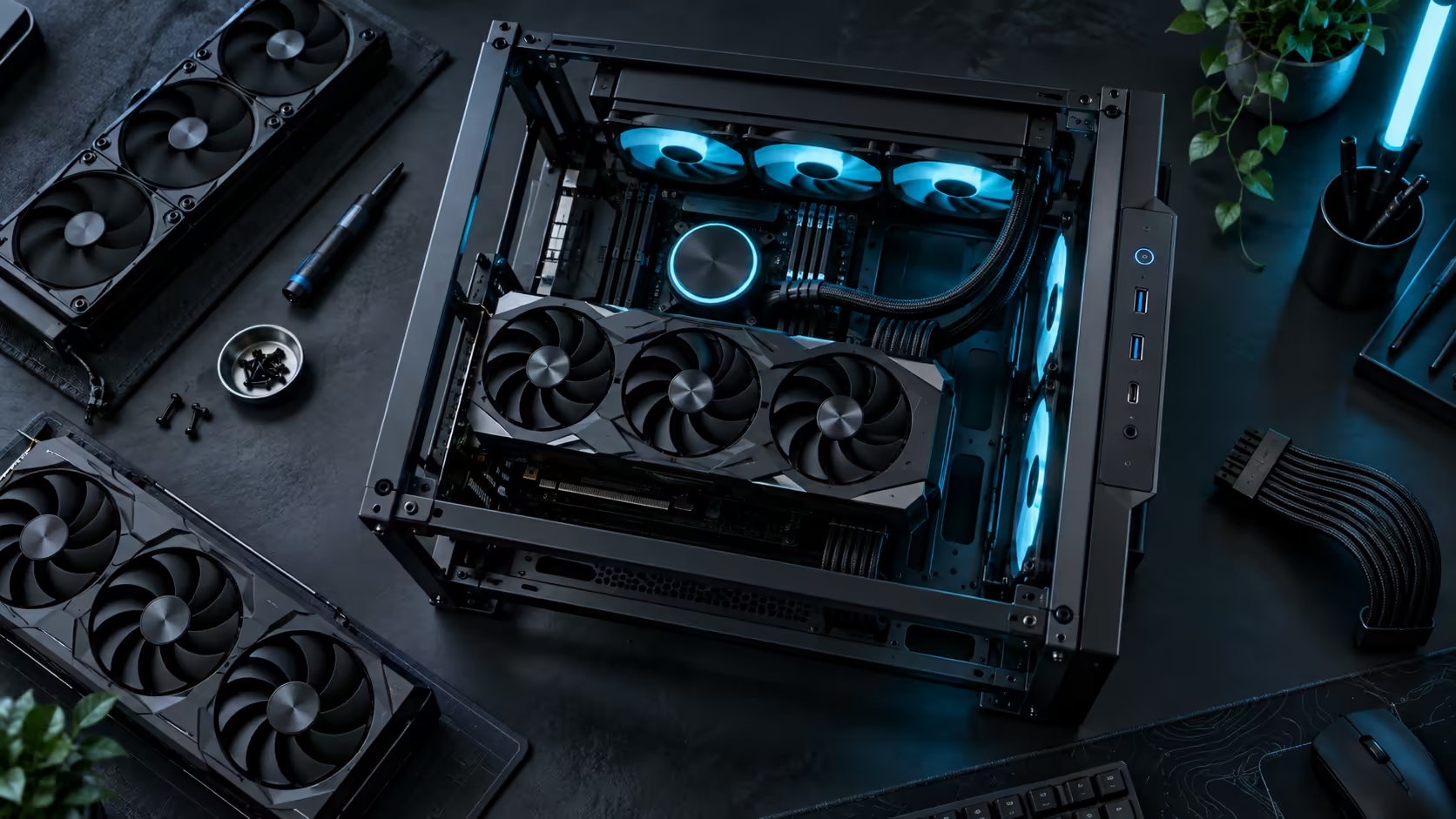
Three features on a premium case's specification list are not equally important, even though a listing presents them as one flat set. Cooling capacity, graphics card clearance, and front-panel connectivity each cost different amounts of the budget and each fail differently if you get the priority order wrong. Spend a premium PC case budget on the wrong one first and you end up retrofitting the expensive fix later.
Quick Answer
Prioritise GPU clearance and cooling capacity first, because both are physically impossible to add after the case is chosen if the frame does not support them. Front USB-C speed and charging wattage come last, because they are a convenience feature you can substitute with an external dock regardless of what the case offers. A premium open-frame chassis like the R15,999 ROG GR20 buys the first two outright; confirm the third on the specific listing rather than assuming it from the price alone.
🥇 Priority one: GPU clearance, because it cannot be retrofitted
A case that is too short for your graphics card is not a case you can fix with an accessory or a setting change. The frame's internal dimension is fixed the day it is manufactured, and a card that does not physically fit does not fit no matter what else the case does well.
This is why clearance has to be the first number you check, before finish, before RGB, before anything else on the listing. The GR20 rates 368mm, which covers essentially every current flagship card measured with its power connector attached, and that figure alone rules a mid-tower case in or out for your specific card before any other spec matters at all.
Spend here first because the cost of getting it wrong is not a worse experience, it is a card that does not go in. Verify it properly rather than skimming a description: pull your card's listed length, add whatever the power connector contributes once plugged in, and only then compare that total to the case's 368mm figure. A card sold at 350mm with a straight cable can sit within a centimetre or two of that limit, which is close enough that a rough guess is not good enough for a decision this expensive to get wrong.
🥈 Priority two: cooling capacity, because it is nearly as fixed
Mounting position for a radiator or case fans is set by the frame's structure, and while a smaller air cooler can usually be squeezed into most cases, a genuine 360mm all-in-one loop needs a mounting row built for it. If your processor runs hot enough to want that level of cooling, a case that only supports a 240mm or 280mm radiator forces a compromise on the cooler rather than the case.
This sits just behind GPU clearance because a smaller cooling solution is usually an available workaround, where a card that is too long has none. But it is close enough to first priority that it should be settled before you spend a rand on anything else. The liquid cooler range lists the radiator size each model needs, which is the figure to match against your case before either purchase.
🥉 Priority three: front USB-C, because it is the one you can substitute
Front-panel USB-C speed and charging wattage matter for daily convenience, and on a premium case they are sometimes genuinely excellent. But unlike clearance and cooling, this is the one feature you can add back after the fact with a desk dock or hub, which means it should never be the deciding factor between two cases that differ on clearance or cooling.
Do not assume any specific USB-C speed or charging wattage from a case's price tier or premium positioning. Front I/O specification varies significantly between individual models, and the only reliable source is the exact listing for the exact case you are buying, read in full rather than inferred from the category it sits in. If the front port speed genuinely matters to your workflow, confirm it in writing on the product page before you buy, not after.
💰 What this priority order actually saves you
Getting the order wrong in either direction costs real money. Buying a case for its front USB-C ports while its GPU clearance falls short of your card means buying a second case within months, having paid twice for a chassis. Buying purely on clearance and cooling without checking connectivity at all is the safer mistake, because a dock or hub closes that gap for a fraction of what a second case would cost.
That asymmetry is the whole argument for this order. A flagship graphics card bought to fit a case that turns out too short is the expensive version of this mistake; a desk hub bought because the case's front ports were slower than hoped is the cheap version. Spend the research time where the mistake is expensive, and treat the rest as a detail to confirm rather than a reason to change your decision.
Put a number on it, and the case for this order gets stronger, not weaker. A second chassis purchase after an undersized frame turns out too short runs into the thousands of rand once you count the lost resale on the first case. A desk hub covering a connectivity gap costs a small fraction of that, which is exactly why the two mistakes deserve completely different amounts of your attention before you buy.
Frequently Asked Questions
Which spec should I check first when comparing premium cases?
Graphics card clearance. The frame's internal dimension is fixed at manufacture, so there is no accessory or setting that rescues a card too long for the chassis.
Is cooling capacity as important as GPU clearance?
Nearly. A smaller air cooler can often substitute where a full radiator will not fit, but if you specifically want a 360mm loop, the mounting position has to be there from the start.
Can I add USB-C connectivity later if the case lacks it?
Yes, with a desk dock or hub, which is exactly why this feature should be the last priority when comparing cases on a fixed budget.
Does a premium price guarantee fast front USB-C ports?
No. Front I/O speed and charging wattage vary between individual models regardless of overall price, so always confirm the specific listing rather than assuming it from price alone.
Ready to spend your case budget where it actually matters most?
Lock in clearance and cooling first, then treat connectivity as the detail to confirm last.