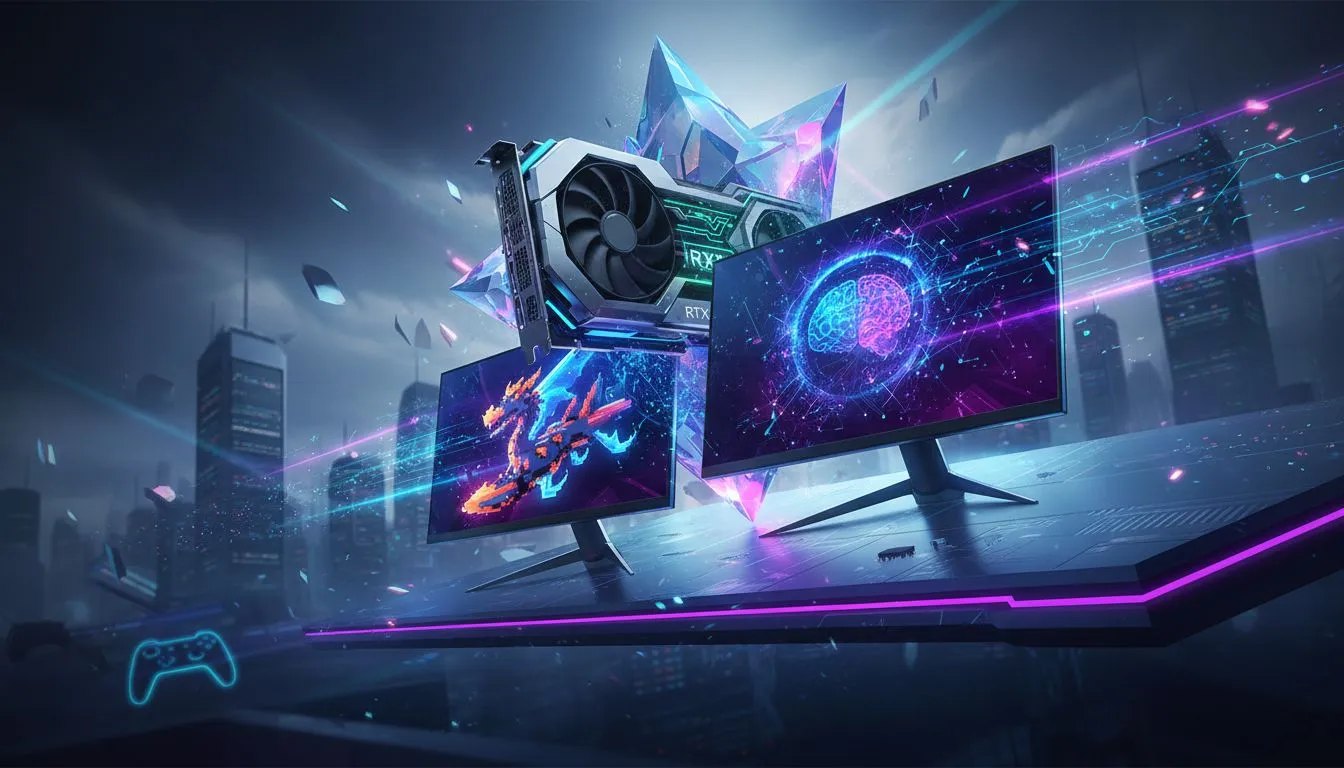
So, you’re already planning your next big PC upgrade around NVIDIA's upcoming beast… the GeForce RTX 5060 Ti. Smart move. Getting ready for the next generation of gaming is half the fun. But hooking up that powerhouse GPU to an old, slow monitor is like putting budget tyres on a supercar. You’re just not going to see the performance you paid for. Let’s make sure your screen is ready for the leap. 🚀
Matching Your Monitor to the RTX 5060 Ti's Power
While official specs are still under wraps, the industry expects the RTX 5060 Ti to be a monster for 1440p gaming, likely pushing well past the performance of its predecessors. This means high frame rates, stunning detail, and a new level of immersion are on the horizon. The goal is to find the best monitor for the RTX 5060 Ti that can actually display all that graphical glory without becoming a bottleneck.
Think of it this way: your graphics card renders the frames, but your monitor shows them to you. If your future MSI GeForce RTX 5060 Ti is pumping out 160 frames per second (FPS) in Helldivers 2, but your monitor is only 60Hz, you're literally throwing away 100 frames of visual information. That's not just a number… it's a massive loss in smoothness and responsiveness.
Key Specs for Your RTX 5060 Ti Monitor Pairing
Choosing the right display isn't just about the size. To truly find the best monitor for an RTX 5060 Ti, you need to balance three critical specs: resolution, refresh rate, and panel type. Getting this trio right ensures your new hardware shines.
Resolution: The 1440p Sweet Spot ✨
For a card in the 5060 Ti class, 1440p (2560x1440 or QHD) is the undisputed champion. It offers a huge jump in clarity and detail over 1080p without demanding the extreme horsepower (and ZAR) of a 4K setup. You get crisp, beautiful images and can still expect your GPU to deliver the high frame rates needed for fluid gameplay. This resolution is the perfect partner for the entire family of next-gen NVIDIA GeForce graphics cards.
Refresh Rate: Smoothness is Non-Negotiable
A high refresh rate, measured in Hertz (Hz), dictates how many times your screen updates per second. For a powerful GPU, a high refresh rate is essential.
- 144Hz-170Hz: This is the ideal range for most gamers. It provides a buttery-smooth experience in everything from fast-paced shooters like Apex Legends to epic RPGs like Baldur's Gate 3.
- 240Hz+: If you're a competitive esports player where every millisecond counts, a 240Hz monitor can give you a slight edge.
Sync Up for Tear-Free Gaming 🔧
Look for monitors with NVIDIA G-Sync or G-Sync Compatible certification. This technology synchronises your monitor's refresh rate with your GPU's frame output, eliminating ugly screen tearing and stuttering. It's a must-have feature for a smooth, uninterrupted experience.
Panel Type: Colour vs. Contrast
The screen's panel technology affects everything from colour accuracy to response time.
- IPS (In-Plane Switching): The top choice for most gamers. IPS panels deliver the best colour accuracy and viewing angles, making games look vibrant and lifelike.
- VA (Vertical Alignment): Known for their superior contrast, VA panels produce deep, inky blacks. They're fantastic for cinematic games and watching movies in a dark room.
- OLED: The premium option. OLED offers perfect blacks, incredible contrast, and near-instantaneous response times, but often comes with a higher price tag.
A quality monitor is a long-term investment that will likely outlast many other components. It’s one of the most important graphics cards accessories you can buy, directly impacting every single moment you spend on your PC.
Future-Proofing Your Setup Today
You don't have to wait for the 5060 Ti to drop to upgrade your display. Grabbing a great 1440p high-refresh-rate monitor now will give your current system an immediate and noticeable boost. When you finally slot that new GPU in, your setup will be 100% ready from day one, with no weak links holding you back. Get ready to experience your games the way they were meant to be seen.
Ready to Find Your Perfect Match?
A powerful GPU deserves a spectacular display. Don't let your monitor be the bottleneck in your dream build. Explore our massive range of gaming monitors and find the perfect screen to conquer your world.