


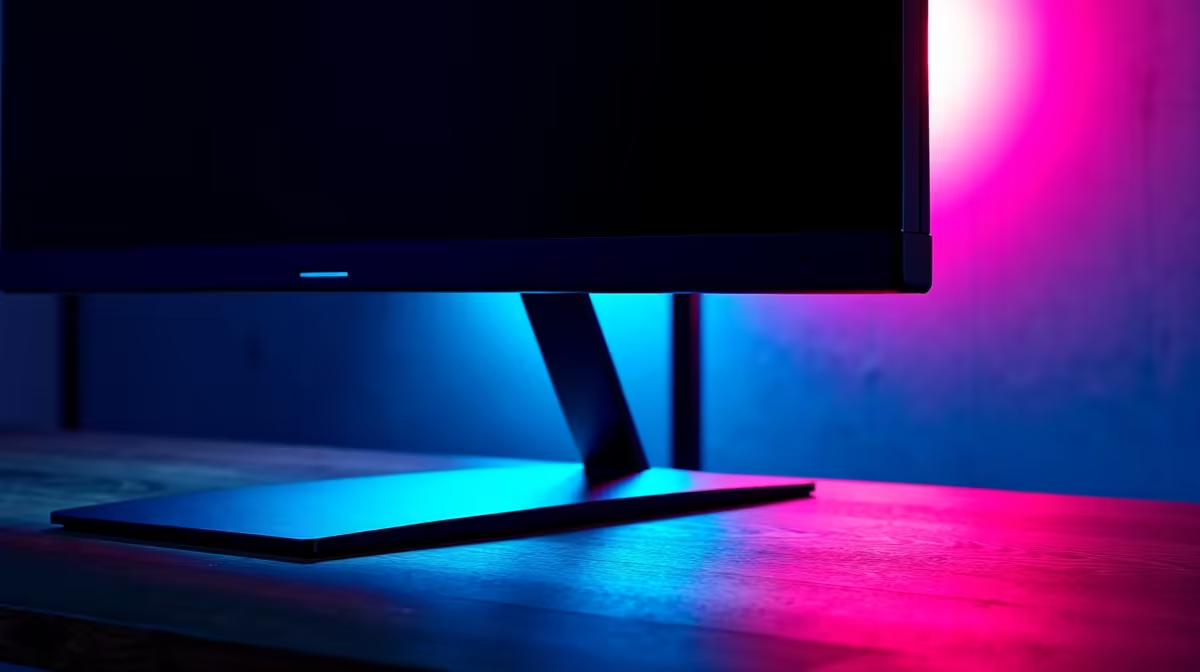
Is your gaming desk more of a battlefield for space than a command centre? We get it. In South Africa, a compact setup is common, but that doesn't mean you have to sacrifice performance or comfort. A cluttered desk with a massive monitor base is a recipe for frustration. The solution is simpler than you think: finding the best monitor stand for a small desk can completely transform your gaming space, giving you back precious real estate. 🚀
Why a Monitor Stand is Essential for Your Small Desk
Let's be honest, the stand that comes with your monitor is often an afterthought. It's bulky, offers little adjustment, and eats up valuable desk space that could be used for your mouse, keyboard, or that essential energy drink. Switching to a dedicated monitor arm is one of the biggest upgrades you can make to your setup.
The primary benefit is reclaiming that lost space. By lifting your screen off the desk, you free up the entire area underneath. Suddenly, you have room to manoeuvre your mouse for those clutch flick shots. Beyond space, ergonomics is key. A good stand allows you to position your screen at the perfect height and angle, reducing neck and eye strain during those marathon gaming sessions. It's a health and performance boost in one. Plus, it just looks cleaner and more professional. If you're hunting for a new screen to go with your stand, you can often find some incredible PC monitor deals that make the upgrade even sweeter.
Choosing the Best Monitor Stand for Your Setup
Not all monitor stands are created equal. Finding the right one depends on your desk, your screen, and your specific needs. Here’s a quick breakdown of what to look for.
Clamp vs. Grommet Mounts
This is the first choice you'll make. A clamp mount attaches to the edge of your desk, making it easy to install and move. A grommet mount requires a hole in your desk (many office desks have them) for a super-secure, clean-looking fit. For most home setups without a pre-drilled hole, a clamp is the perfect choice. Both are excellent options for clearing space, no matter which of the many PC monitors you own.
VESA Compatibility is Key
Before you buy any stand, flip your monitor around and look for four screw holes in a square pattern on the back. This is the VESA mount interface. The most common sizes are 75x75mm and 100x100mm. It's a universal standard, so thankfully almost all gaming monitors you'll find today are VESA-compatible, ensuring you can easily attach them to a third-party arm. ✨
Desk Health Pro Tip 🔧
Before buying a clamp-style monitor stand, check the thickness and material of your desk. Most clamps fit desks up to 8-10cm thick. For particleboard or hollow-core desks, consider placing a small piece of wood or metal plate under the clamp to distribute the pressure and prevent damage.
Optimising Your Small Gaming Space
A monitor stand does more than just hold your screen; it unlocks new possibilities for your small desk. Integrated cable management channels are a common feature, helping you route display and power cables along the arm for an ultra-tidy look. No more cable spaghetti!
This newfound freedom also lets you get creative with your screen choice. A stand can easily support the weight and position of immersive curved monitors, bringing the action closer without dominating your desk. Thinking of streaming? A monitor arm makes it easy to position your main gaming screen perfectly, leaving just enough room for a secondary portable monitor to manage your chat and OBS. Even pixel-perfect 5K and 4K monitors feel right at home when they're floating elegantly above your workspace.
By elevating your display, the best monitor stand for a small desk doesn't just save space... it multiplies its potential. It's a foundational piece of gear for anyone serious about creating a clean, comfortable, and efficient battle station. When you're ready to complete your setup, you can browse a wide range of monitor accessories to find the perfect fit.
Ready to Reclaim Your Desk? A clean desk is a clean mind. Stop fighting for space and elevate your entire gaming experience. Explore our range of monitor stands and accessories and build the organised, ergonomic setup you deserve.









