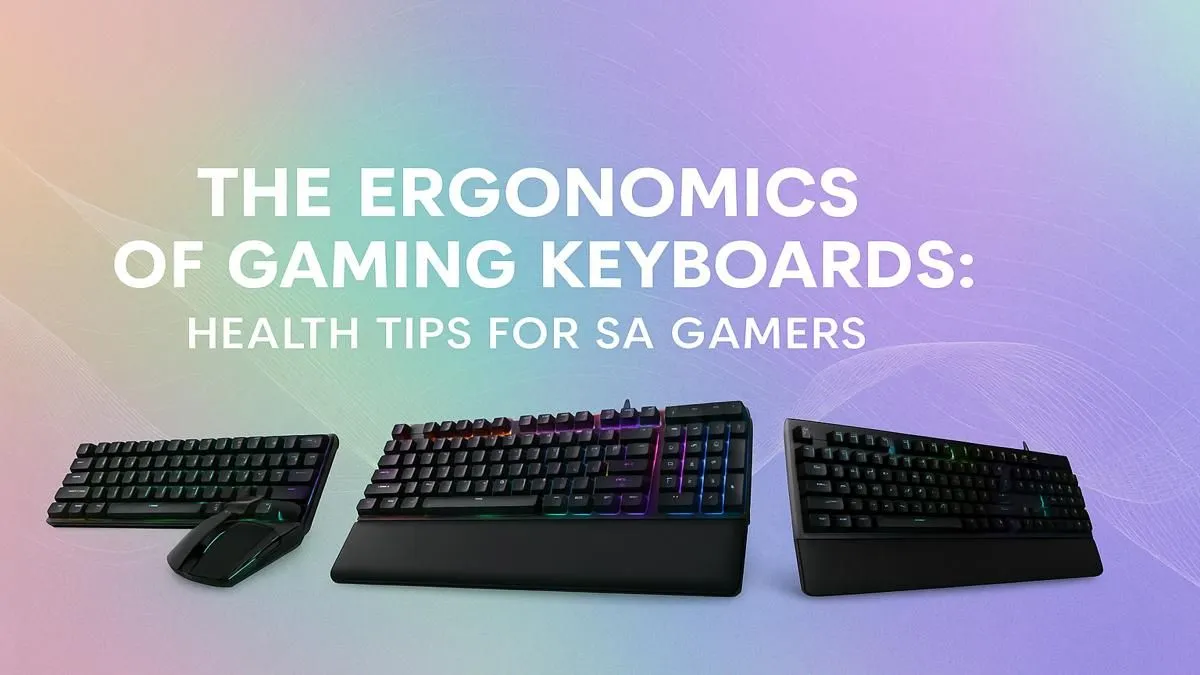
That tell-tale ache in your wrist after a marathon Valorant session... we've all been there. For South African gamers, long hours grinding for rank are a way of life, but that physical strain can seriously impact your performance and long-term health. What if the key to longer, pain-free gaming isn't just another energy drink, but the gear right under your fingertips? An ergonomic gaming keyboard might be the single best upgrade you make this year.
Why Your Current Keyboard Could Be Causing Pain
Let's be honest, most standard keyboards are flat, rectangular slabs. They weren't designed for the intense, repetitive movements of gaming. This forces your wrists into an unnatural, strained position for hours on end. Over time, this can lead to discomfort, fatigue, and even more serious issues like Repetitive Strain Injury (RSI). It’s not just about pain; a tired hand means slower reaction times and less precise movements. ⚡
Think about it... when your hands are cramping, you're not hitting those clutch headshots. While there are many great affordable gaming keyboards in South Africa, prioritising comfort is an investment in your gaming future.
The Core Principles of an Ergonomic Keyboard
So, what actually makes a keyboard "ergonomic"? It's all about promoting a more natural posture for your hands and wrists. An ergonomic gaming keyboard achieves this through a few key design features that work together to reduce strain.
Key Ergonomic Features
- Split Design: Many ergonomic models are split down the middle, allowing you to position each half at a comfortable angle that aligns with your shoulders.
- Tenting: This is an upward tilt in the middle of the keyboard, which prevents your wrists from pronating (twisting inwards).
- Negative Tilt: Instead of propping the back of the keyboard up, a negative tilt angles it slightly away from you, keeping your wrists straight.
- Built-in Support: Proper support is crucial. Many gamers find that adding a quality wrist rest to their setup makes a massive difference, providing a cushioned surface that keeps wrists in a neutral position.
Desk Setup Pro Tip 🔧
chair height and monitor position are just as important as your keyboard. Aim for the '90-90-90' rule: elbows, hips, and knees should all be at roughly 90-degree angles. Your monitor should be at eye level to prevent neck strain. A truly ergonomic setup is a complete system!
Customising Your Comfort and Performance
The journey to perfect gaming keyboard ergonomics doesn't stop with the shape. The feel of your board is just as important for comfort and performance. This is where customisation comes in. Learning about and choosing the right keyboard switches can transform your experience—whether you prefer a quiet, linear feel for smooth movement or a tactile, clicky response for satisfying feedback on every keystroke.
And why stop there? You can further personalise it with custom keycaps to get the exact texture, profile, and look you want. Remember, your comfort extends to your entire desk. If you're upgrading your keyboard, it's a great time to consider an ergonomic keyboard and mouse combo to ensure your entire setup works in harmony. ✨
Beyond the Gear: Simple Health Habits
An ergonomic gaming keyboard is a powerful tool, but it works best when combined with healthy habits.
- Stretch It Out: Take a few minutes between matches to do simple wrist and finger stretches. Clench and unclench your fists, and gently bend your wrists up and down.
- Take Breaks: The 20-20-20 rule is a classic for a reason. Every 20 minutes, look at something 20 feet (about 6 metres) away for 20 seconds to reduce eye strain.
- Stay Hydrated: Dehydration can contribute to muscle cramps and fatigue. Keep a water bottle handy.
Ultimately, investing in your comfort is investing in your performance. A healthier setup means you can play longer, react faster, and focus on what truly matters... winning. Ready to feel the difference? Be sure to check out our latest gaming keyboard deals to find a setup that won't break the bank.
Ready to Find Your Perfect Match?
Upgrading your setup is a game-changer for health and performance. For maximum power, choice, and value in South Africa, Evetech is your go-to. Explore our massive range of gaming keyboard specials and find the perfect board to conquer your world.