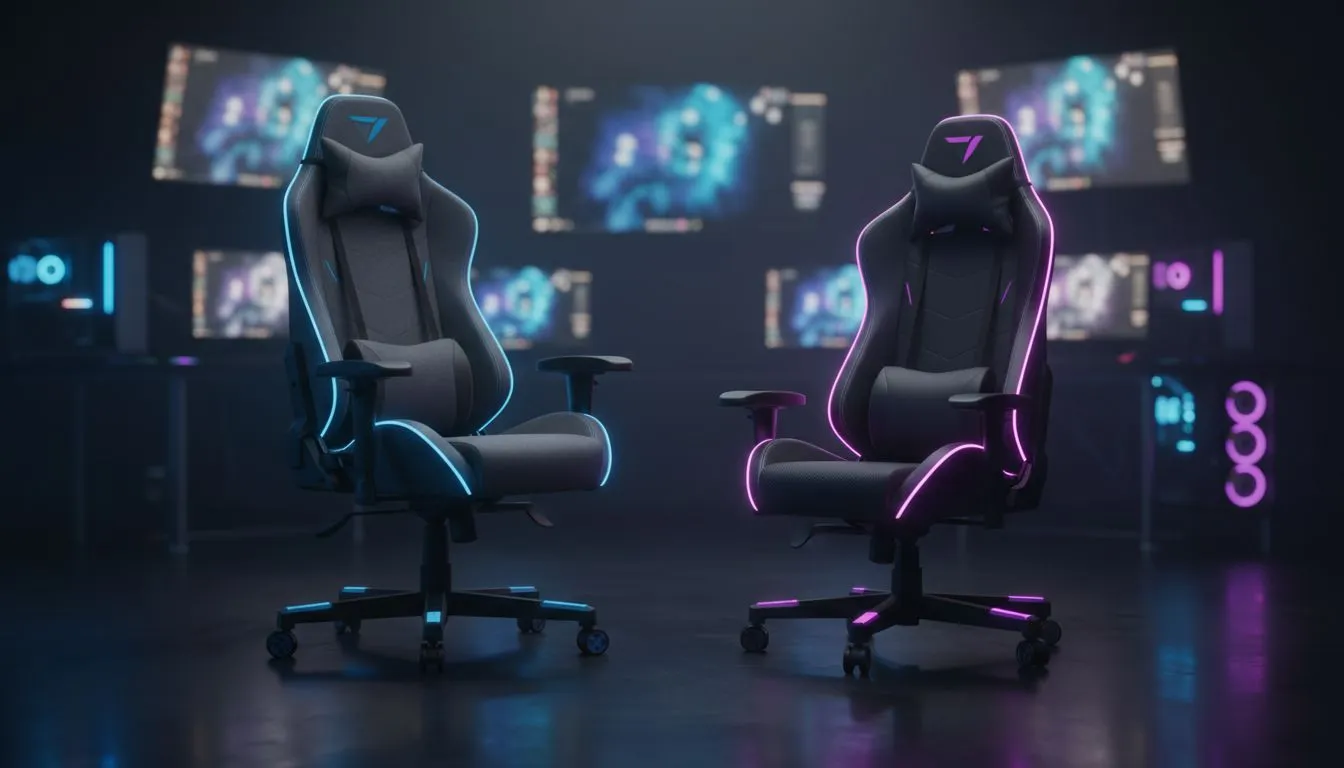
Your stream looks amazing, your mic is crisp, and the gameplay is top-tier. But your co-host or guest is awkwardly perched on a wobbly dining chair... it instantly kills the professional vibe, doesn't it? Proper gaming studio seating isn't just about your own comfort; it's about creating a welcoming and professional space for everyone on camera. Getting this right elevates your content from a bedroom hobby to a polished production. Ready to sort it out?
The Host's Throne: Prioritising Your Comfort
As the host, you spend hours in your chair. This is not the place to cut corners. Your primary seat needs to be a fortress of ergonomic support, designed for marathon gaming or streaming sessions. Think long-term health and peak performance. The right gaming studio seating for a host is an investment in your career.
You need features like:
- 4D Armrests: Adjusting height, angle, and position to support your arms and prevent shoulder strain.
- Superior Lumbar Support: A built-in or high-quality cushion to maintain your spine's natural curve.
- Recline & Tilt Lock: The ability to lean back during a loading screen or lock your posture for intense moments.
For a throne that looks as good as it feels, exploring premium options from brands like noblechairs is a fantastic starting point. They blend sophisticated aesthetics with tournament-grade ergonomics. 💺
Smart Seating for Guests & Co-Hosts
Your guest's chair has a different job. It doesn't need every bell and whistle, but it absolutely must be comfortable and look good on camera. Nobody wants to see your mate fidgeting on a cheap stool in the background. The key here is finding a balance between quality, aesthetics, and price.
A good guest chair should be:
- Visually Cohesive: It should match or complement the colour scheme of your setup.
- Comfortable for 2-3 Hours: It needs enough padding and support for a typical stream or podcast recording.
- Reasonably Sized: It shouldn't be so massive that it dominates the shot or clutters your space.
Often, a clean, stylish design is more important than a dozen adjustment levers. A stylish Enova chair can provide that professional look and solid comfort without the premium price tag of a primary host chair.
Aesthetic Pro Tip ✨
When choosing guest seating, consider the chair's profile. A chair with a lower back might work better if you don't want it to obstruct the view or your background branding. Also, choose a colour that complements your own chair and RGB lighting for a truly professional studio look.
Finding the Right Fit for Your Budget
Building the perfect studio is a process, and you don't need to spend a fortune to create a great setup. Excellent gaming studio seating is available across all price points. The trick is to identify where to invest. Your own chair is a priority, but you can still find fantastic value for your secondary seating.
Many gamers find a sweet spot with brands that offer robust features without the ultra-premium materials. You can get fantastic long-term value from chairs with solid steel frames, dense cold-foam padding, and quality casters. Checking out the full range of ergonomic designs from Vertagear can reveal options that deliver 90% of the performance for a fraction of the cost.
And for those just starting out or needing a solid, affordable option for guests? There are plenty of great gaming chairs under R5000 that will serve you well. It's all about finding the right balance for your specific needs. The goal is to create a comfortable and impressive space for you and anyone who joins your stream.
Ready to Upgrade Your Studio Seating?
From the host's throne to comfortable guest chairs, the right seating makes all the difference. Stop letting a bad chair kill your stream's vibe. Browse our full range of gaming chairs and find the perfect fit for your setup and budget.