


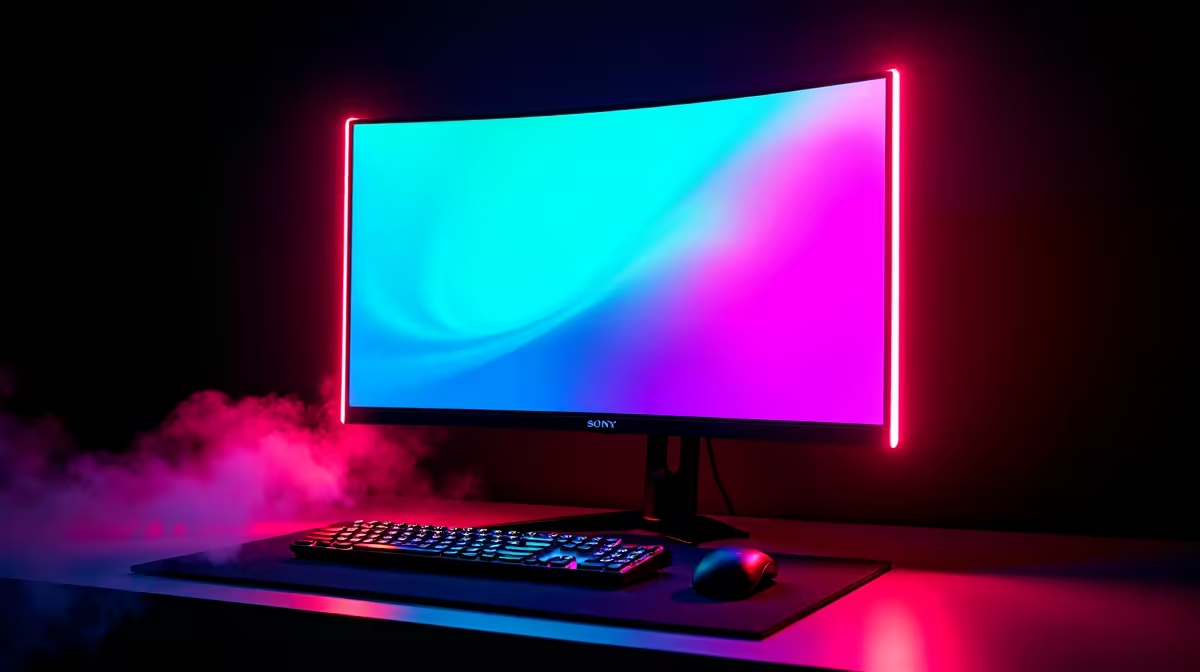
Juggling a work laptop and a gaming PC in South Africa often means one thing: cable chaos. Your desk becomes a battlefield of wires for two keyboards, two mice, and constant display swapping. What if you could conquer that clutter and switch between your work grind and your gaming sessions with a single button press? A KVM USB-C gaming monitor is the elegant, one-cable solution that makes this dream a reality, streamlining your setup for ultimate efficiency. ✨
What Exactly is a KVM USB-C Gaming Monitor?
Let's break down this powerful piece of tech. A KVM USB-C gaming monitor is essentially three devices merged into one sleek display. It’s a huge leap forward for modern PC monitors.
- KVM Switch: "KVM" stands for Keyboard, Video, and Mouse. A built-in KVM switch lets you use a single set of peripherals (your favourite mechanical keyboard and gaming mouse) to control two different computers connected to the monitor.
- USB-C Connectivity: This is the magic port. A single USB-C cable can send the video signal from your laptop to the monitor, transfer data from your peripherals back to the laptop, and even deliver power to charge your laptop... all at the same time.
- Gaming Display: Most importantly, it doesn’t compromise on performance. You still get the high refresh rates, low response times, and vibrant colours you expect from a top-tier gaming screen.
This combination creates the ultimate dual-use display, built for the modern South African who works hard and plays harder.
The Ultimate Dual-Use Display in Action
Picture this common scenario. It’s Monday morning. You sit down at your desk, plug one USB-C cable into your work laptop, and you're instantly connected. Your laptop is charging, and you have full access to your large screen and comfortable keyboard and mouse. Productivity soars on crisp high-resolution 4K monitors, giving you tons of screen real estate for spreadsheets, code, or creative work.
Fast forward to 5 PM. You hit the KVM button on the monitor. Click. The display instantly switches its input and peripheral control over to your gaming rig. Windows boots up, RGBs flare to life, and you’re ready to jump into your favourite game without unplugging a single cable. This experience is even better on one of the many immersive curved monitors available today, pulling you right into the action. 🚀
Power Delivery Pro Tip ⚡
Not all USB-C ports are created equal. When choosing a KVM USB-C gaming monitor, check the 'Power Delivery' (PD) wattage. A 65W PD port is great for most ultrabooks, but a more powerful work laptop might need 90W or more to charge effectively. Always check your laptop's power requirements!
Key Features to Look For
When you're ready to invest in a dual-use display, balancing work and play features is key.
For Gaming Performance
Never compromise on the core specs that make for a great gaming experience. Look for a refresh rate of at least 120Hz for fluid motion, a 1ms response time to eliminate ghosting, and Adaptive Sync (like AMD FreeSync or NVIDIA G-Sync compatibility) to prevent screen tearing. You can browse our complete collection of all gaming monitors to compare these critical specs.
For Productivity Prowess
Crystal-clear text and accurate colours are non-negotiable for work. Aim for a resolution of at least QHD (2560x1440) and good colour gamut coverage (99%+ sRGB). And of course, ensure the monitor has the specific KVM and USB-C ports with enough power delivery for your needs. It's always worth keeping an eye on the latest monitor deals, as premium features often become more affordable.
Is This All-in-One Solution Right for You?
A KVM USB-C gaming monitor is an incredible investment for anyone with a multi-PC setup. It's perfect for:
- Hybrid Professionals: Seamlessly switch between a work laptop and a personal desktop.
- Content Creators: Control a streaming PC and a gaming PC from one station.
- Students: Use a laptop for lectures and a desktop for heavy lifting and gaming.
However, if you already love your current monitor, you can achieve similar functionality with dedicated KVM switches and other monitor accessories. And for those constantly on the move, our range of portable monitors might be a better companion for your laptop.
Ultimately, this dual-use display is about simplifying your space and optimising your time, giving you back precious moments... whether that’s for finishing a report or launching one more mission.
Ready to Unclutter Your Desk and Upgrade Your Setup? A KVM USB-C Gaming Monitor is the ultimate investment in both productivity and play. It's the centrepiece of a modern, efficient desk. Explore our incredible PC deals and find the perfect display to conquer your world.










