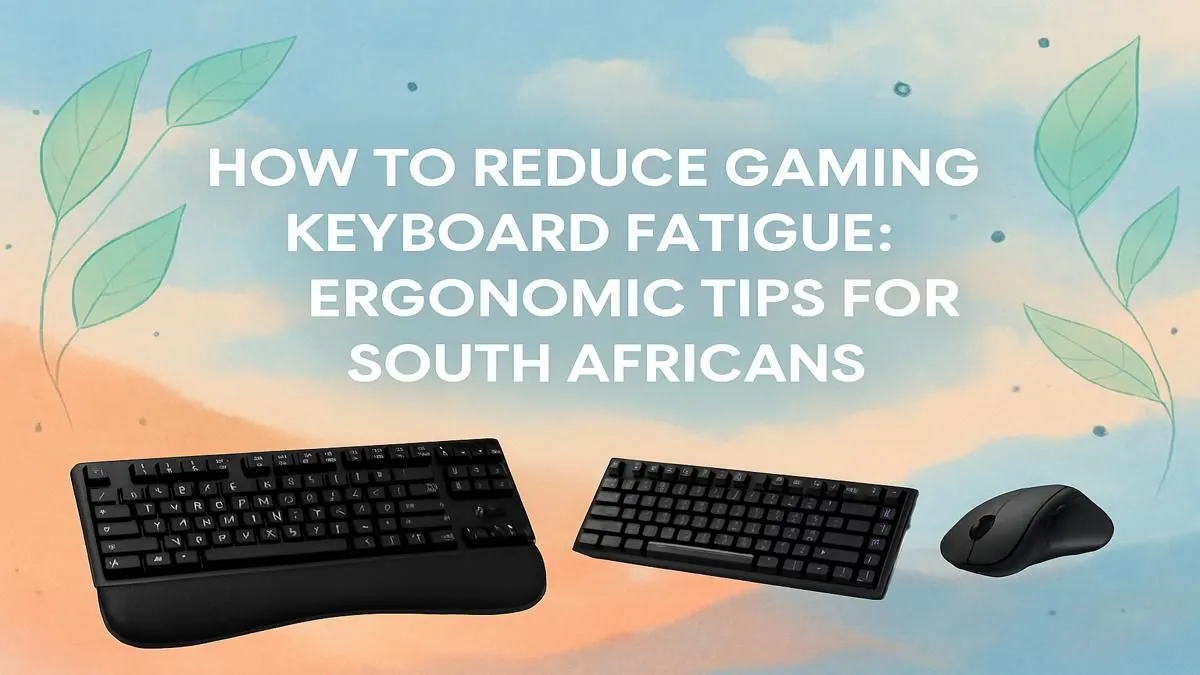
That familiar ache in your wrist after a marathon Valorant session? That tingling in your fingers? It’s not just you. Gaming keyboard fatigue is a real drag for South African gamers, but it’s not something you just have to ‘vasbyt’ and endure. The right setup and a few smart ergonomic habits can make all the difference, letting you play longer and aim truer. Let's dive into some practical ergonomic tips to keep you in the game, pain-free.
Why You Need to Reduce Gaming Keyboard Fatigue
Before we get into the fixes, let's be clear: "gaming wrist" isn't a badge of honour. It's your body telling you something is wrong. Consistent strain from an awkward hand position or repetitive finger movements can lead to repetitive strain injury (RSI), which can seriously impact your gaming performance and even your daily life.
By focusing on ergonomics, you're not just avoiding pain. You're optimising your setup for peak performance. A comfortable gamer is a focused gamer, leading to faster reaction times and better accuracy. Taking steps to reduce gaming keyboard fatigue is an investment in your gaming career... or at least your ability to dominate the weekend lobby.
Optimise Your Battle Station for Comfort ⌨️
Your first line of defence against wrist and hand strain is your physical setup. You can have the best gear in the world, but if your desk layout is working against you, you'll still feel the burn.
Start with your posture. Sit up straight, with your feet flat on the floor. Your monitor should be at eye level, and your elbows should be bent at roughly a 90-degree angle, allowing your forearms to be parallel to the floor. This neutral position is the foundation for preventing gaming fatigue. A well-designed keyboard and mouse combo can also help create a more unified and comfortable desktop space.
The 90-Degree Rule 💪
Your elbows should form a comfortable 90-degree angle when your hands are on the keyboard. If your chair is too low, your wrists bend upwards. Too high, and they bend downwards. Both positions create strain. Adjust your chair height until your forearms are parallel to the ground for a neutral, low-stress position.
The Right Gear Makes All the Difference
Once your posture is sorted, it's time to look at the hardware itself. The right keyboard can make a massive difference in combating keyboard fatigue.
Your Keyboard is Your Foundation
From full-sized behemoths to compact 60% layouts, the physical size of your keyboard matters. Smaller keyboards (like Tenkeyless or TKL) give you more space for wide mouse sweeps, preventing you from bunching up your shoulders. You don't need to break the bank either; even the cheapest gaming keyboard in South Africa can feel better when paired with good ergonomic habits.
The Feel of the Fight: Switches & Keycaps
Mechanical keyboards offer a world of customisation that directly impacts ergonomics. The secret lies in the switches. If you're feeling finger strain, consider swapping to lighter linear keyboard switches, which require less force to activate. It's a small change that your fingers will thank you for after a few hours.
Even the shape of your keycaps can help. Sculpted profiles are designed to match the natural curve of your fingertips, making typing and gaming feel more natural. Exploring different keyboard keycaps is a great way to fine-tune your board's comfort.
The Unsung Hero: The Wrist Rest
If you buy one ergonomic accessory, make it this one. A proper quality wrist rest keeps your wrists in a neutral, straight position, preventing the dangerous bending that causes most strain. It supports the weight of your forearms, allowing your fingers to move more freely and with less tension. It's a simple tool that provides a massive boost in comfort. ✨
Ready to Upgrade Your Comfort & Performance?
Don't let keyboard fatigue sabotage your win streak. The right ergonomic gear is the ultimate investment in your gaming health and performance. Explore our massive range of gaming keyboard deals and find the perfect setup to conquer your game.