


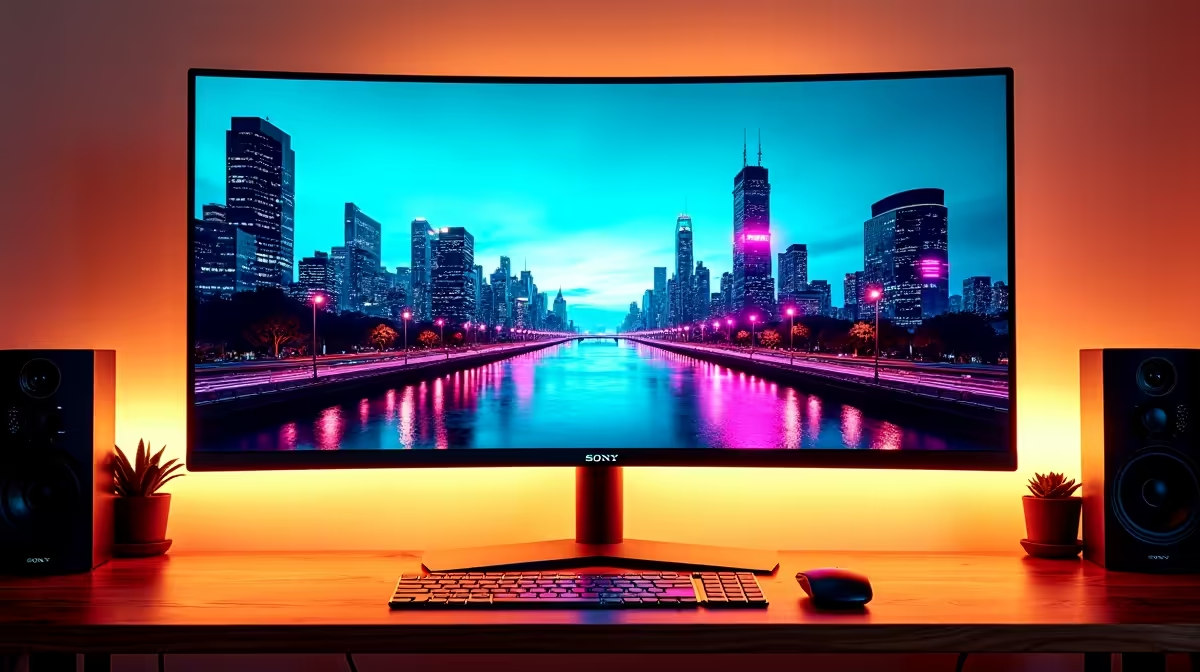
Your desk is your command centre, but are you using its real estate effectively? The age-old debate for gamers and pros in South Africa rages on: ultrawide vs dual monitor setup. One offers seamless, cinematic immersion, the other multitasking mastery. But which one truly fits your workflow, your games, and your budget? Let's break down the pros and cons to help you find the perfect fit among our huge range of PC monitors.
The Case for an Ultrawide Monitor: Cinematic Immersion
An ultrawide monitor is all about that seamless, panoramic view. Imagine stretching your game across a single, uninterrupted canvas without a plastic bezel breaking the action in the middle. It’s a clean, minimalist approach that looks incredible on any desk.
For gamers, especially those into racing sims like Assetto Corsa or epic RPGs like Cyberpunk 2077, the expanded field of view is a massive advantage. You see more of the world, making the experience far more immersive. For productivity, a single ultrawide provides a massive timeline for video editing or a sprawling spreadsheet without needing to pan left and right. Many of our most popular options are gorgeous curved monitors, which help reduce distortion at the edges and pull you even deeper into the experience. ✨
However, it’s not perfect. Snapping windows can be less intuitive than on two separate screens, and some older games may not support the 21:9 aspect ratio, resulting in black bars.
The Power of a Dual Monitor Setup: Multitasking Muscle
For many South Africans, the dual monitor setup is the undisputed king of productivity. The logic is simple: two distinct screens for two distinct tasks. You can have your main game running on one monitor while Discord, OBS, or a guide is open on the other. No more Alt-Tabbing out of a critical moment!
This separation is a massive win for streamers, coders, and anyone juggling multiple applications. You can dedicate one screen to your primary task and the other to communication, reference materials, or system monitoring. Plus, building a dual monitor setup can be more budget-friendly. You can start with one monitor and add a second one later, or mix and match from a wide selection of excellent gaming monitors to fit your needs and budget.
The main drawback? That bezel gap right in the centre of your view. It can be distracting, and it makes spreading a single window across both screens feel awkward.
Productivity Pro Tip ⚡
On Windows, use the PowerToys FancyZones utility to create custom snap layouts. It's a lifesaver for managing multiple apps on an ultrawide monitor, but it's also brilliant for organising windows on a dual monitor setup, letting you partition each screen exactly how you like.
Ultrawide vs Dual Monitor for Gaming: The Nitty-Gritty
When choosing between an ultrawide or dual monitor setup for gaming, the type of games you play is crucial.
- Immersion-focused games (RPGs, Racing, Flight Sims): Ultrawide wins, hands down. The uninterrupted peripheral vision is just unbeatable.
- Competitive Shooters (CS:GO, Valorant): Most pros stick to a standard 16:9 monitor for maximum focus and frame rates. A second monitor is purely for ancillary apps. Here, a dual setup makes more sense.
- Strategy & MMOs (Dota 2, WoW): This is a toss-up. An ultrawide gives you a wider view of the battlefield, but a dual setup lets you keep maps, guides, or build planners permanently open on a second screen.
Resolution also plays a part. A 34-inch ultrawide at 3440x1440 requires serious GPU power, similar to running two separate screens. If you're aiming high, make sure your graphics card can handle the pixel count of our crisp 4K monitors or a high-refresh-rate ultrawide.
Beyond the Game: Your Daily Workflow
Your decision on an ultrawide vs dual monitor setup also hinges on your day job. For linear workflows like video or audio editing, the single, continuous space of an ultrawide is fantastic. You can see your entire project timeline without scrolling.
For task-based work—like writing code on one screen while viewing the output on another, or having a video call open while taking notes—a dual monitor setup often feels more organised. The physical separation creates a psychological one, helping you compartmentalise your tasks. You could even add a handy portable monitor to your laptop for a dual-screen setup on the go. 🚀
The Cost Factor: What's the Rand Value?
Let's talk rands and cents. A good quality 34-inch WQHD ultrawide monitor can often cost more than two 27-inch QHD monitors combined. If your budget is tight, a dual monitor setup offers a more affordable path to more screen space.
Don't forget the extras! A dual setup might require a dual-monitor arm to save desk space and align the screens perfectly, so be sure to budget for quality monitor accessories. An ultrawide, on the other hand, just needs its own stand, making for a simpler, cleaner installation.
The Verdict: Which Setup Fits Your Desk Best?
Ultimately, the best choice in the ultrawide vs dual monitor debate is personal. There’s no single right answer, only what’s right for you.
- Choose an Ultrawide if: You prioritise gaming immersion, have a clean and minimalist aesthetic, and your work involves long, horizontal timelines.
- Choose a Dual Monitor Setup if: You are a multitasking machine, a streamer, a coder, or you want the most screen real estate for your money.
Either way, you're getting a massive upgrade that will transform how you work and play. Check out the latest PC monitor deals to see which option gives you the best bang for your buck right now.
Ready to Upgrade Your View? The ultrawide vs dual monitor debate comes down to personal preference, but the right choice can transform your gaming and productivity. Whether you crave cinematic immersion or multitasking mastery, we've got the screen for you. Explore our massive range of PC monitors and build the ultimate battle station today.









