


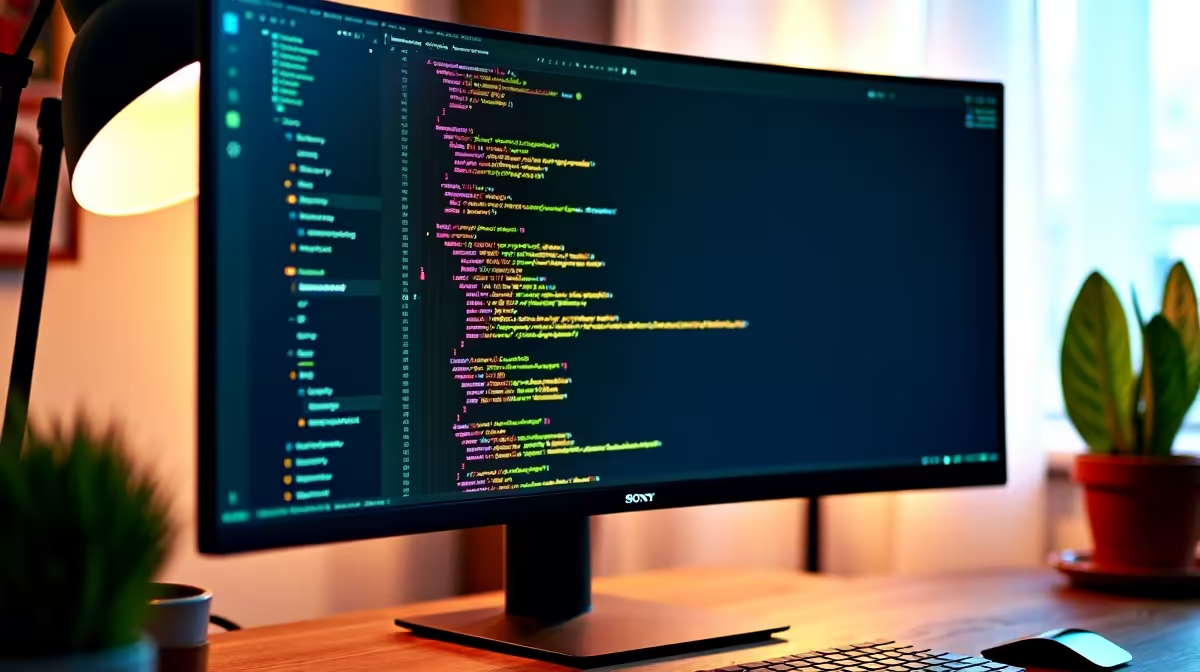
Tired of endlessly scrolling through your code? Constantly alt-tabbing between your IDE, terminal, and browser? For South African developers, the traditional 16:9 screen feels more like a bottleneck than a window to your work. Enter the unorthodox 16:18 aspect ratio monitor… a vertical powerhouse designed to change how you see your code. This isn't just a gimmick; it’s a fundamental shift in productivity, offering more vertical real estate than you ever thought possible.
What Exactly is a 16:18 Monitor?
Think of it this way: a 16:18 monitor is essentially two 21.5-inch, 16:9 displays stacked vertically, but without the annoying bezel cutting through the middle. Instead of a wide, cinematic view, you get a tall, document-friendly canvas. The most prominent example is the LG DualUp, which boasts a "Square Double QHD" (2560x2880) resolution. This unique form factor is a direct answer to the prayers of anyone who works with long streams of information, making it one of the most exciting developments in the world of PC monitors in years.
Why 16:18 Monitors for Coding are a Revelation
For years, developers have tried to solve the vertical space problem by rotating a standard monitor 90 degrees. While that works, it often feels awkward and too narrow. The beauty of 16:18 monitors for coding is that they are purpose-built for this vertical workflow. 🚀
See More, Scroll Less
The most immediate benefit is the sheer amount of code you can see at once. Imagine having an entire function, its documentation, and the related test cases all visible without touching your mouse wheel. This enhanced context reduces mental load and helps you spot bugs faster. You're no longer just looking at lines; you're seeing the whole picture.
The Perfect Split-Screen Setup
This aspect ratio is a dream for split-screen multitasking. You can have your code editor in the top half and a live preview, terminal, or debugger running in the bottom half. It’s an incredibly efficient layout that feels more natural than the side-by-side arrangement on a widescreen. While gamers might prefer the immersive experience of curved monitors, for pure programming productivity, this vertical split is unbeatable.
Productivity Pro Tip ⚡
Use a window manager like Windows PowerToys' FancyZones to create a custom 60 40 vertical split. Dedicate the larger top section to your primary IDE (like VS Code) and the bottom section to your terminal or log viewer. It’s like having two perfectly stacked monitors, but with zero bezel and seamless mouse movement.
Is a 16:18 Monitor Right for You?
While the benefits are clear, this unique format isn't for everyone. Let's break it down.
This monitor is a powerhouse for:
- Software Developers & Programmers: The primary audience. The advantages for coding are undeniable.
- Writers & Content Creators: Seeing a full page of text or a long social media feed at a glance is a massive plus.
- Streamers: It’s perfect for managing a vertical chat feed like Twitch or YouTube alongside your streaming software.
However, you might want to stick with a traditional display if you're primarily a gamer. The square-like aspect ratio isn't supported by most modern games, which are optimised for widescreen formats. For pure entertainment, exploring the vast range of all gaming monitors would be a better bet.
Setting Up Your Developer Battlestation ✨
Integrating a 16:18 monitor for coding into your setup is straightforward, but a few tweaks can maximise its potential. The included ergonomic stand is often excellent, allowing for swivel, tilt, and height adjustment. However, for ultimate flexibility, pairing it with a high-quality monitor arm from our range of monitor accessories can help you position it perfectly above a laptop or alongside another display.
Resolution is also key. The high pixel density on these screens makes text incredibly sharp and easy to read, reducing eye strain during those long coding sessions. This clarity is a feature shared with many premium high-resolution 4K monitors, which also offer exceptional detail for creative work. And if your work takes you on the road, complementing your main setup with one of our portable monitors can give you a productivity boost anywhere in Mzansi.
The Verdict: A Worthy Investment for SA Devs
The 16:18 monitor isn't just another screen; it's a specialised tool designed to enhance a specific workflow. For South African developers looking to optimise their setup for maximum productivity and comfort, it represents a significant leap forward. It tackles the biggest complaint of modern programming—the endless scroll—head-on.
While it won't replace your gaming screen, as a dedicated work display, it’s in a class of its own. If you spend your days writing code, you owe it to yourself to consider this new frontier of display technology. Keep an eye on the best PC monitor deals to see when these innovative screens pop up on special.
Ready to Upgrade Your Workspace? The standard widescreen has served us well, but for serious coding, vertical screen space is the new frontier. Stop scrolling and start creating. Explore our massive range of PC monitors and find the perfect display to boost your productivity today.











