


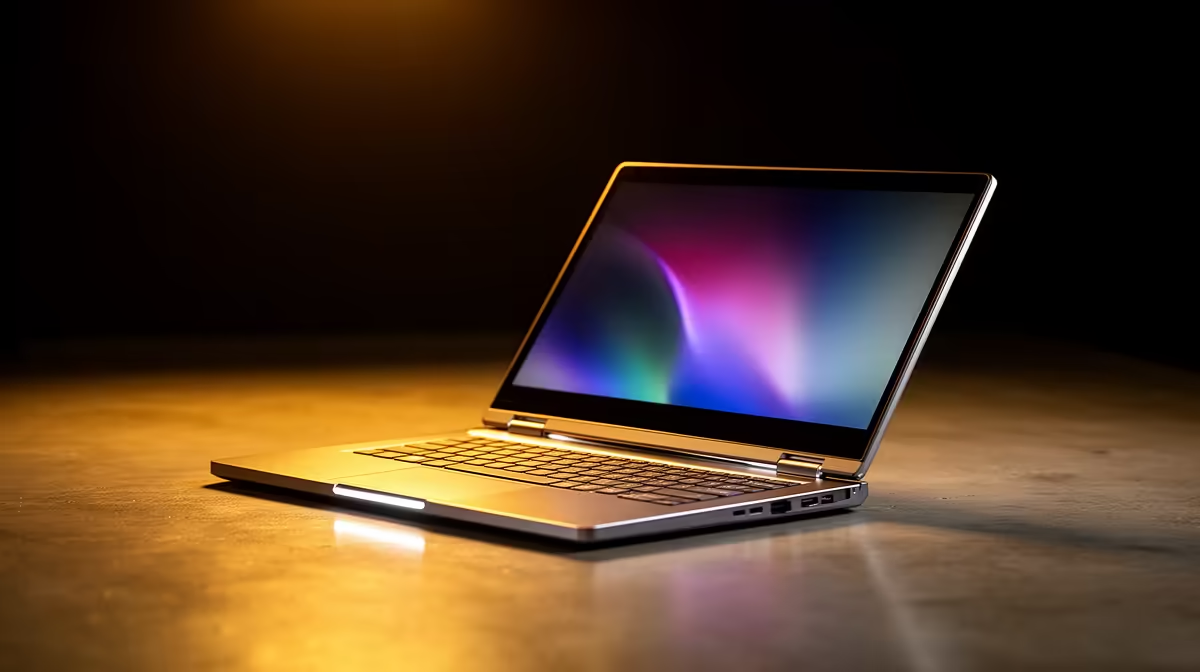
Struggling to find one device that can handle your varsity notes, your side hustle, and your weekend Netflix binge? The dream is a single, sleek machine that does it all. In this ASUS Vivobook Flip review, we dive deep into one of the most popular 2-in-1 laptops in South Africa to see if it truly is the flexible powerhouse you've been searching for. Can it replace both your tablet and your old laptop? Let's find out.
First Impressions: Design & Build Quality
Pulling the ASUS Vivobook Flip from its box, the first thing you notice is its understated, modern aesthetic. The chassis feels solid without being heavy, making it a great companion for carrying between lectures or coffee shops. The real star, of course, is the 360-degree ErgoLift hinge. It’s engineered to feel smooth yet firm, allowing you to transition effortlessly between laptop, tent, stand, and tablet modes without any wobble. 💻
The keyboard is comfortable for long typing sessions, and the touchpad is responsive. For students and professionals on the go, this level of thoughtful design makes a real difference. It’s a premium-feeling machine that fits right into the diverse range of ASUS laptops on special right now.
Performance Under the Hood
A good 2-in-1 laptop needs more than just a fancy hinge; it needs the power to back it up. The Vivobook Flip series offers a fantastic choice between processor brands, catering to different needs and budgets. Whether you're looking at the efficient multitasking of Intel-powered ASUS laptops or the impressive integrated graphics performance found in our ASUS Ryzen laptop deals, there's a configuration for you.
In our testing, the Vivobook Flip handled a typical South African workload with ease. We’re talking multiple browser tabs, a streaming service running, and a document open... all at once. It won’t be your primary 4K video editing rig, but for presentations, research, and even some light photo editing, it's more than capable. Battery life is also respectable, often lasting through a full day of classes or a few an unexpected outage.
Tablet Mode Pro Tip ⚡
When you flip into tablet mode, Windows 11 automatically optimises the interface. Make the most of it by customising your Taskbar settings to auto-hide in tablet mode. This gives you maximum screen real estate for drawing with a stylus or watching videos, creating a much cleaner, more immersive experience.
The "Flip" Factor: A True 2-in-1 Experience?
So, how does this ASUS 2-in-1 laptop perform when you actually... flip it? The experience is surprisingly seamless. The touchscreen is responsive, making navigation in tablet mode a breeze. Tent mode is perfect for watching movies on a small table or following a recipe in the kitchen. Stand mode is brilliant for presentations, turning the keyboard into a stable base. ✨
The versatility is where this machine truly shines. It’s a proper laptop when you need to be productive and a convenient tablet when you want to relax. This flexibility is a core feature across the broader Vivobook family, but the Flip takes it to the next level. For anyone tired of juggling multiple devices, this is a compelling solution.
Our Verdict: The Ultimate 2-in-1 for South Africans?
After a thorough review, the ASUS Vivobook Flip stands out as a superb all-rounder. It strikes an excellent balance between performance, portability, and price. It’s not trying to be the most powerful gaming laptop or the thinnest ultrabook. Instead, it aims to be the most useful device for the average student, creative, or young professional... and it largely succeeds.
If you need a reliable, flexible machine that adapts to your dynamic lifestyle, the Vivobook Flip should be at the top of your list. It’s a smart investment that simplifies your tech life, giving you one less thing to worry about. 🚀
Ready to Find Your Perfect Match? The Mac vs Windows debate is complex, but for maximum power, choice, and value in South Africa, Windows is hard to beat. Explore our massive range of laptop specials and find the perfect machine to conquer your world.









