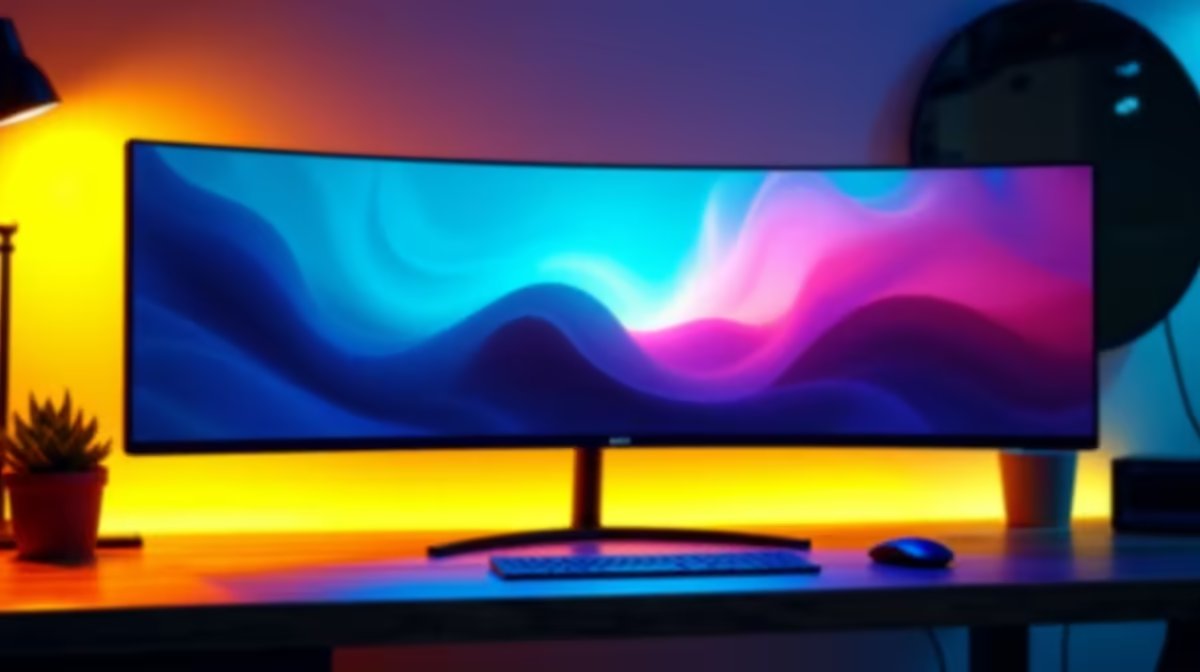
Tired of that annoying black bezel splitting your world in two? For years, dual screens were the go-to for productivity and gaming. But let's be honest... that gap is a real immersion-killer. It’s 2025, and there's a better way. The best 49-inch super ultrawide monitor isn't just a screen; it's a panoramic command centre that wraps around your vision, offering an unparalleled experience for both work and play. Welcome to the future. 🚀
Why Go Super Ultrawide? The Ultimate Upgrade
Making the jump from two separate displays to a single, seamless 32:9 aspect ratio panel is a massive leap. Imagine flanking your enemies in Apex Legends without turning your head, or laying out your entire video editing timeline without endlessly scrolling. That's the power of a 49-inch super ultrawide.
It’s not just about gaming. For productivity, it's like having two 27-inch QHD monitors side-by-side, but without any physical separation. You can have your code, your preview, and your documentation all visible at once. It declutters your desk, reduces cable mess, and frankly, just looks incredible. This is the cleanest, most powerful setup you can build.
Key Features for the Best 49-Inch Monitors
Choosing the best 49-inch super ultrawide monitor for 2025 means looking beyond just the size. The tech packed inside is what truly makes or breaks the experience. Here’s what you need to focus on.
Resolution & Refresh Rate: The Dynamic Duo
A 49-inch screen needs pixels, and lots of them. The standard here is Dual QHD (5120x1440). This resolution provides a sharp, detailed image without demanding quite as much GPU power as 4K. For gaming, refresh rate is king. Aim for at least 120Hz for smooth gameplay, though 144Hz or even 240Hz models offer a supreme competitive edge. High refresh rates make motion clearer and your inputs feel more responsive.
Pro Tip for Windows Users 🔧
Use Microsoft's free PowerToys app and its FancyZones utility. It lets you create custom snap zones on your super ultrawide screen. You can create a three-column layout, a grid, or whatever you need to perfectly organise your apps with a simple drag-and-drop. It's a must-have for productivity!
Panel Tech & Adaptive Sync
The heart of any display is its panel. OLED panels offer perfect blacks and vibrant colours, while high-end VA and IPS panels provide excellent contrast and viewing angles. To avoid screen tearing and stuttering, Adaptive Sync is non-negotiable. Whether you have an NVIDIA or AMD graphics card, you'll want a monitor that can match its refresh rate to your GPU's frame output. Look for panels with general Adaptive Sync technology as a baseline, but if you're serious about smooth frames, you'll find dedicated monitors with AMD FreeSync or certified NVIDIA G-Sync compatible screens for the best results.
Finding Your Perfect Panoramic Display 🖥️
So, which 49-inch super ultrawide monitor is right for you? The market is packed with incredible options. Giants in the gaming space like AOC's AGON series are famous for their performance-driven features. Similarly, HP's OMEN lineup also delivers stunning visuals and high refresh rates perfect for competitive play.
You don't always have to break the bank, either. Brands like Dahua's impressive displays are offering fantastic value, bringing super ultrawide immersion to more gamers across South Africa. The key is to match your budget and needs with the right features. To see what's currently available, check out our full range of PC monitors and find the perfect fit for your setup.
Ready to Go Super Ultrawide?
Ditching dual screens for a single, immersive panel is one of the best upgrades you can make. Explore our massive range of PC monitors and find the perfect 49-inch display to dominate your game and workflow.