


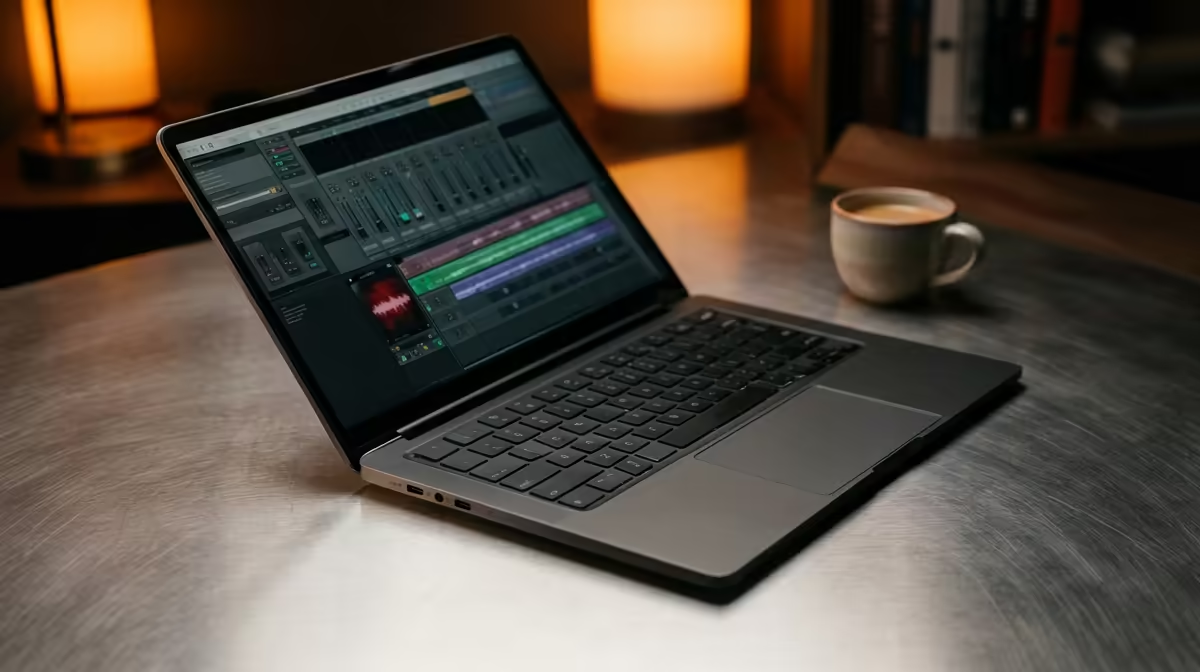
Staring at a frozen timeline in FL Studio... again? We've all been there. That dreaded audio crackle, the lag when you add one more VST... it's enough to kill any creative flow. Finding the best laptops for music production in South Africa isn't just about specs; it's about securing a reliable partner for your sound. Whether you're a bedroom producer in Jozi or a seasoned pro in Cape Town, let's find you a machine that keeps up.
Core Components for a Flawless Production Laptop
Before you start browsing, you need to know what actually matters inside the machine. A powerful music production laptop is a balanced system, but three components do most of the heavy lifting. Get these right, and you're setting yourself up for success.
The CPU: Your Studio's Brain 🧠
The Central Processing Unit (CPU) is the single most important part of your laptop. It handles everything from running your Digital Audio Workstation (DAW) to processing effects and virtual instruments in real-time.
- Core Count: More cores allow you to run more tracks, plugins, and instruments simultaneously. Aim for at least 6 cores.
- Clock Speed: A higher clock speed (measured in GHz) means the CPU can process individual tasks faster. This is crucial for reducing audio latency.
The debate between Intel and AMD is fierce, but both offer incredible options. Modern Intel Core i5/i7 and AMD Ryzen 5/7 processors provide the power you need. For top-tier performance, exploring the latest Intel laptops on special can reveal some powerful deals. Similarly, the efficiency and multi-core strength of AMD laptops on special make them a fantastic choice for producers who juggle heavy project files.
RAM: The Workspace for Your Tracks
Think of RAM (Random Access Memory) as your short-term workspace. Every sample, plugin, and audio clip you load into your project lives here.
- 16GB RAM: This is the new minimum. It's enough for most projects, allowing you to work with a decent number of tracks and effects without your system slowing to a crawl.
- 32GB RAM (or more): If you use large sample libraries (like Kontakt instruments for orchestral scoring) or work on massive, complex projects, 32GB will ensure a smooth, buffer-free experience.
Storage: Speed is Everything
Your storage drive (SSD) determines how quickly your laptop can load your operating system, DAW, plugins, and project files. Speed here is non-negotiable.
- NVMe SSD: Always choose a laptop with a Non-Volatile Memory Express (NVMe) Solid State Drive. They are significantly faster than older SATA SSDs and traditional hard drives. This means your samples load in seconds, not minutes.
- Size: Start with at least a 512GB NVMe SSD for your OS and main programs. A second, larger SSD (1TB or more) is ideal for storing your sample libraries and active projects.
Audio Pro Tip 🎧
Struggling with audio latency (that annoying delay between playing a note and hearing it)? Make sure you're using an ASIO driver for your audio interface in your DAW's settings. Lowering the buffer size reduces latency but taxes your CPU more. Find a sweet spot around 128-256 samples for a good balance during recording.
Finding the Best Music Production Laptop in SA
So, you know the specs... but which laptop model is right for you? Often, the answer isn't a "music production" branded machine. The secret many producers have discovered is looking at a different category altogether.
Why Gaming Laptops are a Producer's Best Friend
It might seem strange, but some of the best laptops for music production are actually gaming laptops. Why? Because they are built for performance and thermal management.
A powerful CPU and plenty of RAM are standard in gaming machines. Crucially, they also have excellent cooling systems designed to handle intense, prolonged workloads... exactly what happens when you're running a 50-track project full of CPU-hungry plugins. This makes browsing the best gaming laptop deals a smart move for any serious producer in South Africa looking for maximum performance for their ZAR.
Final Checks: Ports and Portability ✨
Don't forget the practicalities. Ensure the laptop has enough USB ports (including USB-C/Thunderbolt if possible) for your audio interface, MIDI controllers, and external drives. Consider the screen size and overall weight if you plan on travelling with your setup.
Ultimately, the best music production laptop is one that fits your workflow and budget. By focusing on a strong CPU, sufficient RAM, and fast storage, you're investing in a machine that won't hold your creativity back. Take a look at our full range of laptop specials to see how these powerful specs line up with your budget.
Ready to Find Your Perfect Match? The Mac vs Windows debate is complex, but for maximum power, choice, and value in South Africa, Windows is hard to beat. Explore our massive range of laptop specials and find the perfect machine to conquer your world.







