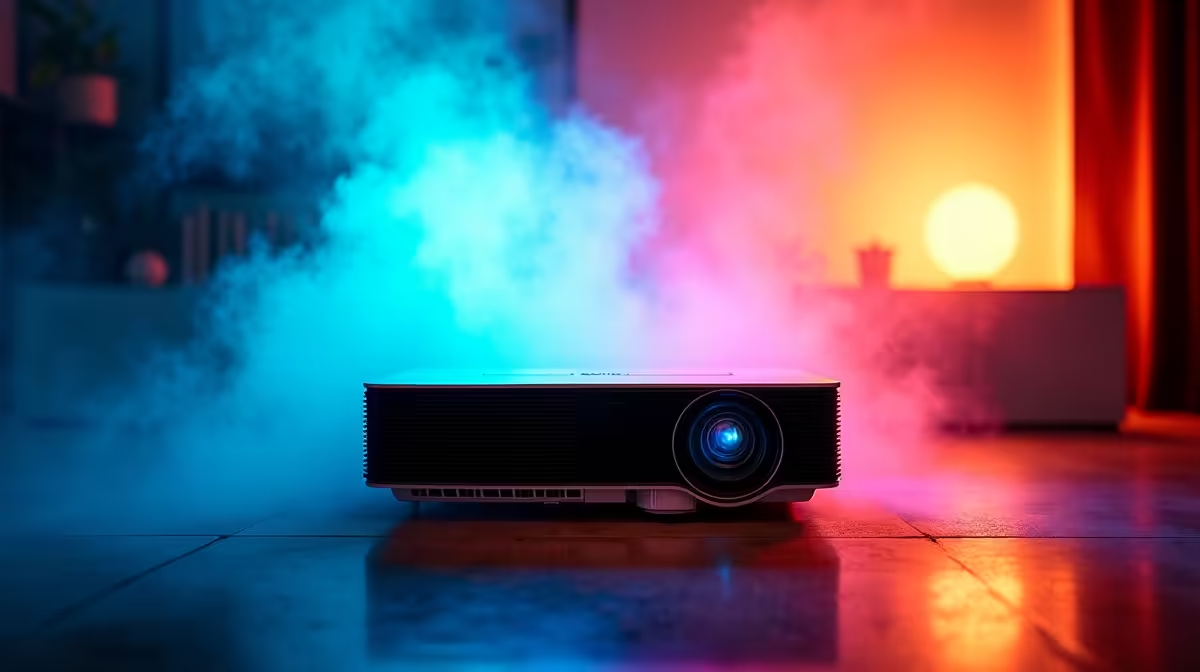
Your Ultimate Multi-Screen Setup Starts Here 🖥️📽️
Imagine a home where your battle station, movie den, and productivity hub all live in harmony—powered by seamless multi-screen projection. Whether you're juggling gaming, Zoom calls, or streaming Netflix from the couch, the best projectors for a multi-screen home setup can turn a humble space into a multimedia command centre. And yes, it’s more affordable than you’d think—especially in South Africa.
Why Projectors Belong in Multi-Screen Setups
While most South Africans think of monitors first, projectors are the secret weapon in multi-screen builds. They give you scale—without needing a giant wall-mounted screen—and flexibility across different rooms or surfaces. Use a projector as your cinema screen, a work dashboard, or even a dynamic second screen for your gaming rig.
Models like budget projectors under R8000 now support 1080p resolution, HDMI inputs, and low-latency modes ideal for mirrored display output. Great for streamers, home workers, or anyone wanting more visual real estate.
What to Look for in a Multi-Screen Projector ⚙️
The right projector doesn’t just “turn on”… it integrates into your ecosystem. Here’s what you need:
- Keystone Correction & Zoom: Crucial when setting up across different rooms or angles.
- Multiple Inputs (HDMI, USB-C): For easy switching between laptops, consoles, or media sticks.
- Low Input Lag: If you’re gaming, lag matters. Look for < 40ms.
- Brightness (min 2,500 lumens): Especially for daylight visibility or dual-purpose rooms.
- Wireless Mirroring: Simplifies casting from phones, tablets, or laptops.
Premium units like these over-R8000 models include Android OS, built-in casting, and better lens tech—perfect for those building a long-term media environment.
Room-to-Room Versatility 🚪
Multi-screen setups aren’t just for gamers with massive battlestations. With the right portable projector, your kitchen becomes a recipe lab, your lounge turns into a gaming cave, and your bedroom morphs into a cosy cinema. You don’t need to commit to a single surface.
Projector Mount Hack
Use a ceiling-mounted shelf bracket and a swivel ball head to hold your projector in place—cleaner than floor tripods, more adjustable too.
And if you’re working with a smaller flat? No worries. Just pair the projector with blackout curtains and a neutral-coloured wall for the best picture quality without a permanent screen.
Gaming + Productivity? Project It.
Got a dual monitor setup? Add a projector as your third display. It’s ideal for:
- Strategy games or RPGs with large maps and immersive visuals.
- Side-by-side spreadsheets during financial planning or remote work.
- Split viewing of YouTube tutorials while editing or learning.
Some of the latest projector models available even include dual-band Wi-Fi and support for app installations like Plex or Twitch… perfect for a couch gaming companion or ambient second screen.
Get Creative with Layouts
Want to go big? Here are layout tips for a smart, non-cluttered setup:
- Vertical stacking: Monitor below, projector screen above—ideal for reading + video flow.
- Corner casting: Project diagonally to avoid rearranging furniture.
- Ceiling flip: Some models can invert their display for upside-down ceiling projection—maximising every angle.
Multi-screen doesn’t have to mean messy cables. Use a HDMI switcher or wireless casting stick to streamline inputs across your monitor and projector combo.
The Bottom Line
A multi-screen home setup with a projector isn’t just cool—it’s incredibly functional. From immersive gameplay to relaxed binge sessions or productivity boosts, the right projector unlocks all-new ways to experience your tech.
Maximise Every Pixel
Expand your home screen setup without breaking your layout… Shop now at Evetech and discover the perfect projector for your multi-screen world.