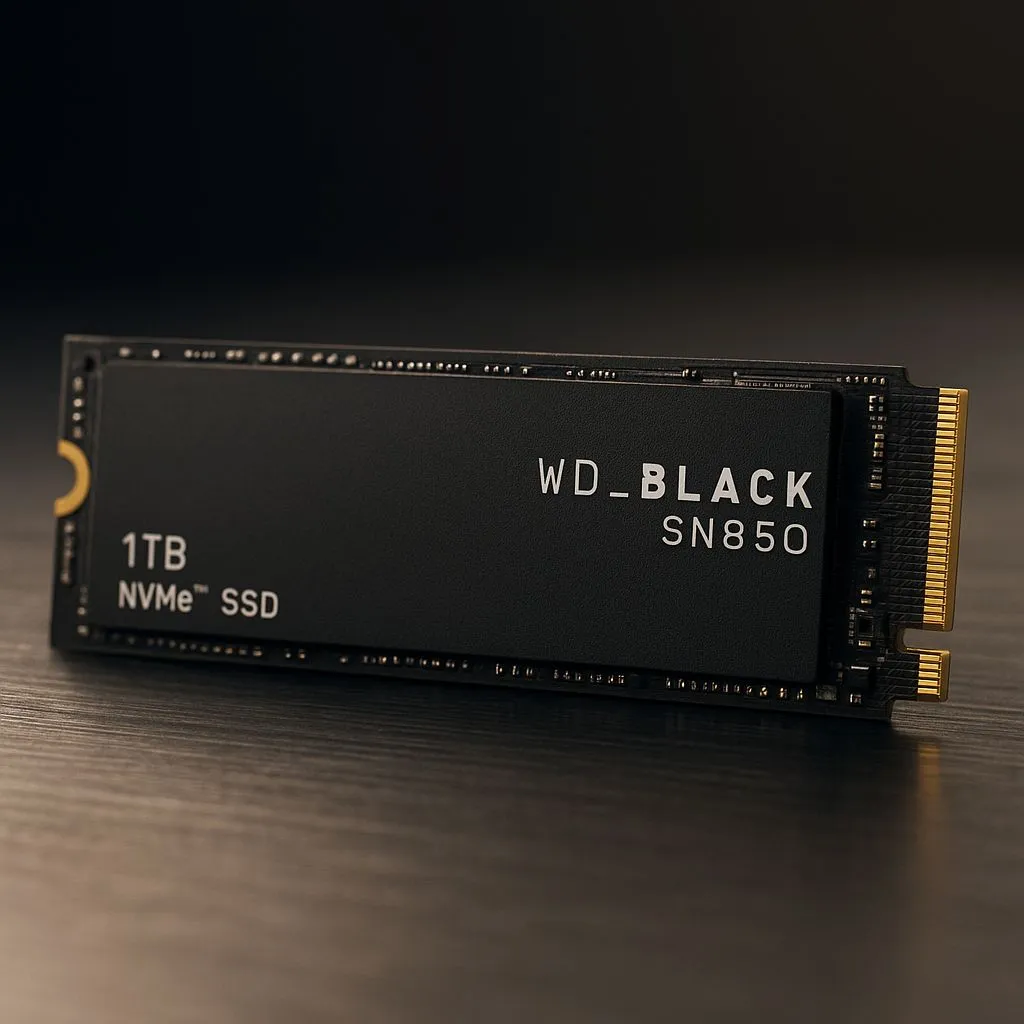
Tired of watching your PC crawl to life while you grab a coffee? That old hard drive is costing you precious gaming time. For less than the price of a new game, you can unleash lightning-fast boot speeds and slash loading screens. We're diving into the best SSDs under R2,000 in South Africa, focusing on reliable Gen4 boot drives that offer incredible value. Let's get your rig feeling brand new without breaking the bank. 🚀
Why a Gen4 Boot Drive is a Smart Buy
You might be thinking, "My motherboard is only Gen3, why would I buy a Gen4 drive?" It's a great question, and the answer is simple: future-proofing and value. A Gen4 NVMe SSD is backward-compatible, meaning it will work perfectly in a Gen3 slot, just at Gen3 speeds. When you eventually upgrade your motherboard, your zippy boot drive comes with you, ready to unlock its full potential.
For now, you still get a massive performance leap over older SATA SSDs and mechanical hard drives. Your Windows or Linux OS will load in seconds, and your most-used applications will feel incredibly responsive. This makes it one of the most impactful upgrades you can make, and exploring the world of modern NVMe SSDs shows just how accessible this technology has become.
What to Look For in an SSD Under R2,000
When you're hunting for the best SSDs under R2,000, it's easy to get lost in technical specs. Here’s what truly matters for a boot drive:
- Capacity: For a boot drive, 500GB is a decent start, but 1TB is the sweet spot. It gives you enough space for your operating system, essential programs, and a few of your favourite games without feeling cramped.
- Read/Write Speeds: Look for sequential read speeds over 4,000 MB/s. This ensures snappy file access and quick loading times.
- Endurance (TBW): Terabytes Written (TBW) tells you how much data can be written to the drive over its lifetime. For a typical gaming and desktop PC, even budget drives have more than enough endurance to last for many years.
Most of today's solid-state drives from reputable brands offer a great balance of these features, making it a fantastic time to buy.
Cloning Your OS Made Easy 🔧
't want to reinstall Windows from scratch? Use free software like Macrium Reflect or Clonezilla to clone your entire old boot drive to your new SSD. The process is straightforward: install the new SSD, run the cloning software from a USB stick, and select the source (old drive) and destination (new SSD). Once it's done, just set the new SSD as your primary boot device in the BIOS.
Finding Reliable Gen4 Performance on a Budget
So, which drive is the one? While specific models change, the key is to stick with trusted brands known for reliability, such as Crucial, Kingston, Samsung, or Western Digital. These manufacturers produce some of the most reliable Gen4 boot drives that consistently deliver performance without a hefty price tag.
Often, the best strategy is to get a fast 1TB NVMe for your operating system and core programs. Then, if you need more space for a massive game collection, you can pair it with a larger, more affordable external SSD for your games library. This hybrid approach gives you maximum speed where it counts and bulk storage where you need it. ✨
The Verdict: A Worthwhile Upgrade?
Absolutely. Upgrading to a reliable Gen4 boot drive is one of the most noticeable and cost-effective performance boosts you can give your PC. The daily experience of a fast, responsive system that boots in seconds is something you'll appreciate every single day. For a budget under R2,000, you're not just buying a component; you're buying back time and eliminating frustration.
Ready to see what's available? Take a look at the full range of SSDs to find the perfect fit for your rig and budget. Your PC will thank you for it.
Ready to Banish Loading Screens?
An affordable SSD is the single best upgrade for a faster PC. Stop waiting and start playing. Explore our incredible SSD deals and find the perfect high-speed drive for your rig today.