


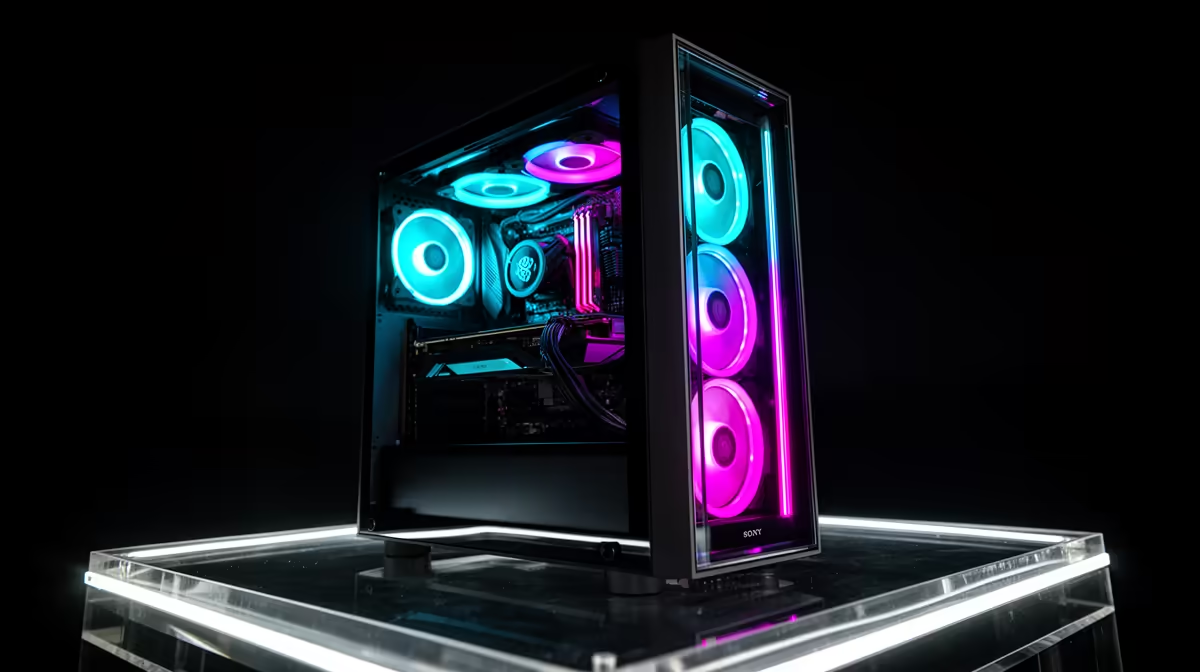
So, you're ready to show Mzansi your skills. You've got the personality, the passion, and your aim in Valorant is on point. But when you hit "Go Live," your stream stutters more than a dial-up modem, and your game drops to single-digit frames. Sound familiar? Finding the right streaming PC in South Africa is the key to unlocking a smooth, professional broadcast that keeps viewers hooked. Let's get you kitted out. 🚀
The Core Components of a Great Streaming PC
Think of the CPU (Central Processing Unit) as your PC's director. It manages everything. For streaming, it's doing two massive jobs at once: running your game and encoding your video feed for Twitch or YouTube. A CPU with more cores and threads can handle this dual workload without breaking a sweat. For a top-tier streaming PC in South Africa, a strong CPU is non-negotiable, and many of the latest Intel PC deals offer incredible single-core performance for gaming.
On the other hand, many of the best AMD Ryzen PC deals provide exceptional multi-core value, making them a favourite for content creators who game, stream, and edit video all on one machine. The choice often comes down to budget and brand preference, but either way, this is not the component to skimp on.
GPU & RAM: The Power Behind the Pixels
Your GPU (Graphics Processing Unit) is the star of the show for gaming. It's what pushes those high frame rates and beautiful graphics. But for streaming, modern NVIDIA GPUs have a secret weapon: the NVENC encoder. This is a dedicated part of the graphics card that handles video encoding, taking a massive load off your CPU. This means your game runs smoother, and your stream stays crisp. To get the best visual quality, browsing the best gaming PC deals for a rig with a recent NVIDIA RTX card is a smart move.
OBS Pro Tip ⚡
Once you have your new PC, open OBS Studio and go to Settings > Output. Change the 'Output Mode' to 'Advanced' and select 'NVIDIA NVENC H.264 (new)' as your Encoder. This simple switch uses your GPU for the heavy lifting, freeing up your CPU and dramatically improving your in-game performance while streaming.
RAM (Random Access Memory) is your PC's short-term memory. With your game, Discord, OBS, and a dozen browser tabs open, you need enough of it to avoid bottlenecks. 16GB is the absolute minimum for a decent streaming experience today. 32GB is the sweet spot, giving you plenty of headroom for high-end games and complex stream setups. It ensures everything runs smoothly without having to close background apps. ✨
Finding Your Perfect Streaming Rig in South Africa
You don't need to take out a second bond to start streaming. Technology has come a long way, and many of today's budget gaming PCs pack enough punch for a high-quality 1080p broadcast, especially when using the NVENC encoder. These machines offer a fantastic entry point for aspiring creators in South Africa looking for a reliable PC.
While building your own PC is a rewarding experience, sometimes you just want to plug in and play. That's where pre-built systems shine. They're assembled by experts, tested for stability, and come with a full warranty. For a hassle-free start to your streaming career, exploring our expertly configured pre-built PC deals is the quickest way to get online and start building your community.
Ready to Go Live? Choosing the perfect streaming PC is your first step to building an audience in South Africa. Don't let lag or dropped frames hold you back. Explore our massive range of customisable gaming PCs and find the machine to make your broadcast shine.











