


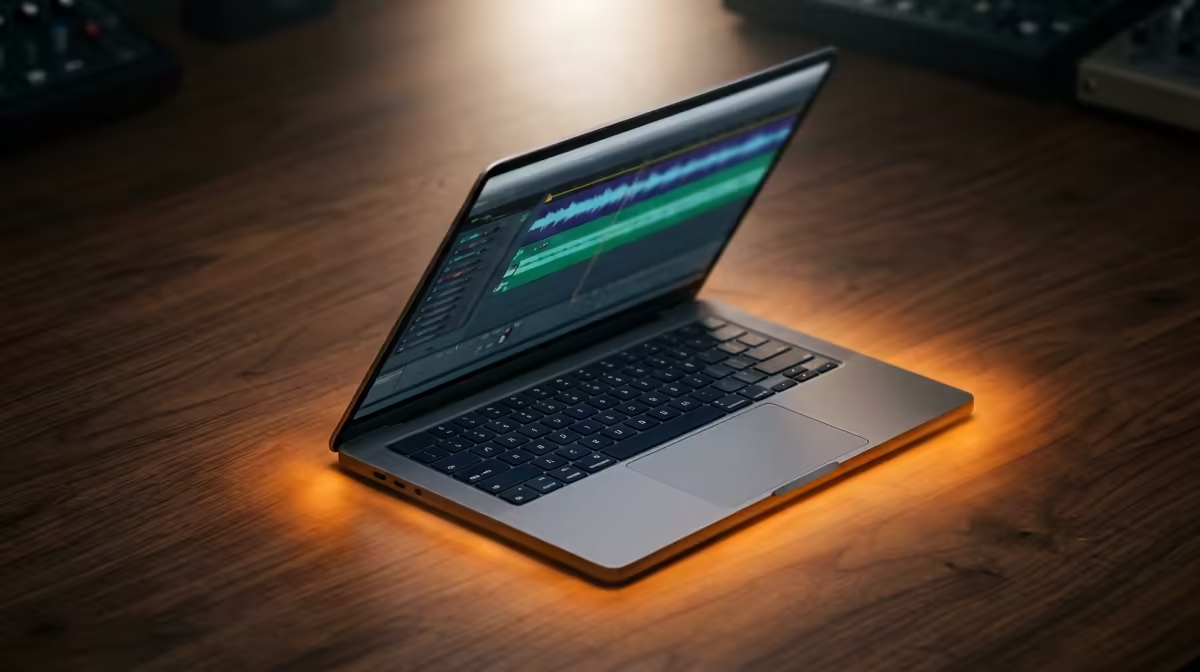
So, you're deep in the zone, laying down a fire beat in FL Studio. The bass is hitting just right, the melody is perfect... and then it happens. The dreaded crackle, the stutter, the "CPU Overload" error that kills your creative flow. We've all been there. Finding the right music production laptops in South Africa can feel like a mission, but it's the one upgrade that truly unlocks your potential. Let's break down what really matters. 🚀
Your CPU: The Brains Behind the Beat
When you're shopping for music production laptops, the CPU (Central Processing Unit) is king. It's the engine that runs your Digital Audio Workstation (DAW), your VST plugins, and your virtual instruments. A weak CPU means lag, latency, and creative frustration.
So, what should you look for?
- Core Count: More cores mean your laptop can handle more tasks at once. Think of each core as a hand. More hands can juggle more tracks, effects, and plugins simultaneously without dropping the ball. This is where multi-threaded performance shines, and many of AMD's Ryzen-powered machines offer incredible value here.
- Clock Speed (GHz): This is how fast each core works. A higher clock speed is crucial for single-threaded tasks, like processing a single audio channel with a heavy effects chain. For producers who rely on complex virtual synths, the high single-core performance found in many powerful Intel laptops is a massive advantage.
Ultimately, the best choice depends on your workflow. Do you use dozens of tracks? Prioritise core count. Do you use demanding synths like Serum or Massive X? Look for high clock speeds.
RAM and Storage: Your Creative Workspace
Think of RAM (Random Access Memory) as your short-term memory. It's where your laptop holds all the project files, samples, and plugins you're actively using. 16GB is a great starting point for most producers, but if you work with large orchestral libraries or complex projects, 32GB will give you the headroom you need to create without compromise.
Storage, on the other hand, is your long-term library. The speed of your storage drive affects how quickly your projects, samples, and plugins load.
Why an NVMe SSD is Non-Negotiable
Forget old-school hard drives. A modern NVMe Solid-State Drive (SSD) is essential for any serious music production laptop. They are lightning-fast, meaning your 10GB sample library loads in seconds, not minutes. This speed keeps your creative momentum going. When browsing for a new machine, an NVMe SSD should be at the top of your checklist. ✨
DAW Optimisation Tip 🔧
For smoother performance in your DAW, go to Windows Power Options and select the "High performance" plan. This ensures your CPU isn't being throttled to save power while you're in a session. Also, use your DAW's "freeze" or "render in place" function for instrument tracks that are CPU-heavy. This converts the MIDI to an audio file, freeing up valuable processing power.
Beyond the Basics: Ports, Cooling, and Display
A great music production laptop is more than just its core specs. You need the right tools to connect your gear and work comfortably.
Look for a laptop with Thunderbolt or at least USB-C ports. These provide high-speed connections for your audio interface, ensuring ultra-low latency when recording vocals or instruments. A decent-sized screen (15 inches or more) also helps immensely when you're staring at a complex timeline for hours.
Don't overlook the cooling system. Music production pushes a CPU hard, generating a lot of heat. Good cooling prevents thermal throttling, where the CPU slows down to protect itself, which can cause… you guessed it… audio dropouts. This is one reason why many high-performance gaming laptops are secretly some of the best laptops for music production in South Africa; they are built to run fast and stay cool under pressure.
Finding the perfect creative partner in a laptop doesn't have to be a headache. By focusing on a strong CPU, sufficient RAM, and fast SSD storage, you're already 90% of the way there.
Ready to Produce Your Next Hit? Your talent deserves a machine that can keep up. Stop letting lag kill your vibe. Explore our massive range of laptop specials and find the perfect music production powerhouse to bring your sound to life.










