


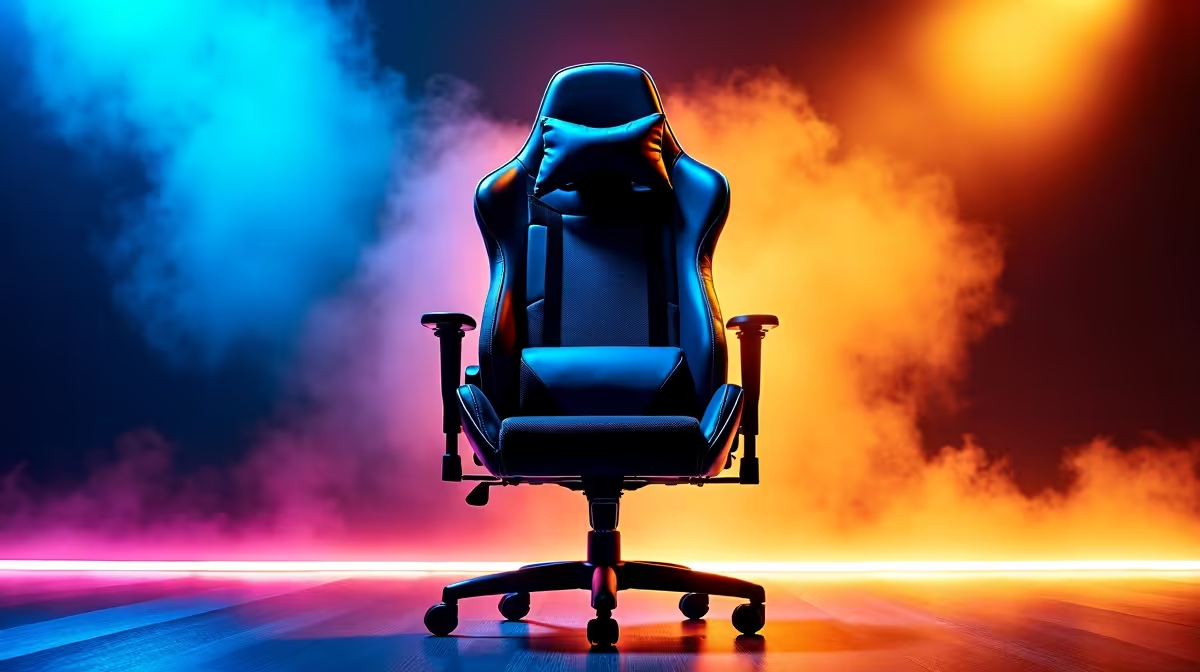
Stuck in a marathon gaming session and feeling that familiar ache in your back? You're not alone. For many South African gamers, the default chair just doesn't cut it, especially when you're taller or have a unique desk setup. The secret to conquering long hours of play without wrecking your posture isn't just any gaming chair; it's finding an ergonomic chair with 150mm+ height adjustment. This single feature is your ticket to customised comfort and peak performance.
Why 150mm+ Height Adjustment is a Big Deal
So, what's the magic behind that number? A generous height adjustment range of 150mm or more means the chair can accommodate a much wider variety of body types and desk heights. Standard office chairs often fall short, leaving your feet dangling or your knees cramped. For gamers, proper height is crucial for aligning your eye level with the centre of your screen, reducing neck strain and improving reaction times.
Whether you're diving into the latest AAA title on one of our all-gaming monitors or hunting for the best PC monitor deals in ZAR, getting your seating height right is the first step to an immersive, pain-free experience. An ergonomic chair with 150mm+ height adjustment ensures your feet are flat on the floor and your arms are level with your desk—the foundation of good gaming posture. 🚀
Your Ergonomic Setup Chart: Beyond the Basics
Finding a chair with superior height adjustment is a great start, but true ergonomic bliss comes from dialling in all the settings. Use this chart to perfect your setup and say goodbye to discomfort.
| Feature | Ideal Setting | Why It Matters for Gamers |
|---|---|---|
| Seat Height | Feet flat on the floor, thighs parallel to the ground. | Prevents pressure on the back of your legs and promotes healthy blood flow. |
| Seat Depth | 2-3 fingers of space between the back of your knees and the seat edge. | Supports your thighs without cutting off circulation. |
| Backrest Angle | A slightly reclined angle of 100-110 degrees. | Reduces pressure on your spinal discs compared to sitting perfectly upright. |
| Lumbar Support | Should fit snugly into the natural curve of your lower back. | Maintains the "S" shape of your spine, preventing slouching and lower back pain. |
| Armrest Height | Shoulders relaxed, forearms parallel to the floor. | Takes the strain off your shoulders and neck during intense mouse and keyboard action. |
This level of customisation ensures your body is fully supported, allowing you to focus on the game, not your aching back. It's the kind of support you need when you're focused on one of the many high-quality PC monitors available today.
Posture Pro Tip 🔧
Remember the 20-20-20 rule! Every 20 minutes, look at something 20 feet (about 6 metres) away for 20 seconds. This simple trick helps reduce digital eye strain, keeping you sharp and focused during those long ranked matches or late-night raids.
Key Features in a Top-Tier Ergonomic Gaming Chair
While a chair with 150mm height adjustment is a priority, other features separate the good from the great. Look for "4D armrests" that adjust up/down, forward/back, in/out, and rotate. This is especially important for finding the perfect position when leaning into a tense firefight on a stunning curved monitor.
High-quality materials like breathable fabric or premium PU leather also make a huge difference in comfort over long sessions. Finally, a sturdy base and smooth-rolling castors provide stability and mobility. Investing in a chair with these features is just as important as upgrading to one of the latest 5K or 4K monitors, as both directly impact your in-game experience and overall well-being. ✨
Completing Your Battle Station: Desk and Monitor Ergonomics
Your new ergonomic chair is the command throne of your setup, but it works best as part of a team. To truly nail your ergonomics, consider how it interacts with the rest of your gear. Is your monitor at the right height? If not, a monitor arm or stand from our range of monitor accessories can provide that final, crucial adjustment.
This principle even applies on the go. If you use one of the increasingly popular portable monitors for a LAN party or a mobile work setup, having an adjustable chair to match its height is essential for maintaining good posture anywhere. Your body will thank you for it.
Ready to Find Your Perfect Throne? Aches and pains shouldn't be part of the game. A proper ergonomic chair is an investment in your health and your K/D ratio. Explore our massive range of gaming chairs and find the perfect match with the height adjustment you need.









