Heading back to varsity or just sick of that dreaded 'Disk Space Low' notification? Your laptop's internal drive can only handle so much. Between massive installs for titles like Helldivers 2, lecture notes, and your ever-growing media library, you need a serious upgrade. An external SSD for gaming with USB-C is no longer a luxury… it's an essential piece of kit for any South African student who refuses to compromise on speed or space. 🚀
Why an External SSD is Your Dorm Room MVP
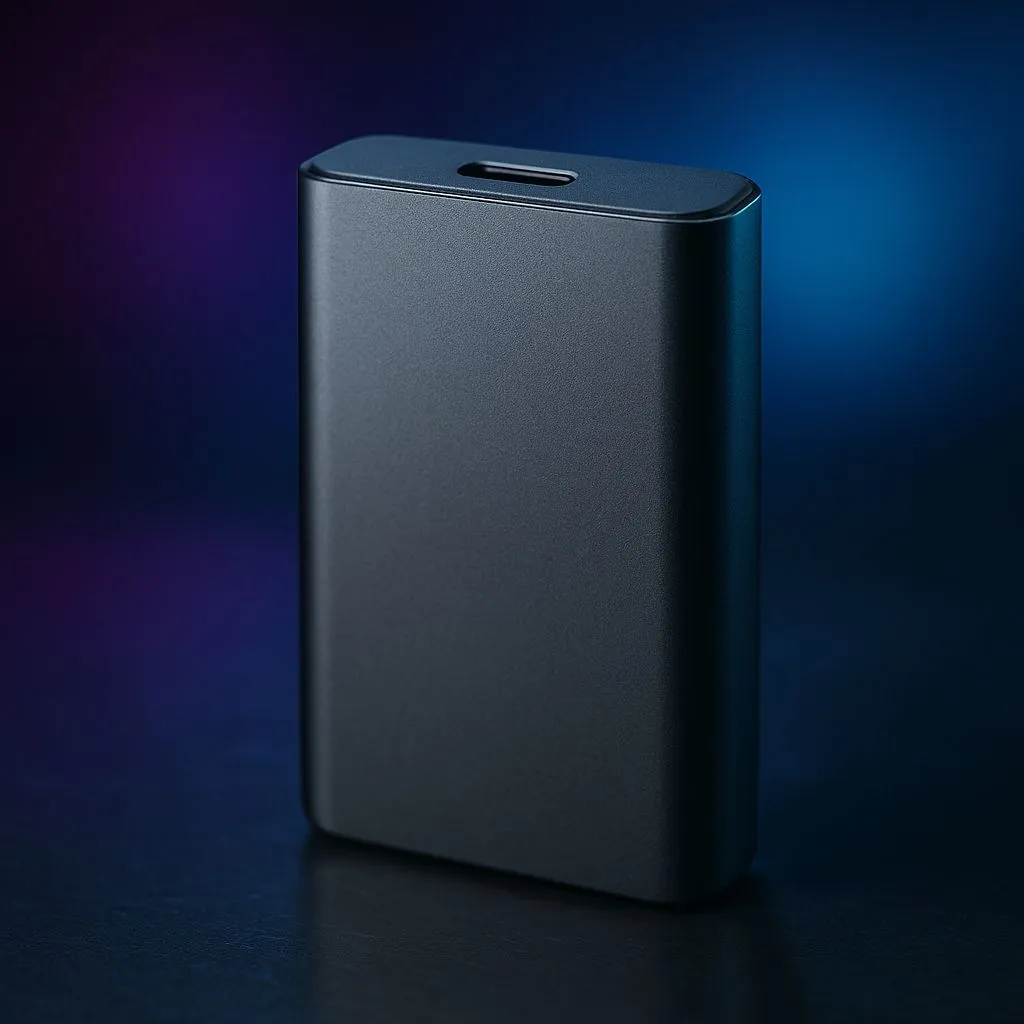
Let's be real, dorm Wi-Fi can be a nightmare. The last thing you want is to re-download a 100GB game because your laptop is full. An external SSD gaming USB-C drive solves this instantly. Unlike old-school portable hard drives that feel sluggish, these pocket-sized powerhouses deliver lightning-fast load times, letting you jump straight into the action.
They're incredibly portable, tough enough to survive a trip in your backpack, and connect with a single, simple USB-C cable. For gamers and creators, this means your entire Steam library or video editing project can move with you. It's the ultimate plug-and-play solution for expanding your digital life without cracking open your laptop. Check out the latest external SSD options to see how compact they've become.
What to Look For in a Top-Tier Gaming SSD
Not all portable drives are created equal. When you're hunting for the best external SSD gaming USB-C drive, a few key specs make all the difference between smooth gameplay and frustrating lag.
Speed: The NVMe Advantage ⚡
The magic behind modern SSD speed is the technology inside. Many of the best external drives now use NVMe (Non-Volatile Memory Express) technology, the same super-fast storage found inside high-end gaming PCs and consoles. Connected via a high-speed USB-C port, these drives can transfer files and load game levels in a fraction of the time it takes a traditional drive. When speed is your top priority, exploring blazing-fast NVMe SSDs is the only way to go.
Capacity: How Much Space Do You Really Need?
Game sizes are only getting bigger. A single AAA title can easily eat up over 150GB. A 500GB drive might seem like enough, but it will fill up fast. For most gamers, 1TB is the sweet spot, offering a great balance of space and price. If you're a serious game hoarder or a content creator, jumping to a 2TB or even 4TB drive is a smart investment for the future. It's always worth comparing different solid-state drives to find the perfect capacity for your budget.
Check Your Port! 🔧
Not all USB-C ports are the same. To get the maximum speed from your new external SSD, make sure your laptop's USB-C port supports at least USB 3.2 Gen 2 (10Gbps) or Thunderbolt 3 4 (40Gbps). Plugging a super-fast drive into an older, slower port will bottleneck its performance. Check your laptop's specs before you buy!
Finding the Best Deals in 2025
You don't need to break the bank to get a fantastic external SSD for gaming. Brands like Samsung, Crucial, and Western Digital offer brilliant performance at competitive prices right here in South Africa. Keep an eye out for seasonal sales and promotions, where you can often score a high-capacity drive for a great price in ZAR. A good portable SSD isn't just a purchase; it's an investment in your sanity and gaming enjoyment. To get the best value, always check out the latest SSD deals before making a final decision. ✨
More Than Just Games 💻
While "gaming" is in the name, the utility of a fast external SSD with USB-C goes way beyond entertainment. Use it to:
- Back up important varsity work: Never risk losing a thesis to a laptop failure again.
- Run demanding software: Edit 4K video or run complex code directly from the drive.
- Create a portable OS: Install Windows or Linux on it for a bootable, on-the-go operating system.
It's a versatile tool that supports every part of your digital life, making it one of the smartest tech upgrades a student can make. With our full range of SSDs, you can find a drive that fits both your gaming and academic needs perfectly.
Ready to Find Your Perfect Match?
Stop deleting games and start playing more. An external SSD is the key to unlocking your laptop's true potential. Explore our massive range of external SSDs and find the perfect drive to conquer your digital world.