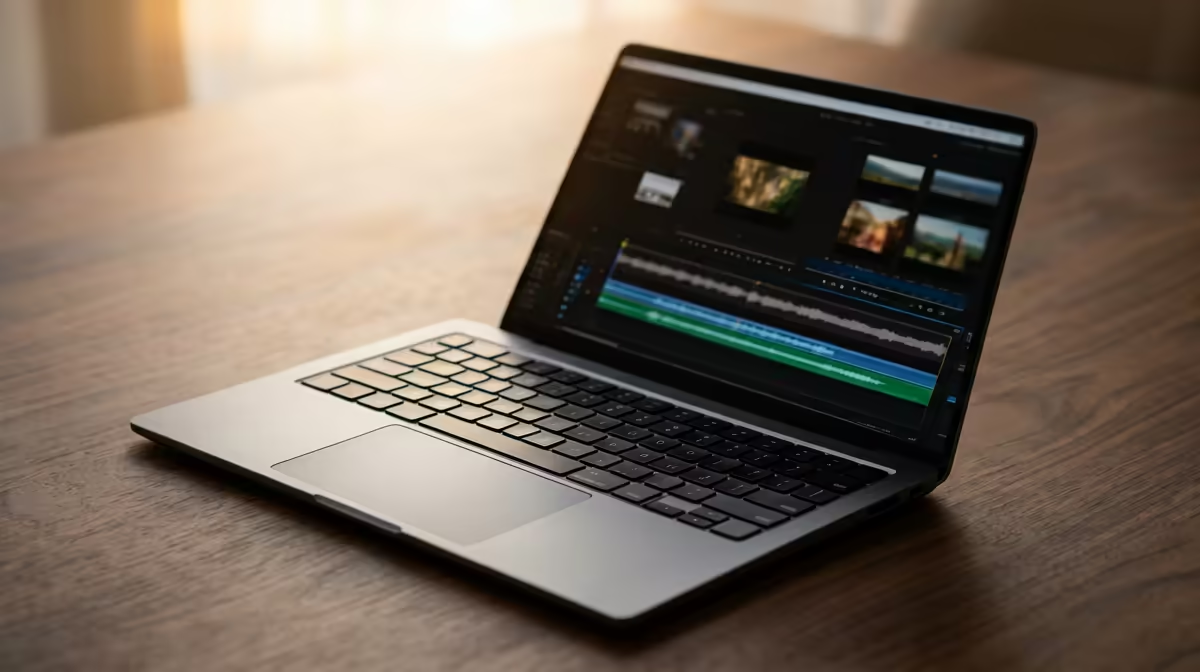
Editing video on the go in South Africa used to mean a tough choice: a powerful laptop that weighed a ton, or an ultrabook that choked on 4K footage. But things have changed. Today, the best lightweight laptops for video editing pack serious muscle into sleek, portable designs. You can finally have a machine that slips into your backpack without sacrificing the performance you need to create amazing content.
Why "Lightweight" Doesn't Mean "Low Power" Anymore
Gone are the days when a thin laptop meant weak performance. Modern engineering has allowed manufacturers to cram desktop-level power into chassis under 2kg. The secret lies in a combination of highly efficient processors, powerful mobile graphics cards, and clever cooling solutions. ⚡
This new breed of portable workstation is perfect for the South African creator. Whether you're a YouTuber filming in Cape Town, a wedding videographer in Durban, or a marketing pro creating content in Joburg, a capable and lightweight laptop for video editing means your office is wherever you are. No more being chained to your desk... you can edit, render, and upload from anywhere with a plug point (or a good battery).
Key Specs for a Portable Video Editing Laptop
When you're hunting for the perfect mobile editing machine, a few core components matter more than anything else. Getting these right is the difference between a smooth workflow and a frustrating, laggy experience.
The Processor (CPU): Your Editing Engine
The CPU is the brain of your operation. It handles everything from playing back your timeline smoothly to the final export. For video editing, more cores and higher clock speeds are your best friends. Look for laptops with modern multi-core processors. The competition is fierce, with brilliant options available whether you favour Intel laptops on special or prefer the multi-threaded muscle found in the latest AMD laptops on special. A good CPU makes your entire editing process faster and more responsive.
The Graphics Card (GPU): The Visual Powerhouse
While the CPU does a lot of heavy lifting, a dedicated GPU is crucial for modern video editing. It accelerates tasks like rendering effects, colour grading, and stabilising footage. Software like Adobe Premiere Pro and DaVinci Resolve lean heavily on the GPU, so a laptop with a dedicated NVIDIA GeForce RTX or AMD Radeon card will dramatically outperform one with integrated graphics.
RAM and Storage: The Unsung Heroes
For smooth 1080p editing, 16GB of RAM is the minimum you should consider. If you're working with 4K footage or complex effects, 32GB is the sweet spot. For storage, a fast NVMe SSD (Solid State Drive) is non-negotiable. It ensures your operating system, editing apps, and project files load in a flash. ✨
Quick Export Tip 🚀
In Adobe Premiere Pro, try exporting with the H.264 codec and enabling 'Hardware Encoding'. This uses your dedicated GPU to speed up exports significantly, freeing up your CPU for other tasks. It's a massive time-saver when you're on a tight deadline and working from a laptop.
Finding the Best Lightweight Laptops for Video Editing in South Africa
The ideal machine balances performance, portability, and price. You need a vibrant, colour-accurate screen to ensure your final product looks perfect, a comfortable keyboard for long editing sessions, and enough battery life to survive a few hours of an unexpected outage.
Ultimately, the best lightweight laptop for video editing in South Africa is the one that fits your specific workflow and budget. By focusing on a strong CPU, a dedicated GPU, and plenty of fast RAM, you'll find a machine that can handle any creative project you throw at it. Check out the wide variety of laptop specials for sale in South Africa to compare models and find the perfect fit for your creative needs.
Ready to Find Your Perfect Match?
The Mac vs Windows debate is complex, but for maximum power, choice, and value in South Africa, Windows is hard to beat. Explore our massive range of laptop specials and find the perfect machine to conquer your world.