


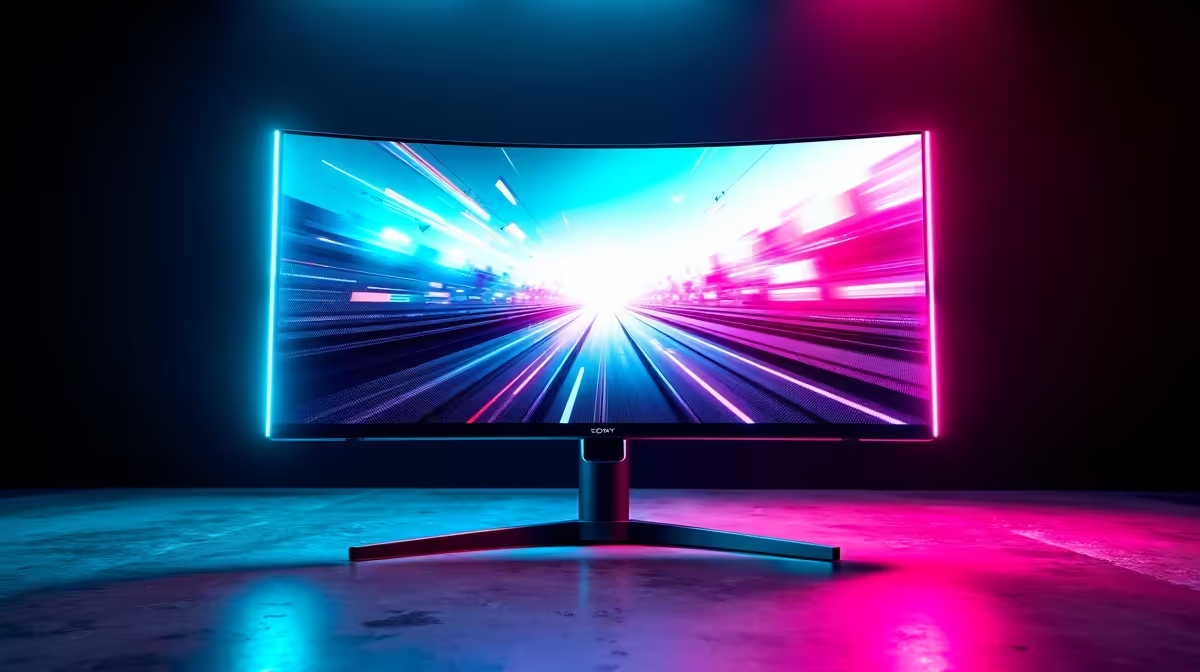
Reclaim Your Digital Workspace: The PBP 120Hz Ultrawide Review
Ever feel like your screen space is a battlefield, constantly juggling windows, alt-tabbing between your game and Discord, or struggling to code while keeping an eye on your stream? South African gamers and power users know the struggle. What if you could have two displays acting as one seamless canvas? Enter the world of the PBP 120Hz Ultrawide monitor, a true game-changer for digital multitasking. We’re diving deep into the dual display power tested capabilities of these impressive screens.
What is Picture-by-Picture (PBP) and Why Does it Matter?
Imagine connecting two separate devices—say, your gaming PC and your work laptop, or even a console—to a single monitor, and having both displayed simultaneously, side-by-side. That’s Picture-by-Picture (PBP) in a nutshell. This isn't just screen splitting; it's like having two independent monitors integrated into one ultra-wide canvas. For those who frequently swap inputs or need eyes on multiple sources, a PBP-enabled ultrawide monitor can seriously streamline your setup. Forget clutter, embrace efficiency. Want to explore more screen options? Check out Evetech’s full range of PC monitors.
The Immersive Edge: 120Hz Ultrawide Gaming
Beyond just dual inputs, the 120Hz refresh rate paired with an ultrawide aspect ratio is a dream for gamers. That smooth 120 frames per second (FPS) experience translates into fluid motion and quicker reactions, crucial for competitive titles. Combined with the expansive field of view an ultrawide provides, you’ll be more immersed than ever. Imagine seeing more of the battlefield in your favourite FPS or having an epic panoramic vista in an open-world RPG. This is where the PBP 120Hz Ultrawide truly shines, delivering a premium gaming experience. For serious competitors, Evetech has a massive selection of gaming monitors to give you that edge.
Optimising Your PBP Setup
using PBP, ensure both input sources are set to compatible resolutions. Sometimes, the ultrawide will scale automatically, but manually adjusting inputs to a 16:9 or 21:9 aspect ratio (for half-screen or full-screen modes, respectively) often yields the sharpest image. Don't forget to check your cables! High-quality DisplayPort or HDMI 2.0+ cables are essential for 120Hz.
Productivity and Creative Power: Dual Display, Single Panel ✨
It’s not just for gamers. For content creators, developers, or anyone needing serious screen real estate, a PBP 120Hz Ultrawide offers unparalleled versatility. Edit video on one side while managing your assets on the other. Code with your documentation always visible. Streamers can game on one input while monitoring chat and overlays on the other, all without needing a second physical monitor taking up desk space. The sheer convenience of a single, large curved monitor can transform your workflow and reduce neck strain from constantly turning between screens.
Is a PBP 120Hz Ultrawide Right for You? 🚀
If your current setup involves constant alt-tabbing, multiple smaller monitors, or you crave a more streamlined, immersive experience, then yes, this technology could be your next upgrade. It consolidates your digital life into a single, powerful display. While portable monitors offer on-the-go flexibility, a high-refresh-rate ultrawide brings static desk setups to life. Consider your needs: do you require extreme detail like with some 5K and 4K monitors, or is the expansive view and dual-input convenience of an ultrawide more appealing?
It’s about more than just numbers; it’s about how your monitor integrates into your daily digital life. This PBP 120Hz Ultrawide offers a compelling blend of speed, space, and clever functionality. Keep an eye on our best PC monitor deals for opportunities to snag these incredible displays.
Beyond the Screen: Essential Monitor Accessories 🔧
Getting the most out of your new ultrawide often involves a few crucial accessories. A sturdy monitor arm can free up desk space and allow for optimal positioning, especially important for such a large screen. High-speed cables are non-negotiable for pushing 120Hz at high resolutions. Even a quality cleaning kit can keep that vast display looking pristine. Don’t forget to browse monitor accessories to complete your ultimate setup.
Upgrade Your View. Dominate Your Game. Stop compromising on screen real estate and performance. Dive into the world of ultrawide multitasking and experience computing the way it was meant to be. Shop now at Evetech for performance that leaves lag in the dust.











