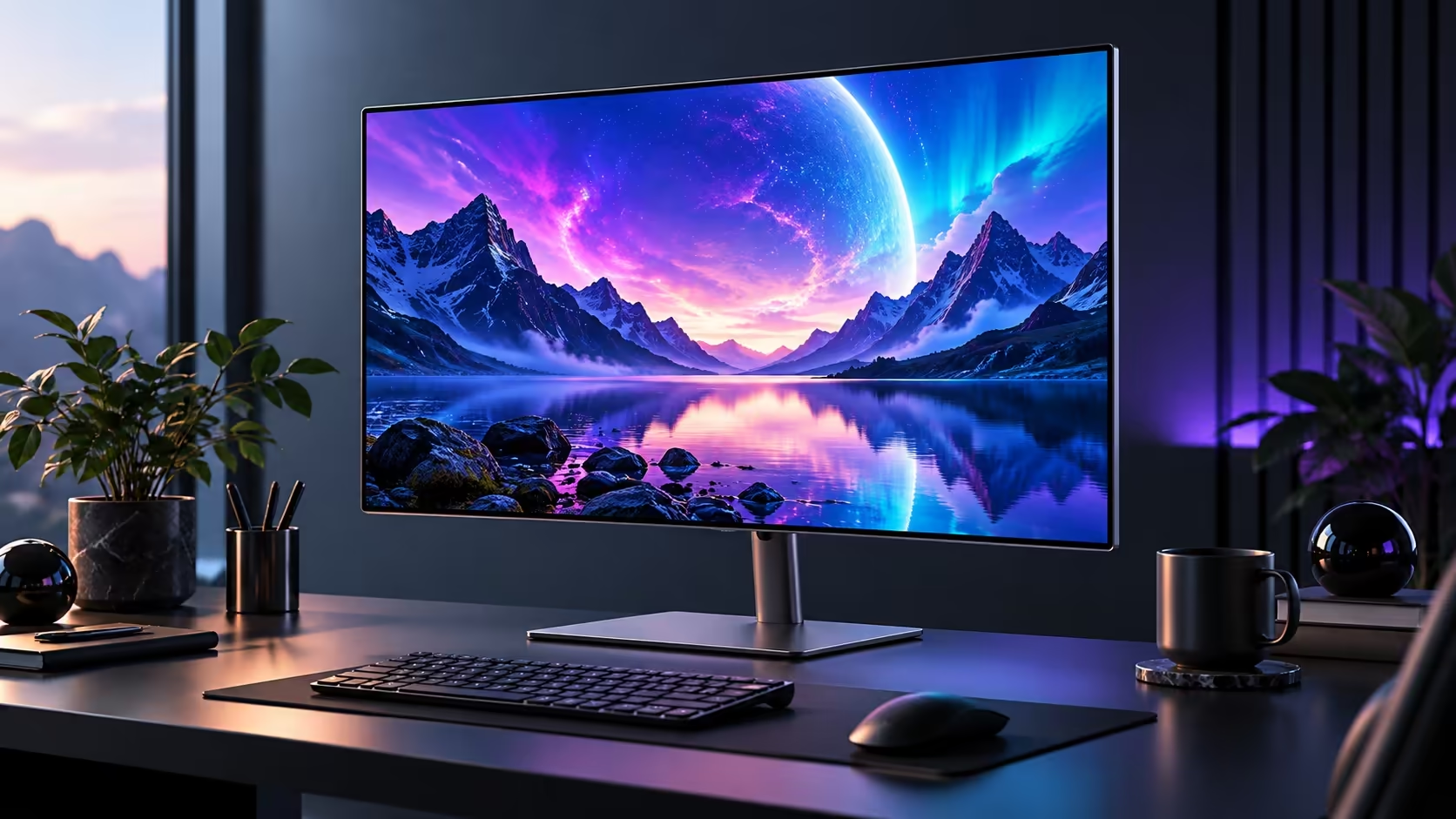
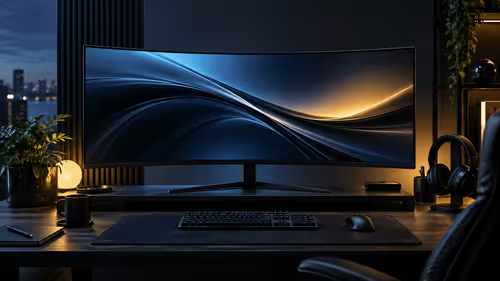
A screen can make a desk feel new without changing the computer, but a USB-C socket does not tell the whole story. The MSI PRO MAX 271QPX14G pairs an OLED panel with a work-friendly pitch. Before treating it as a one-cable laptop setup, look at the charging figure as carefully as the resolution and refresh rate.
Quick Answer
MSI specifies a 26.5-inch 2560 x 1440 QD-OLED panel at 144Hz, with USB-C DisplayPort Alt Mode and 15W charging. The Japanese reservation lists 1 October 2026, which does not establish South African timing. For local scale, an entry-level Dahua LM24-A221Y FHD monitor was R1,699 in stock on 27 September; it is not an equivalent OLED alternative.
🌈 Decide what you want from the panel
Resolution, panel technology and refresh rate answer different questions. Think about whether your main frustration is workspace, motion, contrast or an ageing screen. Buying the right improvement starts with identifying that problem rather than choosing whichever specification sounds most impressive.
For a mixed desk, compare the work you do during the day with the games you run at night. A display can be appealing for both, but your preferred scaling, room lighting and sitting distance still matter. A 144Hz label describes what the screen can display; it does not promise that your PC renders every game at 144 frames per second.
Look through gaming monitors with those priorities written down. Where possible, judge text and reflections with the kinds of windows you actually keep open. A colourful promotional scene is a poor substitute for a document, a spreadsheet and the game you play most often.
🔌 Read the power figure before clearing cables
The port specification is the buying trap worth catching early. MSI lists 15W power delivery over USB-C. Your laptop may need substantially more power, so compare its charging requirement and the monitor output rather than assuming the cable replaces its charger.
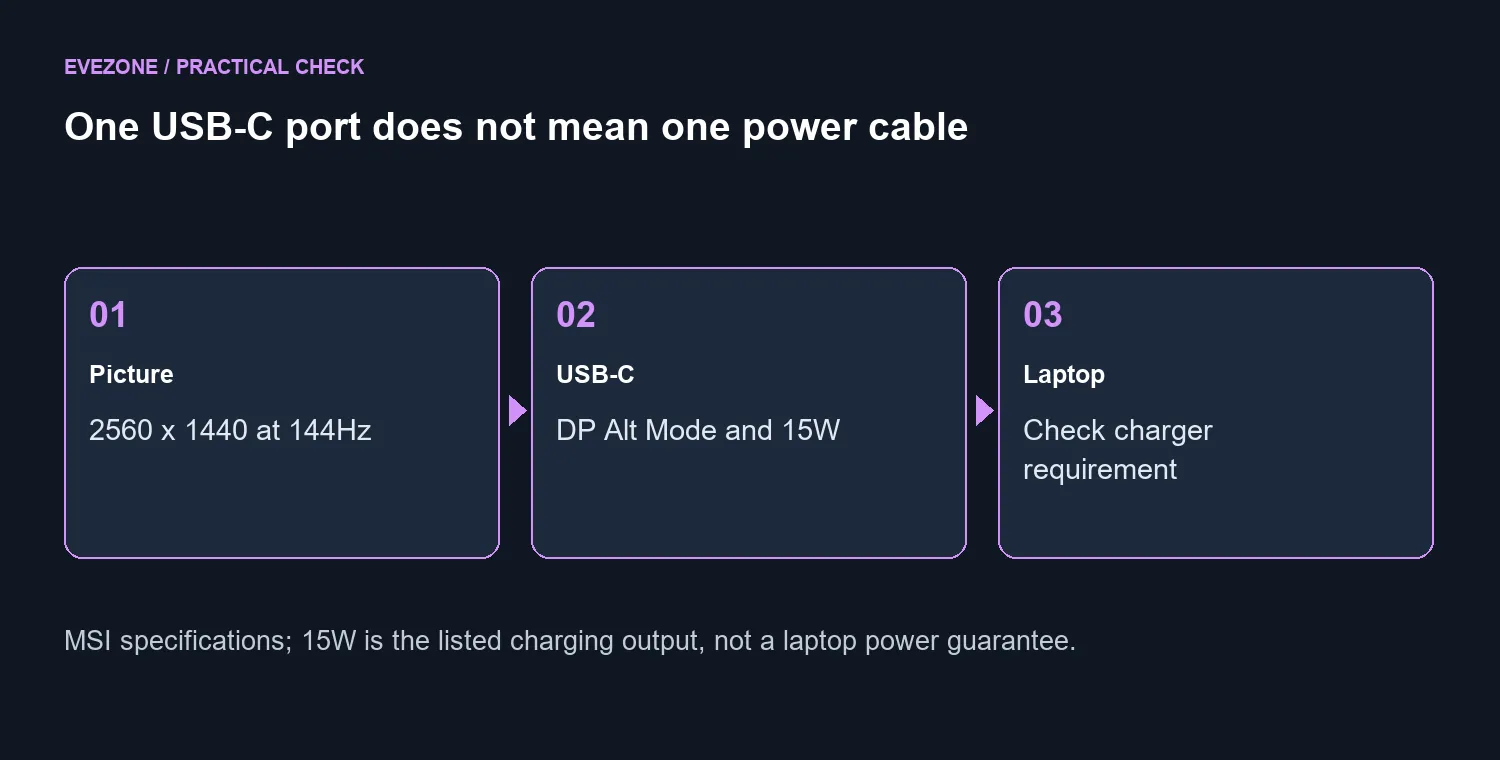
Keeping the original laptop power supply connected may be the sensible setup. That is not a defect in a video connection; it is simply a different job. Also check that the computer's USB-C port supports the required display output. The connector shape alone is not your compatibility checklist.
Sketch the actual desk connections before ordering: computer to display, laptop charger to power, and any peripherals that need their own connection. This takes a minute and makes the meaning of a one-cable claim much easier to evaluate.
🖥️ Plan care, warranty and the local budget
MSI includes OLED Care 2.0 and describes it as reducing burn-in risk. Follow the panel maintenance instructions rather than treating a feature name as a guarantee that every usage pattern is risk-free. Review the warranty applicable to the exact product and region from which you buy.
The Japan reservation is regional launch evidence, not a confirmed SA offer. A foreign price converted into Rand would leave out the actual local supply and warranty picture, so it is not a reliable budget here. Wait for a local listing if this specific model is the one you want.
Meanwhile, popular monitor choices can help establish what your money buys today. Compare the whole requirement: screen characteristics, stand adjustment, desk space, power arrangement and support. If your current display already meets those needs, there is no need to purchase on the strength of a release date alone.
Frequently Asked Questions
What panel is specified?
MSI lists a 26.5-inch QD-OLED panel with 2560 x 1440 resolution and a 144Hz refresh rate.
Will USB-C replace my laptop charger?
Not necessarily. The monitor lists 15W power delivery; compare that with your laptop power requirement and keep its charger available.
Is the Japanese release date an SA launch date?
No. The MSI Japan reservation page lists 1 October 2026. South African price and timing need separate confirmation.
Does OLED Care eliminate all burn-in risk?
No. MSI describes OLED Care 2.0 as reducing risk. Follow the maintenance instructions and regional warranty terms.
What does an entry-level local monitor cost?
The Dahua LM24-A221Y FHD monitor was in stock at R1,699 on 27 September 2026. It is a different display class.
Does 144Hz mean my game runs at 144fps?
No. Refresh rate describes the display. Your game, graphics settings and PC determine the frames it can render.
Building a better mixed-use desk?
Choose an Evetech display around your panel needs and connection plan, then confirm how the laptop will be powered.