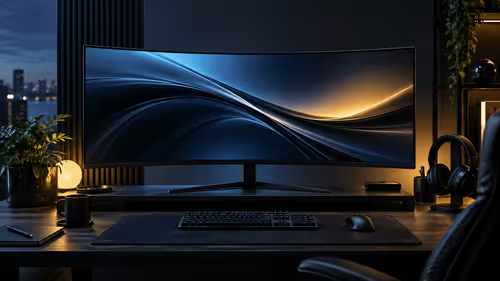
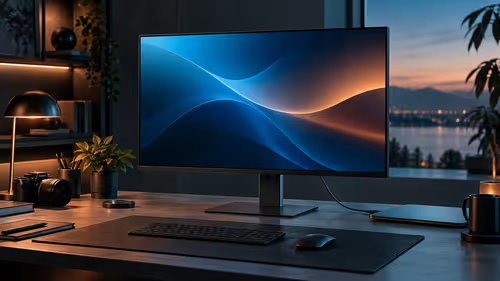
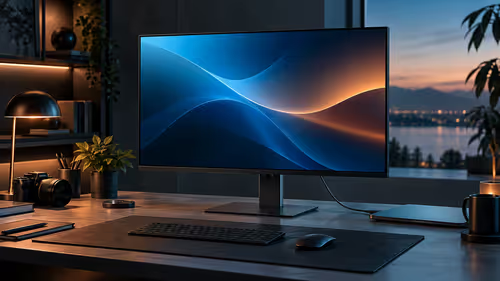
A 34-inch curved monitor spec sheet reads like a long list of equally important numbers, when really about six of them decide almost everything and the rest is packaging. Working through a 34-inch WQHD curved monitor in the right order, roughly in the sequence below, saves time and lands you on a genuinely well-specified panel rather than one that just looks good in a headline.
Quick Answer
Check resolution, refresh rate, curve radius, panel type, ports and warranty, roughly in that order of importance. Everything else on the listing is secondary. The AOC CU34B3E answers the first five with 3440x1440, 120Hz, a 1500R curve, a VA panel and DisplayPort 1.4 alongside HDMI 2.0, and asks R5,999.
1️⃣ Resolution: confirm the actual pixel count, not just the size
Screen size and resolution get conflated in casual conversation but are entirely separate figures worth checking individually.
3440x1440 is the standard resolution for a properly specified 34-inch 21:9 ultrawide, but some budget panels at this same diagonal size quietly drop to 2560x1080 instead, a figure that sits close enough in a listing title to fool a quick glance while actually handing you a shorter, shallower window to work in. Confirm the exact resolution figure rather than assuming it from screen size and price bracket alone.
2️⃣ Refresh rate: check it is genuine, not a marketing rounding
A refresh rate figure printed on a box is only useful once you know it applies to the full resolution, not a reduced one.
120Hz at the panel's full 3440x1440 resolution is a meaningfully better specification than 120Hz achievable only at a lower resolution, which some panels quietly require. Check that the headline refresh rate figure applies at the monitor's native resolution before treating it as comparable to another model's identical-looking number.
3️⃣ Curve radius: match it to where you will actually sit
This figure is easy to skip past, but it directly affects comfort at whatever distance you actually use the screen from.
A 1500mm curve radius is built around a seating distance of about a metre and a half, which lines up with most desks, whereas a lounge television sitting well back from the couch wants a much gentler bend instead. Check this figure against your actual desk depth rather than assuming any curve radius works equally well at any distance.
4️⃣ Panel type: VA or IPS, chosen for your room, not by default
Panel type decides a genuine trade-off between contrast and viewing angle, and it is worth an active choice rather than accepting whatever a specific model happens to use.
VA panels, like the CU34B3E's rated 3500:1, offer deeper native contrast suited to dim rooms and evening use, against roughly 1000:1 on a typical IPS panel, while IPS holds colour more consistently at wider viewing angles, suited to shared or bright spaces. Pick based on your room's lighting and viewing habits rather than assuming one is universally superior.
5️⃣ Ports: confirm the connection matches your PC
A monitor's headline resolution and refresh rate are only reachable together if the port connecting it to your PC supports the necessary bandwidth.
DisplayPort 1.4 carries enough bandwidth for 3440x1440 at 120Hz together, where HDMI 2.0 falls short of that specific combination. Check your graphics card's available outputs before assuming any monitor's full specification will actually be reachable on your existing setup.
6️⃣ Warranty: read the terms for an item this size
The final check matters specifically because of how large and fragile a 34-inch curved panel is to ship, move and repair.
Confirm whether a warranty claim includes collection and delivery for an item this size, and whether the retailer handles the process locally rather than through an overseas supplier, since both details change the real cost and hassle of a claim considerably.
The curved monitor range and the wider office monitor range both let you filter by these exact specifications, and checking what shows up on the most-bought monitors page is a quick sanity check on the sequence above.
Frequently Asked Questions
Out of everything listed for this monitor, what should I check first?
Resolution, since 3440x1440 and 2560x1080 can look similar in a product title but offer noticeably different amounts of usable vertical space.
Does curve radius matter as much as resolution or refresh rate?
It matters for comfort specifically, and choosing the wrong radius for your seating distance can make an otherwise well-specified monitor feel less comfortable to use daily.
Should I always choose VA over IPS for a curved monitor?
No. VA suits dim rooms and contrast-focused use, while IPS suits bright or shared spaces where consistent colour at an angle matters more.
Do I need DisplayPort specifically for this size and refresh rate?
For the full 3440x1440 at 120Hz together, yes. HDMI 2.0 falls short of the bandwidth that exact combination requires.
What warranty detail matters most for a large curved monitor?
Whether the retailer collects and delivers as part of a repair claim, since booking a courier yourself for something this large and awkward to box up adds cost and hassle you would rather avoid.
Ready to work through a curved monitor's spec sheet in the right order?
Check resolution, refresh rate, curve, panel type, ports and warranty, in that sequence, before comparing price.