You’re soaring over the vibrant hills of Palpagos Islands on your Nitewing, the wind whistling… then it happens. A massive stutter. The world in front of you becomes a blurry, low-poly mess as the game struggles to load the next area. This painful "chunk loading" lag can break immersion in Palworld, Enshrouded, and other open-world survival games. But don't blame your graphics card just yet. The culprit is often your storage drive.
Why Your Hard Drive Can't Keep Up
For years, traditional Hard Disk Drives (HDDs) were the standard. They store data on spinning platters, and a physical arm has to move to read that data. Think of it like a record player. When a game like Palworld needs to load a massive new area of the map (a "chunk"), your HDD's physical arm scrambles to find all the little bits of data for textures, models, and sounds. This takes time, and that delay is what you experience as stutter or pop-in.
Modern games are just too demanding for this old tech. They need to access thousands of small files instantly. That’s where the magic of solid-state drives comes in, offering a night-and-day difference for open-world gaming. 🚀
The NVMe Difference: The Best SSD for Chunk Loading
Not all SSDs are created equal. While any SSD is a huge leap from an HDD, the true performance kings for gaming are NVMe (Non-Volatile Memory Express) SSDs. These drives look like small sticks of RAM and plug directly into your motherboard's M.2 slot, bypassing the slower SATA data cable used by older SSDs and all HDDs.
This direct connection allows for blistering-fast data transfer. But it’s not just about big sequential speeds you see advertised. The key spec for chunk loading is random read speed. This measures how quickly the drive can access many small, scattered files… exactly what a game does when loading a new environment. High random read speeds are the secret to finding the best SSD for chunk loading, ensuring a smooth, seamless world. For the absolute best performance, a drive from our range of NVMe SSDs is the only way to go.
Check Your Motherboard! 🔧
Before you buy a super-fast NVMe SSD, quickly check your motherboard's specifications online. Look for "M.2 slots" and confirm which PCIe generation they support (e.g., PCIe 3.0, 4.0, or 5.0). An NVMe drive will still work in an older slot, but you won't get its maximum advertised speed. Matching the drive to the slot ensures you get every bit of performance you paid for!
Our Top SSD Picks for Flawless Survival Gaming
Choosing the right drive in South Africa comes down to balancing performance and price. Here’s a quick guide to help you find the sweet spot for your rig.
The Sweet Spot: PCIe Gen4 NVMe
For most gamers in 2025, a PCIe Gen4 NVMe SSD offers the perfect blend of incredible speed and falling prices. These drives are more than fast enough to eliminate chunk loading issues in current and upcoming titles. They provide a massive performance uplift without the premium price tag of the newer Gen5 drives. Keep an eye on the best SSD deals to snag a 1TB or 2TB model at a great price in ZAR.
Is a Budget SATA SSD Still Worth It?
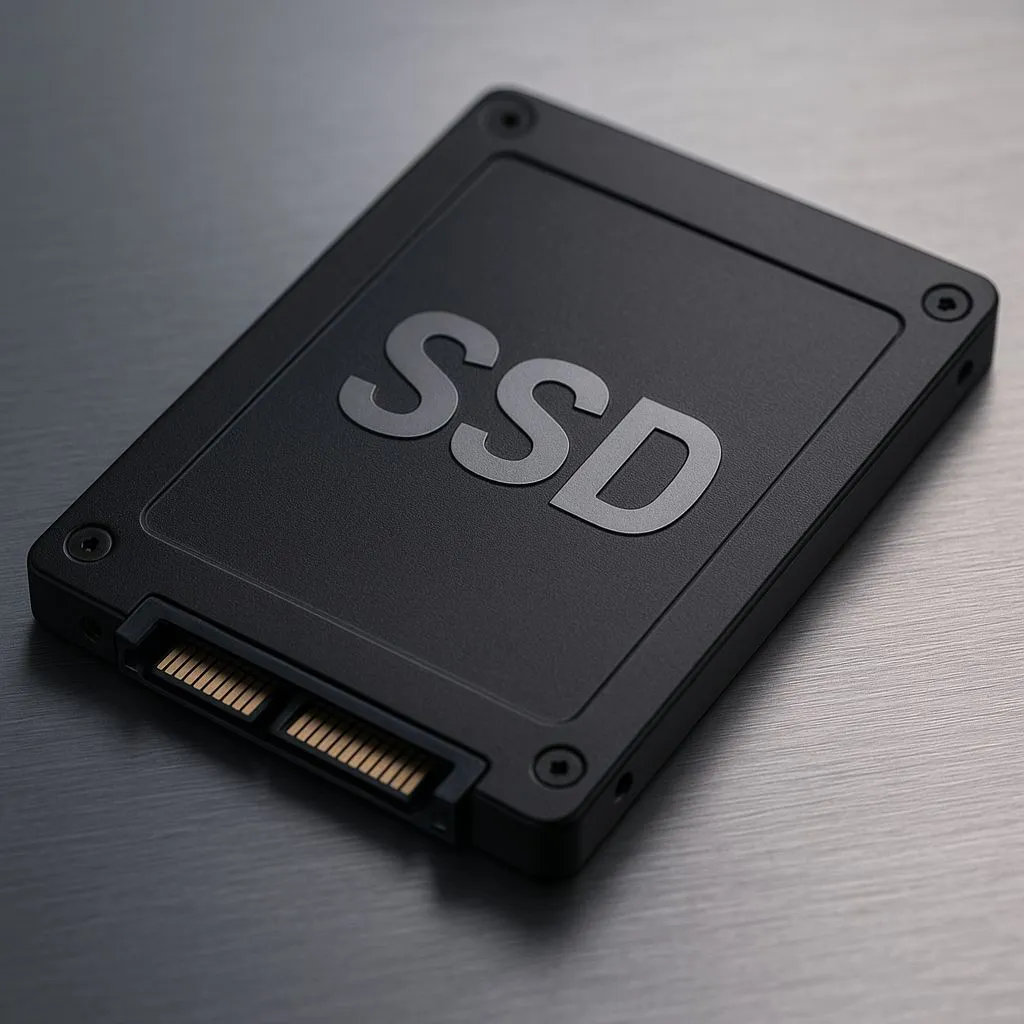
Absolutely. If you're upgrading from an old mechanical hard drive, even a basic 2.5-inch SATA SSD will feel like a brand-new PC. Game load times will plummet, and the stuttering in open-world games will be drastically reduced. It won't be as instantaneous as a top-tier NVMe drive, but it's the single most effective budget upgrade you can make. We have SSDs for every budget to get you started.
What About External SSDs? ✨
Don't want to open up your PC or are gaming on a laptop with limited storage? A high-speed external SSD connected via USB-C can be a fantastic solution. While not quite as fast as an internal NVMe drive, modern external SSDs are fast enough to run demanding games like Palworld directly from the drive, giving you the space and speed you need on the go.
Ultimately, the best SSD for survival games is one that lets you explore vast, beautiful worlds without a single stutter. Upgrading your storage is no longer a luxury… it's essential for the modern gaming experience.
Ready to Eliminate Stutter for Good?
Slow loading and pop-in can ruin a great gaming session. The right SSD is the single biggest upgrade for open-world performance. Explore our massive range of PC Components and find the perfect drive to conquer Palworld and beyond.