


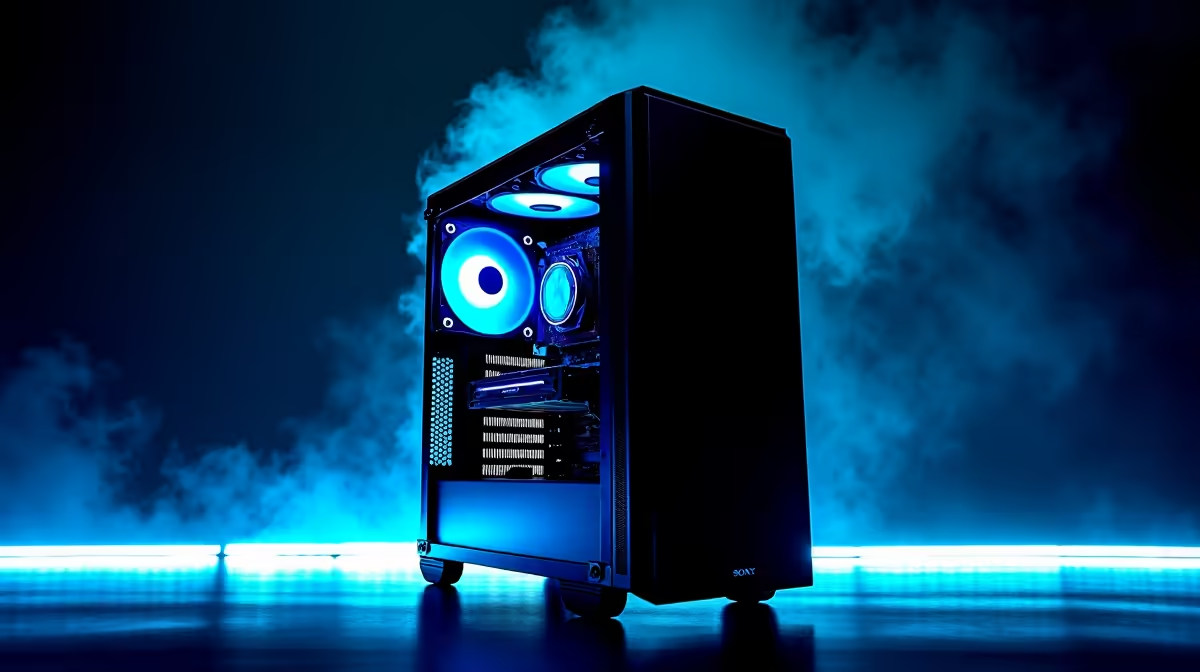
The final squad is in sight, the loadout is perfect... and then it happens. Your PC's fans scream, your frames plummet, and the screen freezes. 🥵 Game over, thanks to your PC turning into a space heater. A budget gaming PC overheating is a classic problem for South African gamers, especially during a heatwave. But don't stress, most thermal issues are fixable without breaking the bank. Let's get your rig running cool and quiet again.
Unpacking the Causes of PC Overheating
Before you can fix the problem, you need to know what’s causing it. For most rigs, especially affordable ones, a few key culprits are responsible for turning up the heat. Dust buildup is enemy number one in SA, clogging fans and heatsinks. Poor case airflow, old and crusty thermal paste on your CPU, or simply pushing components to their absolute limit can also lead to serious thermal throttling. Even the best-value budget gaming PCs need a little TLC to perform at their best.
Easy, Low-Cost Overheating Solutions 🔧
Ready to get hands-on? These simple fixes can dramatically lower your PC’s temperatures and cost you next to nothing.
Give it a Proper Clean
Dust is an insulator, trapping heat where you least want it. Unplug your PC, take it outside, and give it a thorough cleaning with a can of compressed air. Focus on the CPU cooler, GPU fans, and case fan filters. You’ll be shocked at how much dust comes out. A clean PC is a cool PC.
Optimise Your Case Airflow
Where you place your PC matters. Is it stuffed in a tight cabinet with no room to breathe? Move it! Ensure there's at least a few centimetres of space around it. Inside the case, tidy up your cables to clear pathways for air. This simple housekeeping can improve cooling significantly, a feature that many modern PCs under R20k are designed with in mind.
Check Your Fan Direction 💨
Most case fans have small arrows on the side indicating airflow direction. A standard setup has front fans pulling cool air in (intake) and rear top fans pushing hot air out (exhaust). Ensuring your fans are working together, not against each other, is a free performance boost!
Replace the Thermal Paste
If your PC is a few years old, the thermal paste connecting your CPU to its cooler has likely dried out. Replacing it is a slightly more advanced fix, but it's one of the most effective solutions for an overheating CPU. A small tube costs very little and can drop your temps by over 10 degrees. If you're not comfortable with this, our pre-built PC deals come expertly assembled with fresh, high-quality paste for peace of mind.
Knowing When an Upgrade is the Smartest Move
Sometimes, no amount of cleaning can fix the core issue: your components are simply outmatched. If you’ve cleaned everything and your PC still overheats, your cooling hardware might be the bottleneck. Upgrading your CPU cooler to a more powerful tower air cooler or an All-in-One (AIO) liquid cooler can make a world of difference. For those running intensive setups, looking at PCs above R20k often means getting superior cooling solutions built-in from the start.
A good cooling system isn't just about performance; it's about protecting your investment for the long run. Finding a rig with the perfect balance of power and thermal management is crucial, and our curated list of the best gaming PC deals is the perfect place to start your search. ✨
Ready for a Cooler Gaming Experience? Stop letting an overheating PC ruin your matches. Thermal throttling is a performance killer, but the solution is within reach. Explore our range of budget gaming PCs designed for optimal airflow and conquer the heat.











