


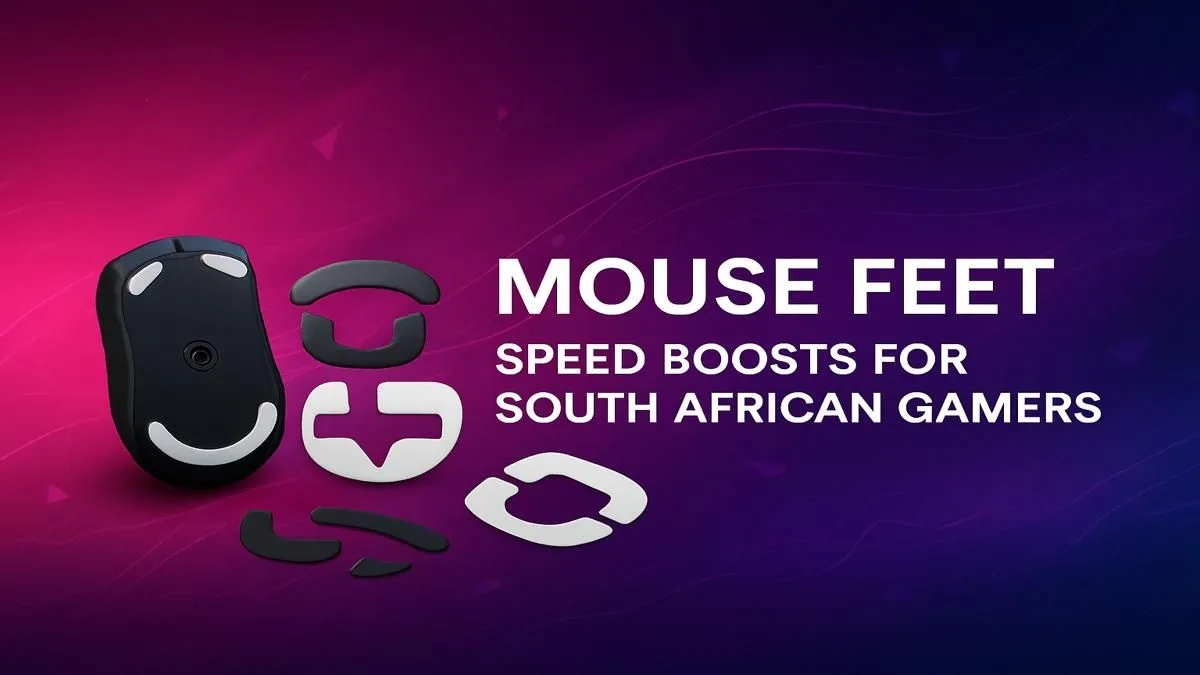
Is your mouse feeling… sluggish? That scratchy, inconsistent glide costing you crucial headshots in Valorant or making your Apex Legends tracking feel off? Before you blame your mouse, look underneath. Those worn-out stock feet are holding you back. For a surprisingly small investment, upgrading your gaming mouse feet in South Africa is one of the most effective ways to unlock a faster, smoother, and more consistent aim. It’s a pro-level secret that’s finally going mainstream. 🚀
Why Upgraded Gaming Mouse Feet Are a Must-Have
Think of your mouse feet, or "skates," as the performance tyres for your gaming mouse. Most stock feet are decent, but they wear down over time. Aftermarket feet are typically made from 100% virgin-grade Polytetrafluoroethylene (PTFE), a material with an incredibly low coefficient of friction.
This translates to a buttery-smooth glide that feels almost frictionless on your mousepad. The benefits are instant: less effort to make micro-adjustments, more consistent tracking, and reduced fatigue over long gaming sessions. A complete setup, including a solid keyboard and mouse combo, ensures all your inputs are registered with perfect precision.
Choosing the Best Mouse Feet for Your Playstyle
Not all PTFE feet are created equal. When looking for gaming mouse feet in South Africa, you'll generally find two main types that cater to different preferences:
- Speed Skates: These are ultra-slick and offer the lowest friction possible. They're perfect for fast-paced tracking games where quick, wide flicks are common.
- Control Skates: These offer a slightly more controlled glide, with a bit more stopping power. They give you a more locked-in feeling, which is ideal for tactical shooters requiring precise crosshair placement.
The choice is personal, but both are a massive upgrade over stock. And while you're optimising your aim, don't forget your other hand! Finding one of the best gaming keyboard deals can drastically improve your movement and ability usage.
Pro Tip: The Break-In Period ✨
New PTFE mouse feet have a short "break-in" period. They might feel almost too fast at first. Give them a few hours of solid gameplay. During this time, the surface will wear in slightly, creating a perfectly smooth and consistent glide that will feel incredible for months to come.
Installation is Easier Than You Think 🔧
Worried about a tricky installation? Don't be. The entire process takes less than five minutes.
- Remove: Carefully peel off the old feet. A plastic spudger or even a credit card corner can help lift an edge without scratching your mouse.
- Clean: Use the included alcohol wipe (or a bit of isopropyl alcohol on a cloth) to clean any leftover adhesive from the sockets.
- Dry: Let the surface air-dry completely. This is crucial for a strong bond.
- Apply: Peel your new skates from their backing and carefully place them into the corresponding sockets. Press down firmly for about 30 seconds.
That's it! Your mouse will feel brand new. This kind of easy, affordable DIY upgrade is what PC gaming is all about. Whether you're starting with one of the cheapest gaming keyboards in South Africa or a high-end custom build, small tweaks make a big difference.
Optimise Your Entire Battlestation
Upgrading your mouse feet is an amazing first step towards peak performance. But why stop there? True optimisation means looking at your entire setup. Think about customising your keyboard with different keyboard switches to get the exact feel you prefer, or adding a fresh set of keyboard keycaps to match your rig's aesthetic. Even small ergonomic additions like a comfortable wrist rest can prevent strain and keep you in the game longer. Each component works together to give you a competitive edge.
Ready for a Real Performance Boost? Upgrading your gaming mouse feet is a brilliant first step. Now, imagine pairing that silky-smooth glide with a sensor built for victory. Explore Evetech's massive range of gaming mice and find the perfect partner for your new skates.










