


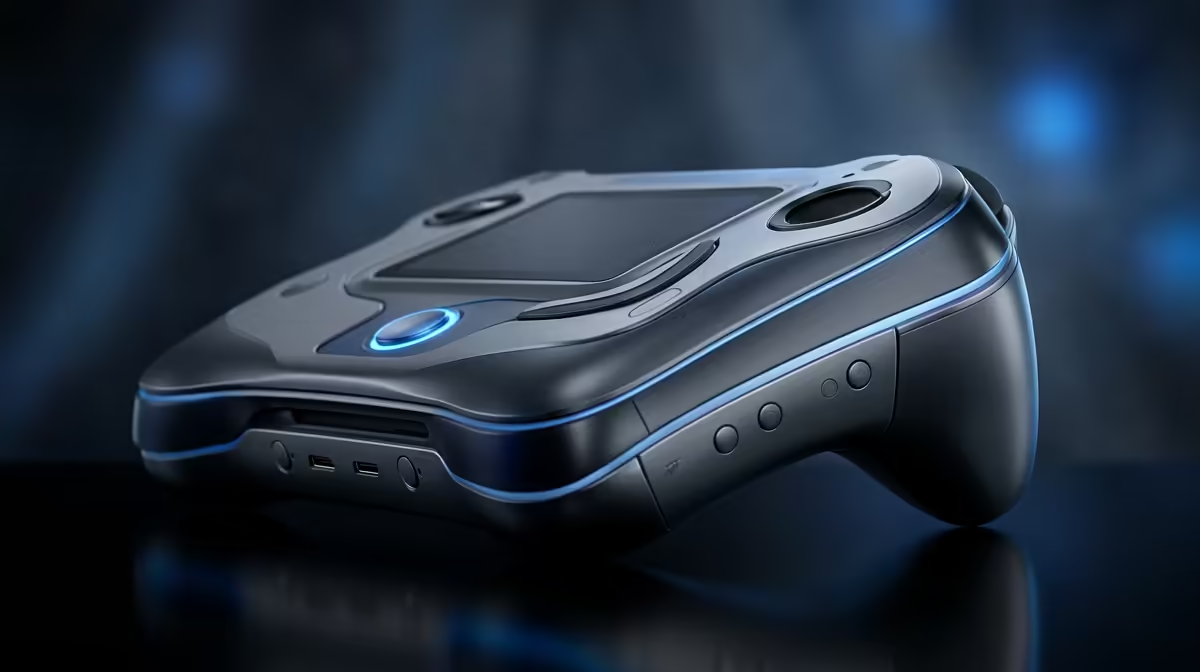
So, you've got a Steam Deck, ROG Ally, or Legion Go in your hands. Awesome! You're holding a universe of PC gaming that fits in your backpack. But are you truly getting every drop of power from it? Squeezing out those extra frames per second or another hour of battery life is what separates a good experience from a great one. This guide is all about practical handheld gaming PC optimization, giving you pro tips for max performance right here in South Africa.
Fine-Tuning Your Digital Engine 🔧
Before you even launch a game, the biggest performance gains are often found at the system level. Proper handheld gaming PC optimization starts with a clean and updated foundation. Think of it as servicing your car before a long road trip.
First, keep your drivers and firmware updated. For devices like the ROG Ally, this means regularly checking Armoury Crate and the MyASUS app. For the Steam Deck, Valve pushes updates automatically, but it never hurts to check the System settings in Gaming Mode. These updates often include crucial performance fixes and stability improvements for new games.
Next, manage your background processes. Apps like Discord, browser tabs, or cloud storage clients can quietly sip away at your CPU and RAM. On Windows-based handhelds, use the Task Manager (Ctrl+Shift+Esc) to see what's running before you start a gaming session. Every bit of freed-up resource is more power for your game. A quality USB-C hub from our range of tech essentials can make managing your device and peripherals on a desk much easier.
Mastering In-Game Performance Settings
This is where the real magic happens. Diving into a game's graphics menu can feel intimidating, but a few key tweaks can dramatically boost performance without making your game look like a potato.
The Power of Upscaling and TDP
Most modern handhelds rely on AMD APUs, which means you have access to FidelityFX Super Resolution (FSR). This clever tech renders your game at a lower resolution and then intelligently upscales it, giving you a massive FPS boost. Always enable FSR and set it to "Quality" or "Balanced" for the best results. It's a cornerstone of modern handheld performance.
Another critical tool is adjusting the Thermal Design Power (TDP). This setting controls how much power the processor can draw. A higher TDP gives you more performance but drains the battery faster. A lower TDP extends your playtime, perfect for less demanding indie games. Experiment with custom power profiles to find the sweet spot for each game.
Smoothness Pro Tip ⚡
For a super-consistent experience, try locking your screen's refresh rate to 40Hz and capping your in-game framerate to 40 FPS. It feels significantly smoother than 30 FPS but is much easier for the hardware to maintain than 60 FPS, giving you a rock-solid, tear-free session with better battery life.
Don't forget that a smooth visual experience is only half the battle. Immersive audio can make a world of difference, pulling you right into the action. A good pair of earbuds or one of our top-tier gaming headsets will ensure you hear every footstep and explosion with crystal clarity.
Essential Hardware Upgrades for Max Performance 🚀
While software tweaks are powerful, sometimes a hardware upgrade is the best path to unlocking your device's full potential. These simple changes can provide a noticeable boost.
The single most effective hardware upgrade is swapping out the internal SSD. Many handhelds ship with smaller, slower drives. Upgrading not only gives you more space for your growing library but can drastically cut down on loading times in games like Starfield or Baldur's Gate 3. Check out our latest SSD deals to find a high-speed NVMe drive that fits your device.
Finally, consider your full setup. A handheld is great on the go, but what about at home? With a dock, you can transform it into a full desktop experience. Connect a high-refresh-rate monitor, a mechanical keyboard, and a precision mouse to dominate in competitive titles. Our huge selection of gaming accessories has everything you need to build out your ultimate hybrid setup.
Ready to Elevate Your Handheld Experience? Optimizing your portable powerhouse is a rewarding journey. With these tips and the right gear, you can push your handheld PC to its absolute limits. Explore our full range of PC gaming gear and find the perfect components and accessories to complete your setup.











