


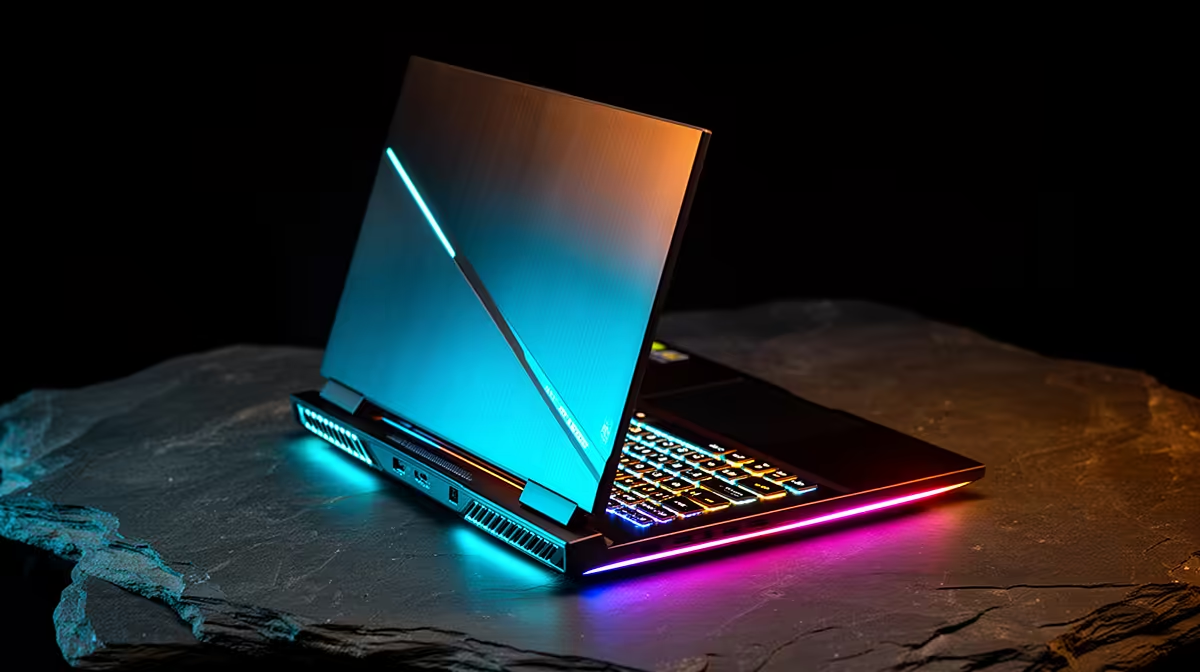
Is your HP gaming laptop running hotter than a Durban summer? You're in the middle of a tense firefight, and suddenly... stutter. Your frame rate tanks, and you're toast. An HP gaming laptop overheating isn't just annoying; it kills performance when you need it most. Don't stress, we've got the solutions to get you back in the game, cool and collected. Let's dive into the common causes and easy fixes.
Understanding Why HP Gaming Laptops Overheat
Gaming laptops are marvels of engineering, packing immense power into a slim chassis. But that power generates serious heat. Components like the CPU and GPU are squeezed together, relying on a sophisticated system of heat pipes and fans to stay cool. When that system is compromised, you get thermal throttling—your laptop intentionally slows itself down to prevent damage. This is why understanding the cause of your overheating HP laptop is the first step to fixing it.
Modern titles demand a lot from your hardware, and even the best HP gaming laptops need proper care to maintain peak performance.
The Main Culprits Behind the Heat
If your laptop sounds like it's preparing for takeoff, one of these issues is likely the reason. Identifying the specific cause of your HP gaming laptop overheating is key to finding the right solution.
Dust: The Silent Performance Killer
Over time, dust, lint, and pet hair get sucked into your laptop's vents, clogging the fans and heatsinks. This blanket of grime acts as an insulator, trapping heat inside and preventing cool air from circulating. It's the number one cause of performance degradation and excess heat in any gaming laptop.
Outdated Software and Drivers
Your laptop's performance isn't just about hardware. Outdated graphics drivers, Windows updates, or even the system BIOS can cause inefficiencies that make components work harder and run hotter than necessary. Keeping your software ecosystem up-to-date is a simple but crucial fix.
Pushing Your Hardware to the Max
Running the latest AAA titles on Ultra settings for hours will naturally push your system to its limits. While premium machines like those in the HP OMEN gaming laptop deals are built for this, older or more budget-friendly models might struggle to dissipate the intense heat generated during marathon sessions.
Quick Fixes for Your Overheating HP Laptop
Ready to cool things down? Here are some practical, easy fixes you can implement right now to solve your HP laptop's heat issues. ✨
1. Elevate and Ventilate
Never use your gaming laptop on a soft surface like a bed or a couch. These materials block the air intake vents on the bottom of the machine, effectively suffocating it. Always play on a hard, flat surface like a desk. For an extra boost, consider a laptop stand or cooling pad to improve airflow significantly.
2. Perform a Vent Clean-Up 🔧
Power down your laptop completely and unplug it. Use a can of compressed air to blow dust out of the vents. Use short, controlled bursts and aim the air away from the internal components to clear the airways. This simple act can dramatically lower your operating temperatures.
Cool Command Centre Tip ⚡
Most modern HP gaming laptops come with the OMEN Gaming Hub. Use it! The 'Performance Control' feature lets you switch to a 'Cool' mode, which ramps up the fans to prevent your laptop from overheating during long sessions. You can also monitor your CPU and GPU temperatures in real-time.
3. Optimise Your Game Settings
You don't always need to run everything on Ultra. Lowering settings like shadow quality or anti-aliasing can reduce the load on your GPU, leading to lower temperatures without a huge sacrifice in visual quality. It's a smart trade-off, especially on versatile machines like the popular HP Victus gaming laptops.
Is It Time for a New Gaming Rig? 🚀
If you've cleaned your vents, updated your drivers, and optimised your settings, but your HP laptop is still running hot, it might be showing its age. Over time, the thermal paste that transfers heat from the CPU and GPU to the heatsink can dry out and become less effective. While it can be replaced, it's often a sign that the hardware is struggling to keep up with modern demands.
An upgrade means a fresh start with a more efficient cooling system, a more powerful processor, and a better overall gaming experience. If you're tired of fighting with thermal throttling, exploring some of the latest laptop specials for sale in South Africa could be your next winning move.
Ready for a Cooler Gaming Experience? If your current rig is still running hotter than a Highveld thunderstorm, it might be time for an upgrade. A new machine means better cooling, more power, and zero thermal throttling. Explore our massive range of laptop specials and find the perfect cool-running beast for your setup.









