


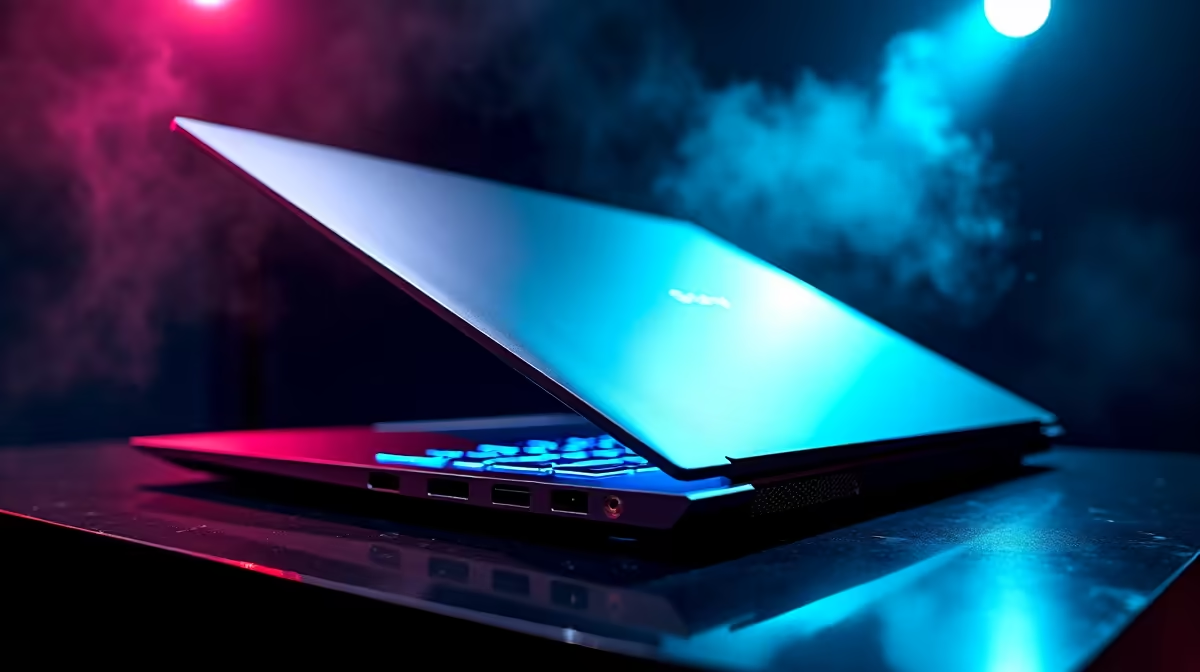
So, you’re on the hunt for a gaming laptop in South Africa that delivers solid frames without emptying your bank account. It’s a tough mission. The market is flooded with options, but the HP Victus 15 keeps popping up, promising great performance at a killer price point. But does it live up to the hype? Can it handle the squad-wipes in Warzone or the late-game chaos in Dota 2? Let's dive deep into the HP Victus 15 performance.
Unpacking the Core Performance Specs
At the heart of any gaming laptop is its CPU and GPU combo, and this is where the Victus 15 shines for its price bracket. Most models you'll find in SA are configured with a modern Intel Core i5 or i7 processor, or an AMD Ryzen equivalent. These CPUs are more than capable of handling modern gaming and multitasking, so you can stream your gameplay to your mates without a hitch. 🚀
But the real magic for gamers is the graphics card. The HP Victus 15 performance is typically powered by an NVIDIA GeForce RTX 3050, 3050 Ti, or even the newer RTX 4050. This hardware is the sweet spot for crisp 1080p gaming, allowing you to hit that golden 60+ FPS mark in most popular titles with medium to high settings. You can check out the full range of configurations on the latest HP Victus gaming laptops to find the perfect spec for your budget.
Real-World Gaming: How Does It Actually Play?
Benchmarks are great, but how does the laptop feel in a proper gaming session? We took a look at what you can expect from a typically-specced Victus 15 (like one with an RTX 3050 and 16GB of RAM).
- Apex Legends & Fortnite: Expect smooth gameplay, easily pushing over 100 FPS on competitive settings. The high-refresh-rate screen on most models makes a massive difference here.
- Cyberpunk 2077 & Alan Wake 2: These are demanding titles. You'll need to be smart with your settings, likely using a mix of medium presets and leveraging NVIDIA's DLSS technology to get a stable 40-60 FPS. The gaming experience is surprisingly solid for a machine in this class.
- Baldur's Gate 3: This RPG runs beautifully, letting you enjoy its stunning world without major performance dips, especially in the less graphically intense Acts I and II.
The overall HP Victus 15 gaming performance proves it's a seriously capable machine for 1080p, punching well above its weight.
Quick FPS Boost Tip ⚡
Before you launch a game, open the NVIDIA GeForce Experience app. Use its one-click game optimisation feature to automatically apply the best balance of visual quality and performance for your specific Victus hardware. It's a simple trick that ensures you're getting the most out of your GPU without needing to fiddle with dozens of in-game settings.
Beyond the Frames: Thermals, Display, and Build
A laptop's performance isn't just about raw power; it's also about how it manages heat and how good the game looks on its screen. The Victus 15 features an upgraded cooling system compared to older budget HP models, with wider vents and dual fans. While it can get warm during intense, long sessions… it generally avoids severe thermal throttling that kills your frame rate. 🔥
The display is another strong point. Most models come with a 15.6-inch Full HD (1920x1080) IPS panel, often boasting a 144Hz refresh rate. This means motion is fluid, colours are decent, and you get a competitive edge in fast-paced shooters. The build is primarily plastic, which is expected at this price, but it feels sturdy and looks sleek, borrowing some design cues from HP's broader range of gaming laptops.
The Verdict: Who Should Buy the HP Victus 15?
So, is this the right laptop for you? If you're a student, a casual gamer, or someone getting serious about esports in South Africa who needs a versatile machine for work and play, the answer is a resounding yes. The HP Victus 15 performance offers fantastic value, delivering a premium 1080p gaming experience without the premium cost.
It strikes a perfect balance. For those with a bigger budget or who demand uncompromising 1440p performance, it might be worth looking to step up to the premium HP Omen series. But for the vast majority of gamers, the Victus 15 is the smart, powerful, and affordable choice that gets the job done… and does it well. ✨
Ready to Level Up Your Game? The HP Victus 15 offers an incredible blend of power and price, making it a top contender for savvy South African gamers. Explore our massive range of laptop specials and find the perfect HP Victus configuration to conquer your world.










