


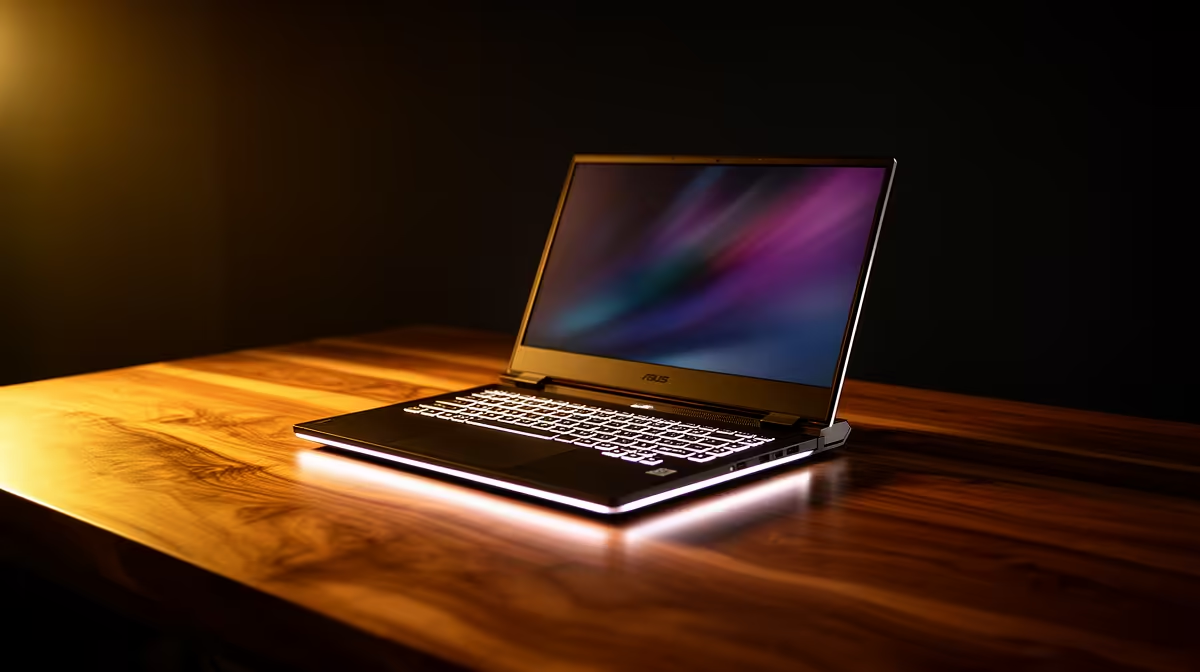
You're deep in the zone, nailing a client's brief in Adobe Illustrator. The colours are popping, the vectors are perfect… and then EskomSePush sends that notification. Suddenly, your laptop's battery icon turning red feels like a ticking time bomb. For South African creatives, maximising laptop battery life for graphic design isn't just a convenience; it's a career survival skill. Let's make sure your power lasts as long as your inspiration does. ⚡
Why Your Design Laptop Drains So Fast
Graphic design is demanding work, not just for you, but for your machine. Software like Adobe Photoshop, Illustrator, and After Effects are notorious power hogs. They constantly engage your processor (CPU) and graphics card (GPU) to render complex layers, apply effects, and manipulate high-resolution files.
Your screen is another major culprit. A bright, colour-accurate display is non-negotiable for professional design, but it's also one of the biggest drains on your battery. This creates a tough balancing act: dim the screen to save power and risk misjudging colours, or keep it bright and watch your battery percentage plummet? It's a common challenge, especially since the powerful hardware often found in the best gaming laptop deals can be thirsty.
Maximising Your Laptop Battery Life: Practical SA Tips 🔋
Getting more unplugged time doesn't always mean buying a new machine. With a few tweaks, you can significantly improve your current laptop's battery performance. Think of it as performance tuning for endurance, not just speed.
Tweak Your System Settings
Your operating system has built-in tools to help manage power. Don't ignore them!
- Windows Power Mode: Click the battery icon in your taskbar and slide it towards "Best battery life." This tells Windows to prioritise efficiency over raw performance, throttling background apps and processes.
- Screen Brightness: Lower it as much as your work allows. Even a 10-20% reduction can add significant time.
- Disable Background Apps: Go to Settings > Privacy > Background apps and toggle off anything you don't need running 24/7.
- Disconnect Unused Peripherals: Your backlit keyboard, USB mouse, and external drives all draw power. Unplug what you don't need.
Power Plan Pro Tip 🎨
On Windows, you can create a custom power plan specifically for design work on the go. Go to Control Panel > Power Options > Create a power plan. Start with the "Power saver" template and customise it. You can set specific rules for what happens on battery power, like reducing the maximum processor state slightly, which can save a surprising amount of juice without a noticeable performance hit in most design apps.
Optimise Your Creative Software
The apps themselves often have settings that can impact battery life. In Adobe apps, for example, check your Performance preferences. While GPU acceleration is great for speed when plugged in, sometimes disabling it for less intensive tasks on battery can save power. Also, be ruthless with your browser tabs—each one consumes RAM and CPU cycles.
Finally, the processor itself plays a huge role. Modern CPUs are built with efficiency in mind. Whether you're looking at the latest Intel laptops on special with their Performance and Efficient-cores...
Choosing a New Laptop for Better Battery Life
If your current machine just can't keep up, it might be time for an upgrade. When shopping, look beyond just the CPU and RAM.
- Battery Capacity (Wh): Look for the Watt-hour (Wh) rating. A higher number means a bigger battery. Anything above 70Wh is solid for a creative laptop.
- CPU Efficiency: A powerful processor doesn't have to be inefficient. The latest chips are designed to sip power during light tasks. When browsing the latest AMD laptops on special, you'll find options designed to offer a great balance of performance and endurance.
- The Right Display: OLED screens can be more efficient when displaying dark colours, but a quality IPS panel is often a safe bet for a balance of colour accuracy and power draw.
Ultimately, achieving great laptop battery life for graphic design is about making smart choices, both in how you use your current device and what you look for in your next one. When you're ready to upgrade, checking out the latest laptop specials for sale in South Africa is your first step to creative freedom.
Ready to Create Unplugged? Don't let an unexpected outage or a weak battery kill your creative flow. Finding a machine with the right balance of power and endurance is key. Explore our massive range of laptop specials and find the perfect creative powerhouse for your needs in South Africa.











